
Solution
SOP software: from paper SOP to digital SOP that people follow
SOP software that turns paper SOPs into digital SOPs with an AI SOP generator, version control and AR guidance. Every execution logged for your audits.
In short
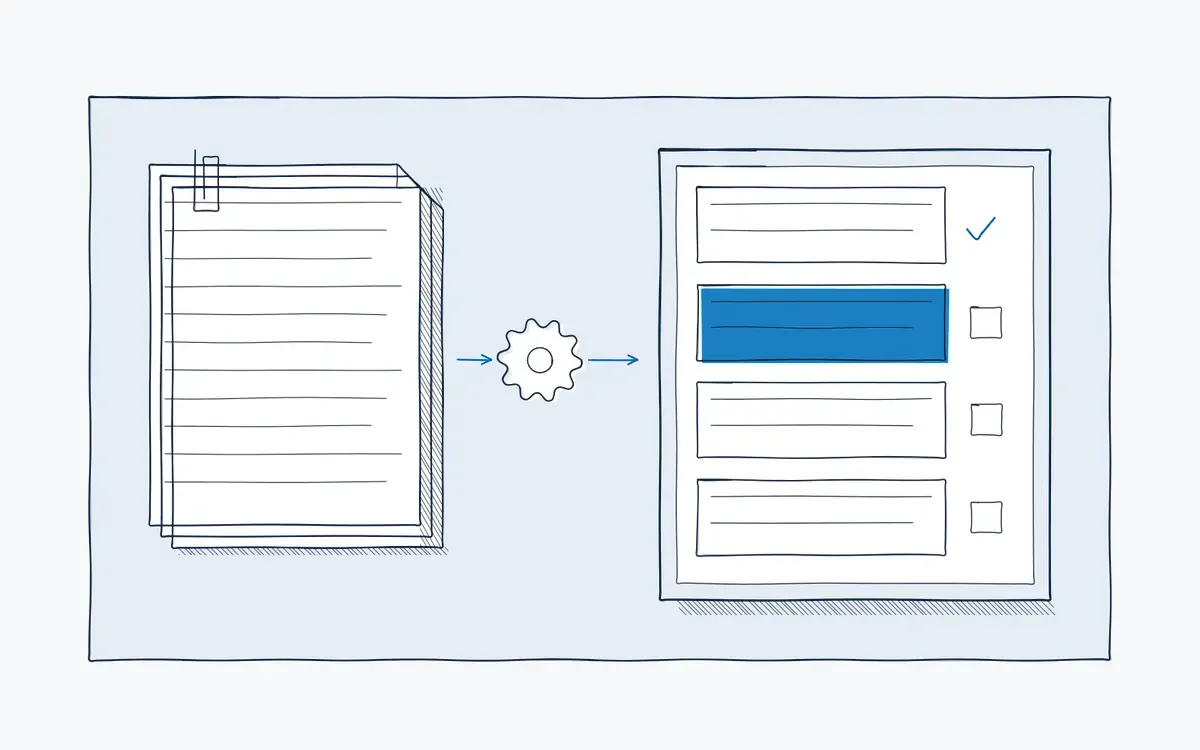
SOP software is a system to write, approve, distribute and execute standard operating procedures digitally. Actarion's SOP software uses an AI SOP generator to convert your existing documents into digital SOPs, guides operators step by step with AR on tablet or AR glasses, and logs every execution for your audits.
How it works on the shop floor
How does Actarion's SOP software work?
- 1
Collect your SOPs.
Upload Word files, PDFs, scans or a video of an expert doing the job.
- 2
Generate with AI.
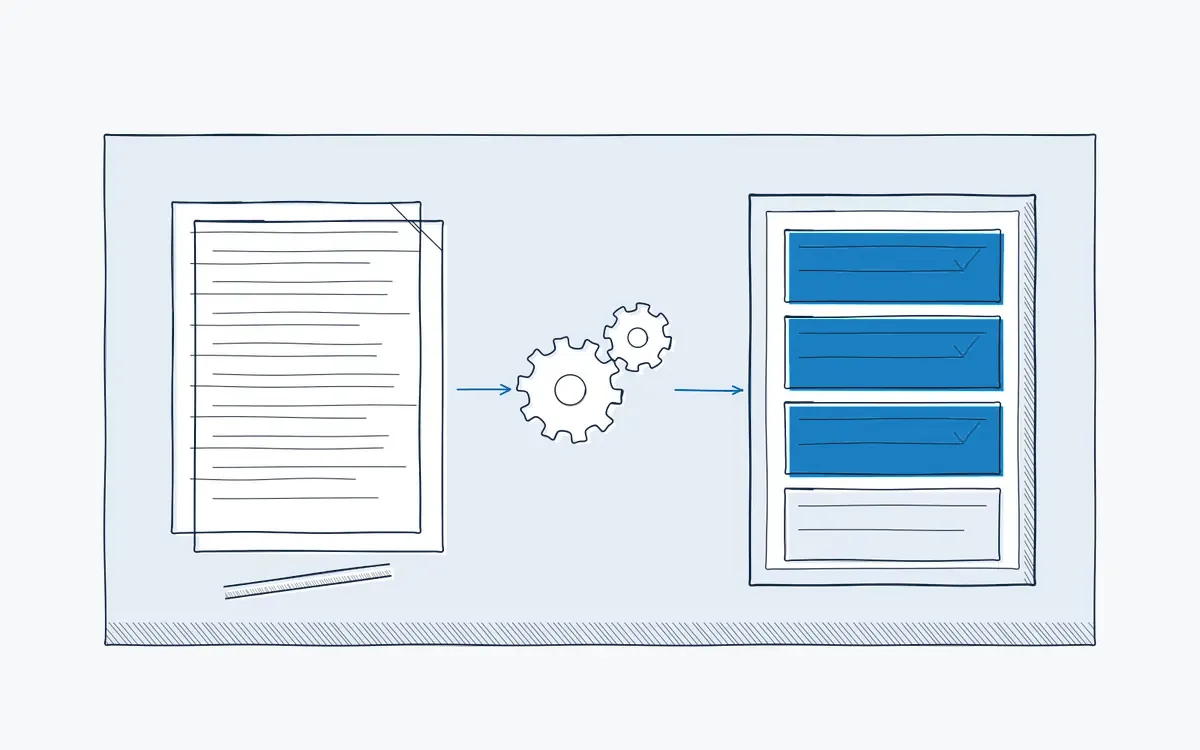
The AI SOP generator structures the content into steps, adds images and proposes checks and warnings. See AI authoring.
- 3
Review and approve.
Process owners and quality edit and approve. Every change creates a new version with a record of who approved it.
- 4
Publish to the floor.
Operators always see the current version, on a tablet or AR glasses. See AR guidance.
- 5
Execute and log.
Each execution records time, confirmations, measurements and deviations. See analytics and audit trail.
Why do SOPs on paper cause problems?
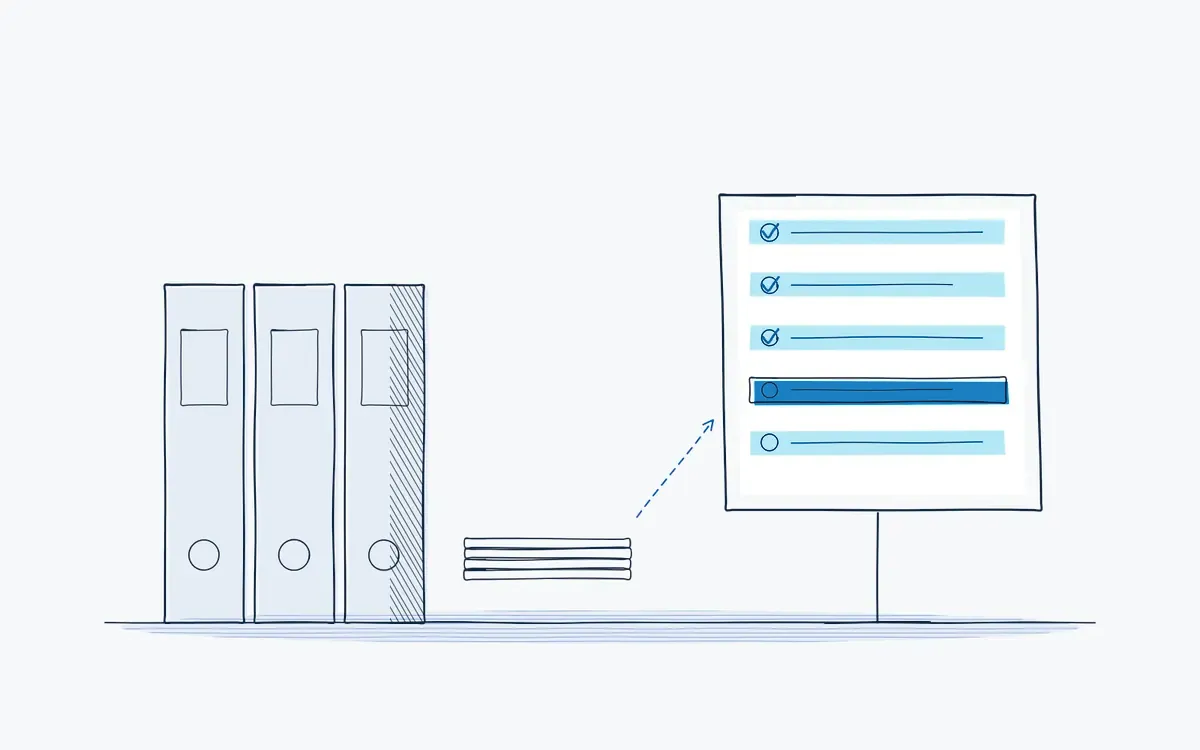
- Writing and updating SOPs takes your engineers days. So updates are postponed.
- Old versions keep circulating on the shop floor. People follow what they find.
- An SOP written for an auditor is not an instruction an operator can follow at the machine.
- You can show that an SOP exists, but not that it was followed.
What is SOP software?
An SOP, short for standard operating procedure, describes how a recurring task must be done to get a consistent, safe and compliant result. SOP software manages the full life cycle of those procedures: writing, review, approval, distribution, training and execution.
A digital SOP is not a PDF in a shared folder. It is a structured procedure with steps, images and checks that operators open on a device at the point of work. An AI SOP generator speeds up the writing: it turns existing documents, photos or a recorded walkthrough into a draft SOP.
Key features
- AI SOP generator from documents, photos and video.
- Version control and approval workflow with a full change history.
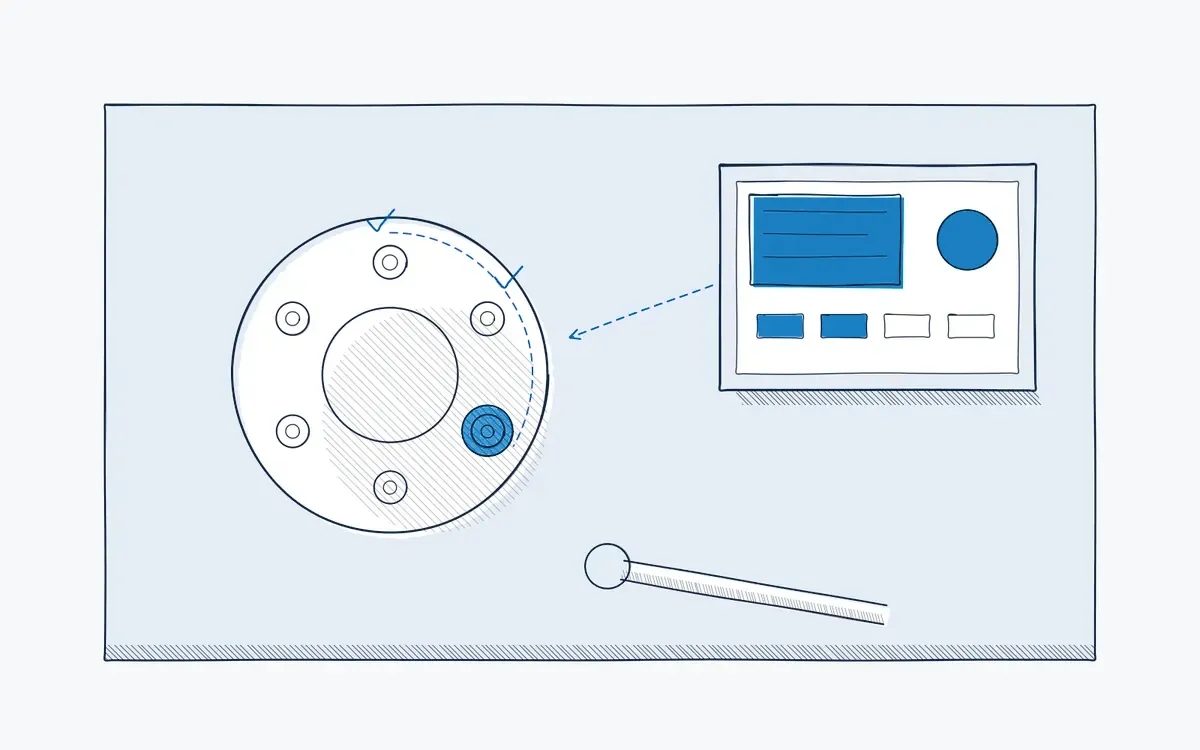
- Step-by-step execution with images, video and AR overlays.
- Mandatory checks and sign-offs per step.
- Link to training: an SOP change can trigger retraining in the skills matrix.
- Audit trail that proves the SOP was followed, not just published.
- Multilingual SOPs for international teams.
Paper vs. digital vs. digital with AR
| Criterion | Paper / PDF SOP | Digital SOP (document system) | Digital SOP with AR (Actarion) |
|---|---|---|---|
| Writing effort | Manual, slow | Manual, template-based | AI-generated draft, expert review |
| Version on the floor | Uncertain | Current version online | Current version at the machine |
| Usable during the task | Hardly | Partly, text-heavy | Step by step with images and AR |
| Proof of execution | Signature list | Read receipts | Logged execution per step |
| Link to training | Separate | Sometimes | Skills matrix updated automatically |
Use cases and industries
- Pharma and biotech: GMP procedures with execution evidence.
- Manufacturing: assembly, quality checks and safety procedures.
- Changeover and SMED
- Preventive maintenance
Need a starting point? Use our free SOP template.
How do you implement SOP software?
- 1Inventory your SOPs. and pick the ones that cause the most errors, deviations or questions.
- 2Set a baseline,. for example deviations per month or time to update an SOP.
- 3Generate and review. a first set of digital SOPs with the AI SOP generator.
- 4Pilot. on one line or department. See start a pilot.
- 5Roll out. with an agreed approval workflow and train your SOP authors.
Expected results depend on your baseline.
Common mistakes
- Moving the PDF chaos into new software. Clean up and merge duplicate SOPs before you convert them.
- No clear owner per SOP. Every procedure needs a process owner who approves changes and review dates.
- Separating the SOP from the shop floor. If operators still work from a printout, the software only helps the document controller.
- Skipping read-and-understood. Link each new version to sign-off by the people who perform it.
How Actarion helps
- We convert your existing SOP library with AI, so your engineers review instead of write.
- We set up the approval workflow to match your quality management system.
- Operators execute SOPs step by step with AR, on tablet or glasses.
- The audit trail proves execution during audits.
- We start with a pilot with fixed KPIs and train your own authors.
See your SOP converted by AI
Bring one SOP to a free intake call. We will show you the digital version with AR.
- Scope
- 1–2 lines, 1 process
- Duration
- 6–8 weeks
- KPIs
- lead time · first time right · errors
- Prerequisite
- baseline across several shifts
Frequently asked questions
A digital SOP is a standard operating procedure that operators open and follow on a device, step by step, with images and checks. Every execution is logged.
It reads your existing documents, photos or video and proposes a structured SOP with steps, images and checks. Your experts always review and approve the result.
The platform supports GMP work with version control, approval and a record of every execution. Validation, for example under GAMP 5, EU GMP Annex 11 or 21 CFR Part 11, is always done by the customer for the intended use, within its own quality system. Actarion supports this with documentation and the setup of roles, approvals and the audit trail.
Yes. Your DMS or QMS remains the source for controlled documents. The digital work instruction is the execution format on the floor and refers to the source document and version; records and deviations are exported through the API or CSV.
Pricing is tailored to your industry and sector, users and use cases. Book a free intake call for a proposal.
A change creates a new version that the process owner approves. Operators see only the current version, and read-and-understood is requested again.


See your own process as a digital work instruction.
In 30 minutes we look at your process, your numbers and the fastest route to a measurable pilot. No sales pitch, just concrete advice.