
Platform
Work instruction audit trail: proof of every step, automatically
A work instruction audit trail logs who did which step, when and with what result. Get audit evidence and process insight from every execution.
In short
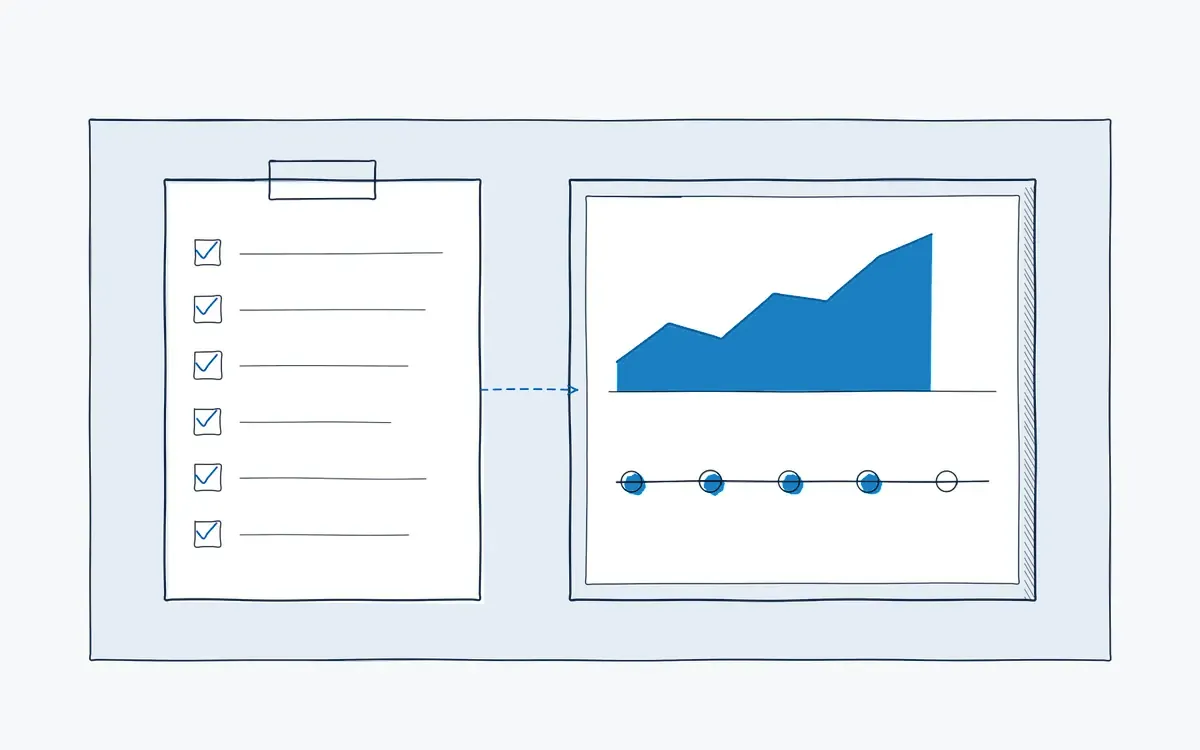
A work instruction audit trail is a record of every execution: who did which step, when, on which version, and with what result. Actarion builds the audit trail automatically while operators follow digital work instructions. The same data shows where time is lost and where errors start.
How it works on the shop floor
How does the work instruction audit trail work?
- 1
Execute.
The operator confirms each step on tablet or AR glasses.
- 2
Log.
Time, user, version and evidence are stored per step.
- 3
Review.
Quality filters executions by line, product, shift or operator.
- 4
Analyze.
The console shows time per step, deviations and trends.
- 5
Improve.
You change the instruction; the new version is tracked from that moment.
Why are audits so stressful?
- Proof of execution is a signature at the bottom of a paper form, if it was signed at all.
- You cannot show which version of the procedure the operator used.
- Deviations are noted on paper and never analyzed.
- You know a task takes too long but not which step causes it.
What does the audit trail record?
Every time an operator runs a digital work instruction, the platform logs:
- Who carried out the task and their qualification level.
- What instruction and which version was used.
- When each step started and was confirmed.
- Evidence, such as photos, measured values or checks.
- Deviations, including skipped or repeated steps and remarks.
Paper record versus digital audit trail
| Aspect | Paper record | Actarion audit trail |
|---|---|---|
| Granularity | One signature per task | Confirmation per step |
| Version | Unclear | Logged with every execution |
| Evidence | Attached later, if at all | Photos and values in the step |
| Search | Archive boxes | Filter and export in seconds |
| Process insight | None | Time per step and deviation trends |
What does it bring each role?
| Role | Benefit |
|---|---|
| Operator | No separate paperwork after the job |
| Team leader | Sees where the team gets stuck |
| Quality / HSE | Audit evidence ready, for ISO 9001, GMP or customer audits |
| HR / L&D | Links execution quality to training |
Technical points
- Export: CSV export and API connections to Power BI and ERP tools. See integrations.
- Electronic records: for regulated environments such as pharma, check requirements like EU GMP Annex 11 or 21 CFR Part 11 with your validation team.
- Retention: align it with your quality system and the GDPR; we fix the period in the data processing agreement.
How Actarion helps
- We define with quality which data the audit trail must contain.
- We set up dashboards for the pilot KPIs: errors, time per step, deviations.
- We help you use the data in audits and improvement meetings.
See the audit trail on your own process
- Scope
- 1–2 lines, 1 process
- Duration
- 6–8 weeks
- KPIs
- lead time · first time right · errors
- Prerequisite
- baseline across several shifts
Frequently asked questions
Every execution is recorded with user, time, confirmations and deviations, and can be viewed and exported in the Console. Roles determine who may view or change records. In regulated environments we check with your quality department whether this meets your immutability requirements.
Yes. Data can be exported as CSV or reached through an API for tools such as Power BI.
No. It records how manual work is done. It complements your MES.
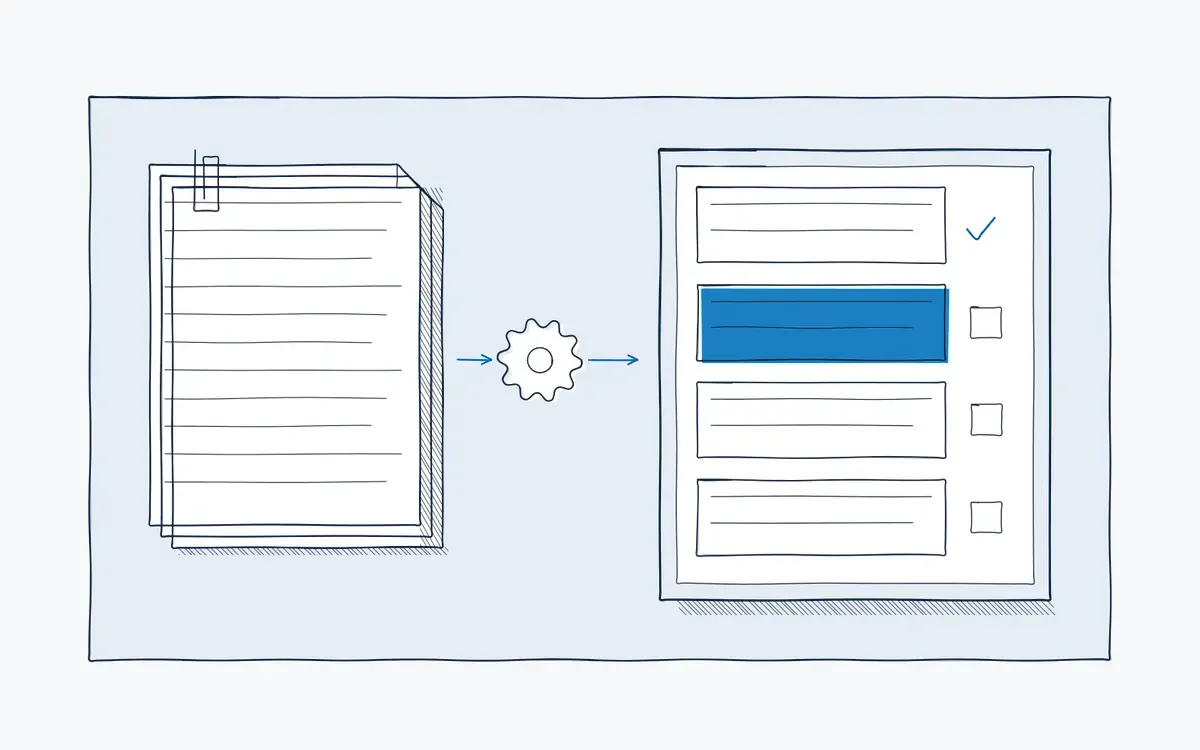
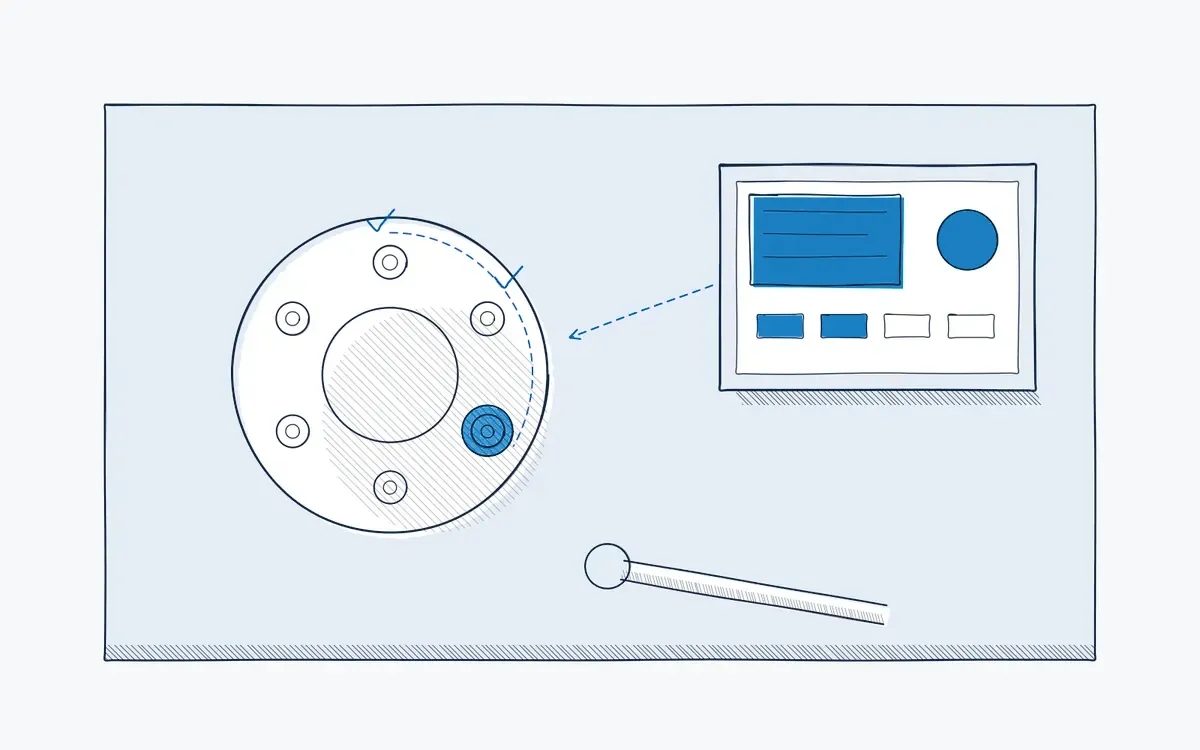


See your own process as a digital work instruction.
In 30 minutes we look at your process, your numbers and the fastest route to a measurable pilot. No sales pitch, just concrete advice.