
Solution
Digital checklists for manufacturing: no skipped checks, with proof
Digital checklists for manufacturing with mandatory checks, photo evidence and timestamps. Replace paper checklists and get audit proof for every round.
In short
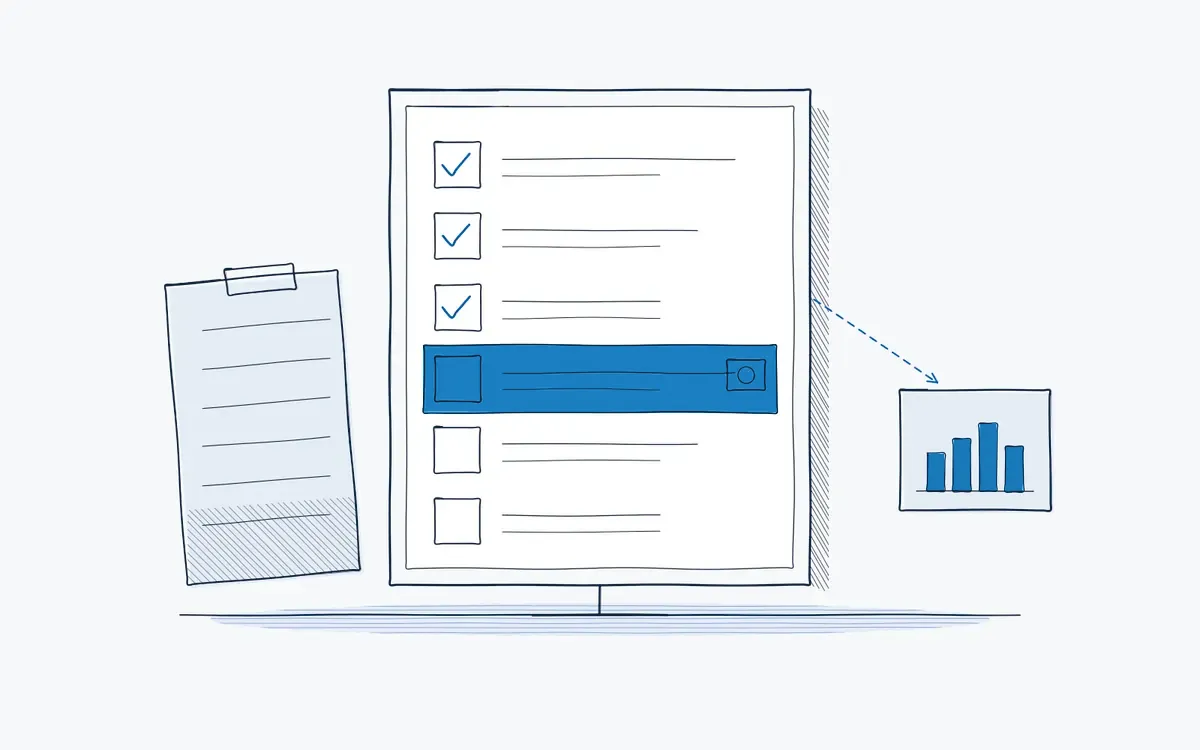
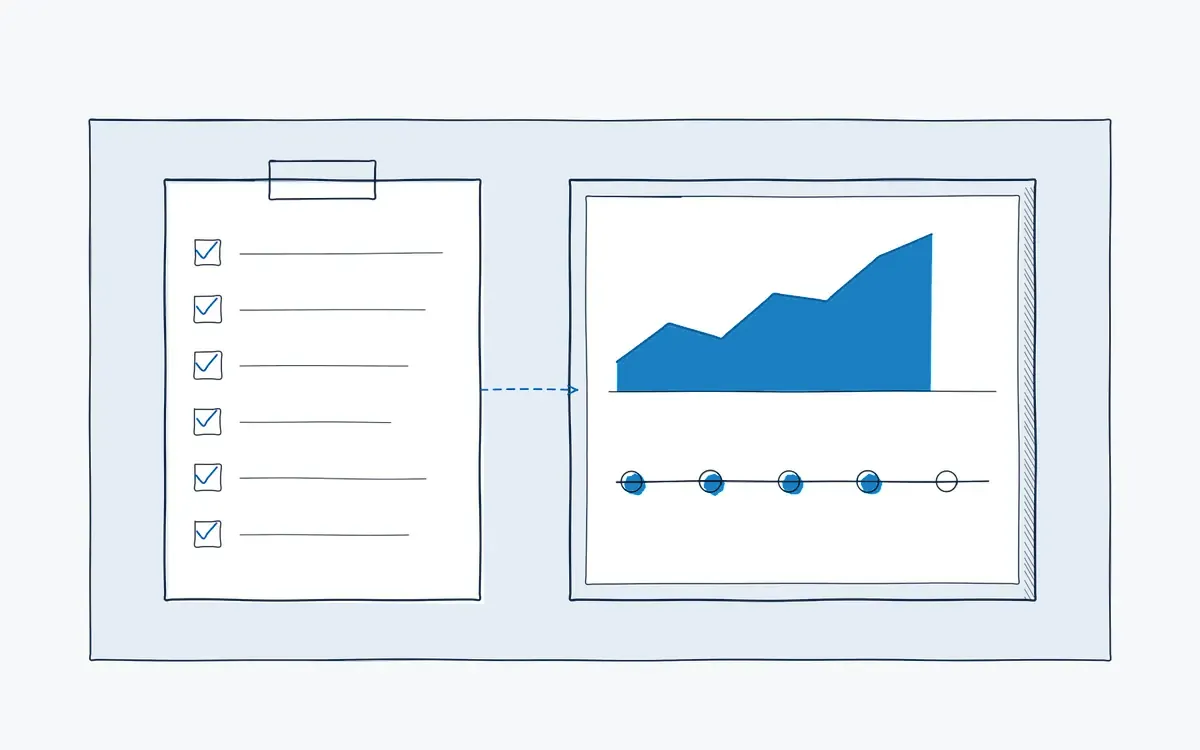
A digital checklist in manufacturing replaces the paper form with a checklist on a tablet or AR glasses that enforces every check, captures photos and measurements and timestamps each item. Actarion builds digital checklists from your existing forms with AI and links them to work instructions and an audit trail.
How it works on the shop floor
How do digital checklists work with Actarion?
- 1
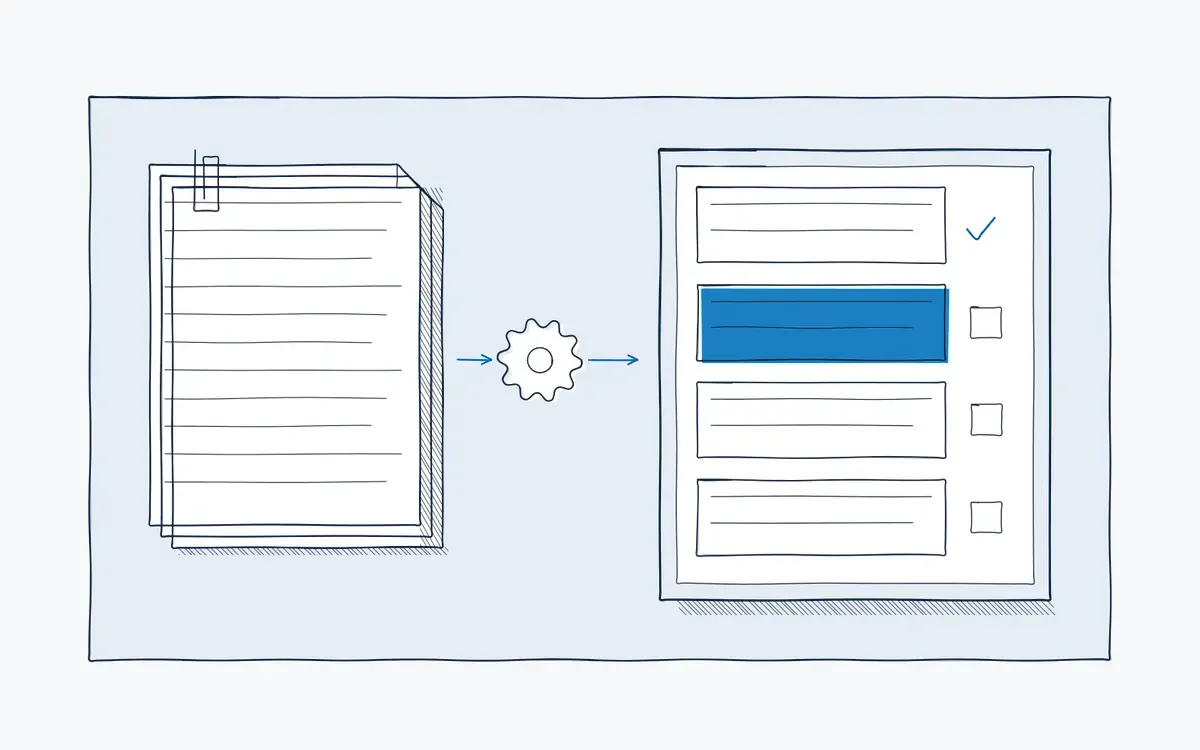
Upload your current form.
AI turns it into a digital checklist with mandatory fields. See AI authoring.
- 2
Add instructions where needed.
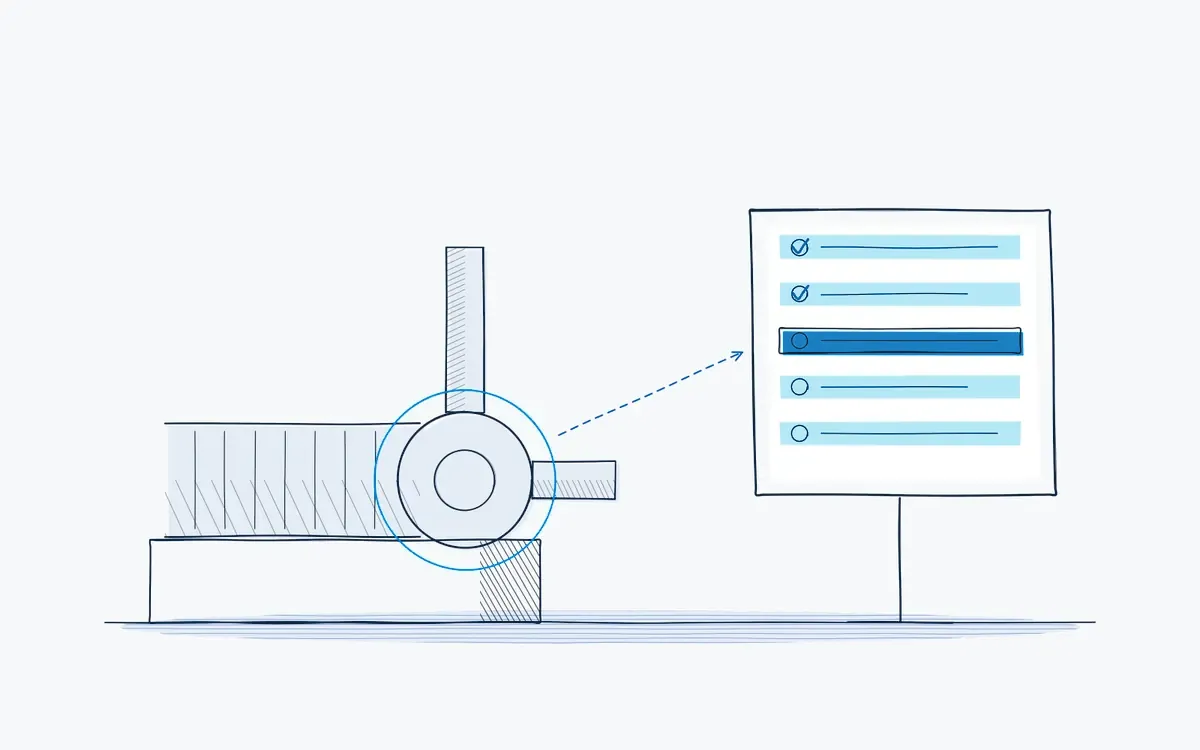
Link a check to a short work instruction or AR overlay. See AR guidance.
- 3
Execute on the floor.
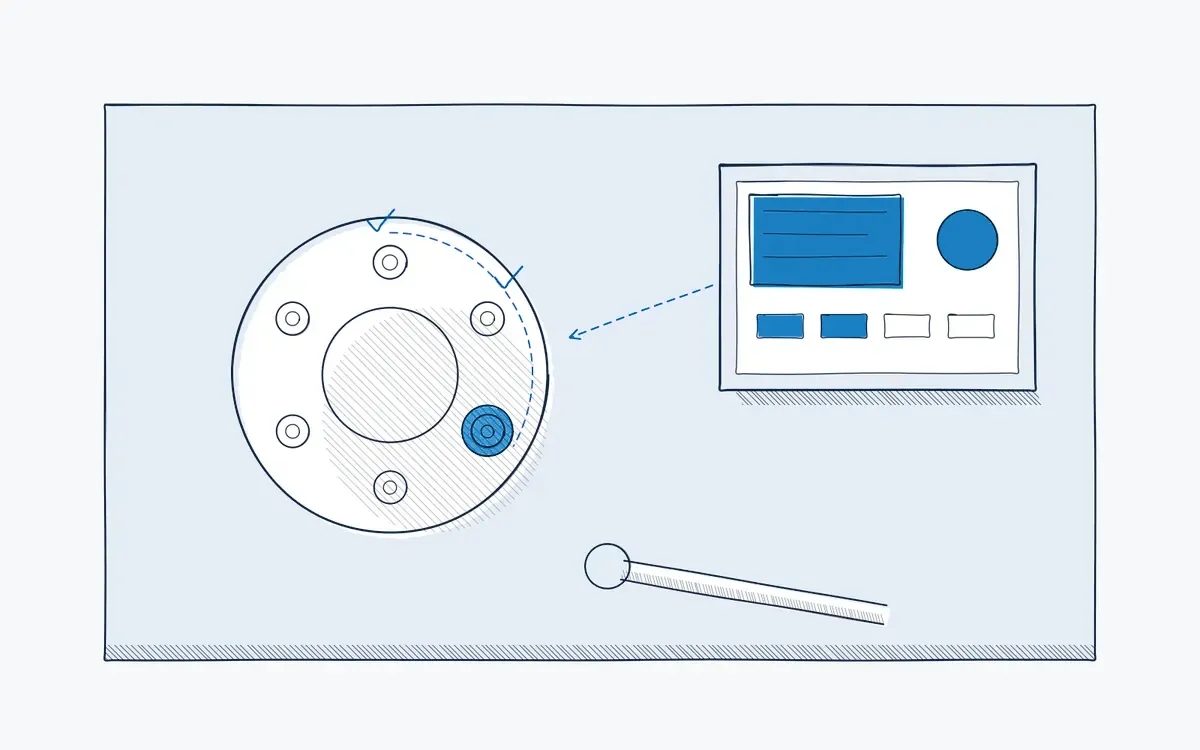
Operators complete the checklist on a tablet or AR glasses.
- 4
Escalate deviations.
An out-of-tolerance value triggers a follow-up step or alert.
- 5
Report and audit.
Every completed checklist is part of the audit trail. See analytics and audit trail.
What goes wrong with paper checklists?
- Boxes are ticked at the end of the shift, not during the check.
- Illegible notes and missing values make the checklist useless for analysis.
- Nobody sees a deviation until someone types up the forms.
- Paper archives make audits slow and stressful.
What is a digital checklist?
A digital checklist is a list of checks that an operator completes on a device, item by item. Each item can require a value, a photo or a signature before the next one opens. The result is stored automatically with time, user and location.
In manufacturing, digital checklists are used for start-up checks, line clearance, quality inspections, safety rounds and maintenance.
Key features
- Mandatory checks, measurements and photo evidence.
- Timestamps and user per item.
- Deviation handling with follow-up steps.
- Link to work instructions and AR guidance.
- Dashboards across lines and shifts.
Paper vs. digital vs. digital with AR
| Criterion | Paper checklist | Digital checklist | Digital checklist with AR (Actarion) |
|---|---|---|---|
| Skipped checks | Not detectable | Blocked by mandatory fields | Blocked, plus location of the check shown |
| Evidence | Tick mark | Value, photo, timestamp | Value, photo, timestamp per step |
| Deviations | Seen later | Flagged right away | Flagged with follow-up instruction |
| Audit | Search the archive | Export | Full audit trail |
Use cases and templates
- Preventive maintenance with our preventive maintenance checklist
- Changeover and SMED with our SMED changeover checklist
- Pharma and biotech: line clearance and GMP checks
Which checklists should you digitize first?
Start where a missed check costs the most. This table helps you prioritize:
| Checklist | Typical risk on paper | Why digital helps first |
|---|---|---|
| Start-up and line clearance | Product mix-ups, wrong labels | Mandatory steps and photo evidence per batch |
| Changeover (SMED) | Long stops, start-up scrap | Fixed sequence, settings shown per product |
| Preventive maintenance | Skipped tasks, missing readings | Readings with limits, overdue tasks visible |
| Quality inspection | Values written down later | Values checked against tolerance on entry |
| Safety and LOTO | Isolation points missed | Each point confirmed before work starts |
How do you implement digital checklists?
- 1Select one checklist. with a clear problem, such as audit findings or recurring deviations.
- 2Clean it up. Remove checks nobody uses and add tolerances, photos and the action on deviation.
- 3Convert it with AI. and link each check to the instruction that explains how to do it.
- 4Test on the line. with two or three operators and the team leader, then adjust.
- 5Go live and measure. completeness, deviations and time per round against your paper baseline.
- 6Scale. to the next checklists and train your own authors.
Common mistakes
- Copying the paper form one-to-one. You digitize the old gaps along with it.
- Too many mandatory fields. Operators click through without looking. Make only the critical checks mandatory.
- No owner for deviations. A flagged deviation without follow-up is just a digital tick mark.
- Forgetting the device at the workstation. Decide where the tablet hangs and how it is charged before go-live.
How Actarion helps
- AI converts your paper forms into digital checklists.
- Checks are linked to instructions and AR, so operators know how to check, not just what.
- Every checklist adds to the audit trail.
- We start with a pilot on one checklist and fixed KPIs.
Digitize your first checklist
Bring one paper checklist to a free intake call and see it as a digital checklist with AR.
- Scope
- 1–2 lines, 1 process
- Duration
- 6–8 weeks
- KPIs
- lead time · first time right · errors
- Prerequisite
- baseline across several shifts
Frequently asked questions
The platform is cloud-based: instructions and results sync over Wi-Fi or the mobile network. Whether and for how long a device can work without a connection depends on the device and the setup. We test this in the pilot at the real workstation before you rely on it in places without coverage.
Yes. Upload them and AI turns them into digital checklists that your team reviews before use.
Pricing is tailored to your industry and sector. Book a free intake call for a proposal.
Yes. You set limits per check. A value outside the limits is flagged right away and leads to the follow-up step you defined, such as stopping the line or calling the team leader.
Every check is stored with user, time, value and, where required, a photo. Instead of searching through binders, you export the records for the period the auditor asks about.
A process owner per checklist, supported by trained authors. Actarion trains them during the enablement phase so you do not depend on outside help for every change.


See your own process as a digital work instruction.
In 30 minutes we look at your process, your numbers and the fastest route to a measurable pilot. No sales pitch, just concrete advice.