
Platform
Integrations with SAP, MES and LMS for work instructions
Connect digital work instructions to SAP, MES, LMS and BI tools. Export execution data, start tasks from orders and keep skills in sync. Scope per project.
In short
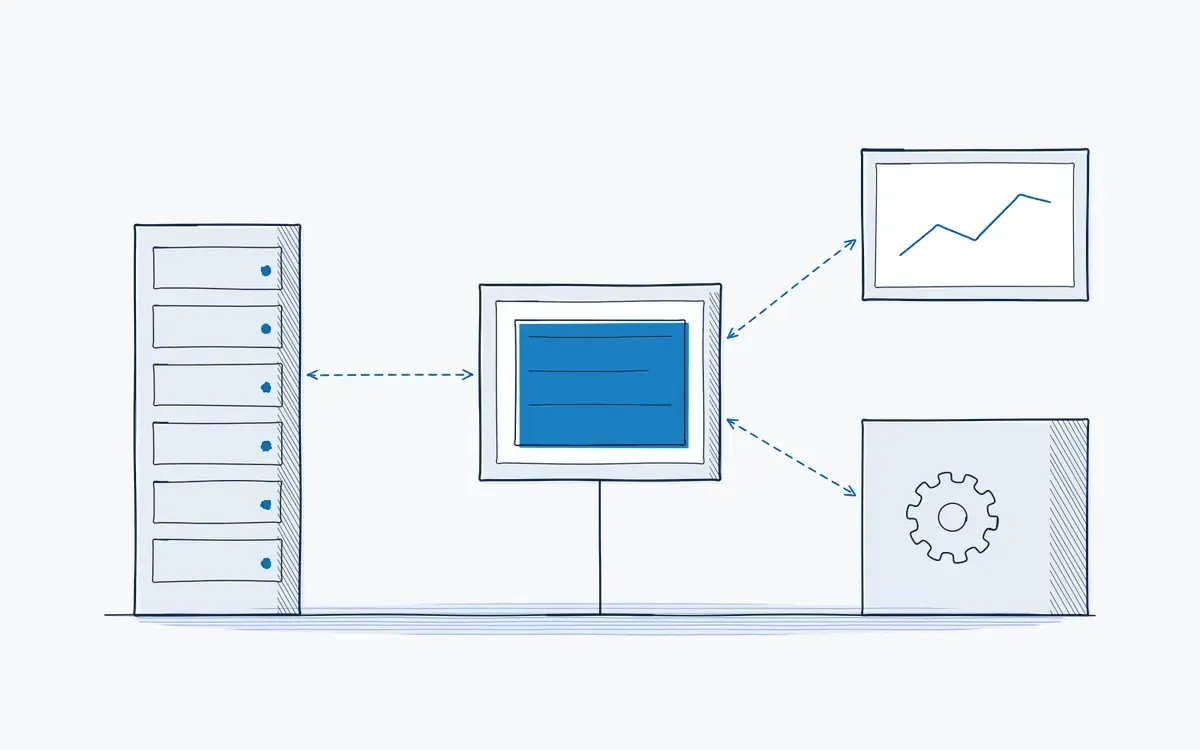
Work instruction integration means exchanging data between your digital work instructions and the systems you already run, such as ERP (for example SAP), MES, LMS or BI tools. The Actarion platform offers CSV export and API connections. Which systems you connect, and how, is scoped per project during the pilot.
How it works on the shop floor
How does an integration project work?
- 1
Define the goal.
Which data must go where, and why? Start from the pilot KPIs.
- 2
Check the options.
Export, API or a ready-made connector, per system.
- 3
Start simple.
Many pilots start with CSV export. That proves the value before building more.
- 4
Build and test.
Your IT team or integrator connects through the API; Actarion supports.
- 5
Run and monitor.
Data flows are checked as part of scale-up.
Why do isolated tools create extra work?
- Operators type the same order number into three systems.
- Training records in the LMS do not match who actually does the work.
- Execution data stays in a separate tool, and nobody combines it with OEE or quality data.
- IT blocks new software that does not fit the architecture.
What can you connect?
The table shows typical integration goals. The available connection per system is confirmed during scoping.
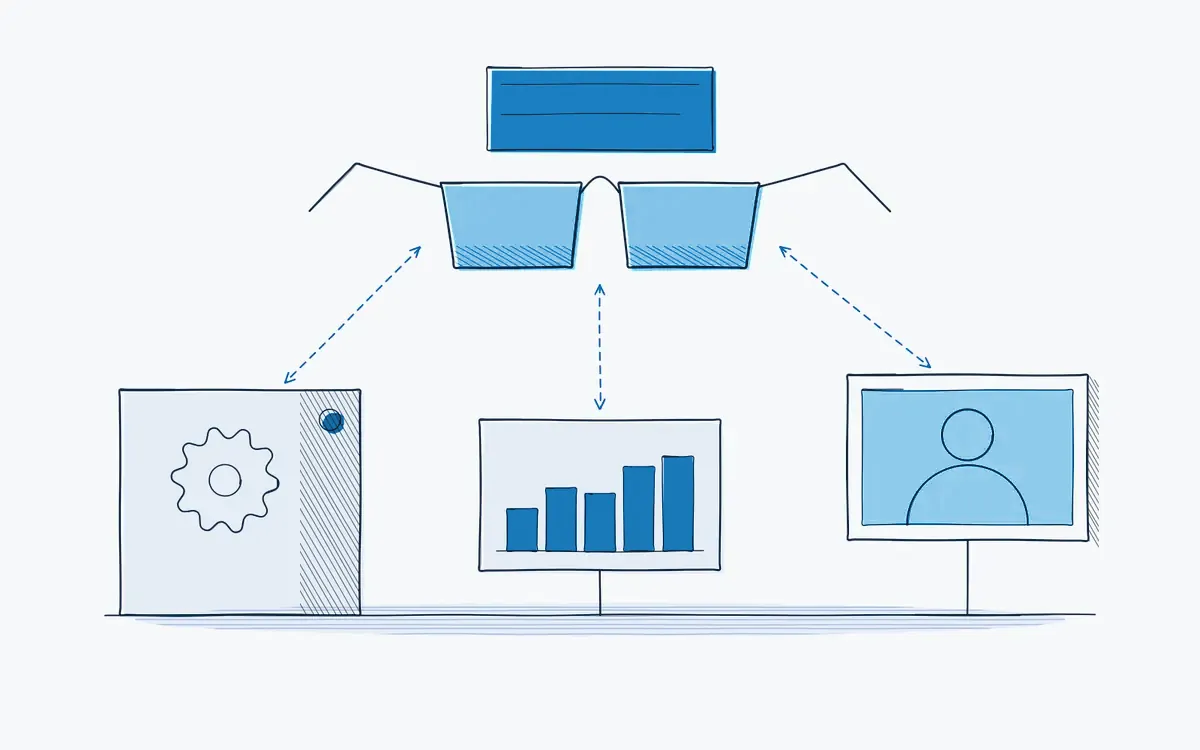
| System | Typical goal | Status |
|---|---|---|
| BI (for example Power BI) | Analyze execution and deviation data | API and CSV export available |
| ERP (for example SAP) | Start an instruction from a work or maintenance order; return results | Through API or CSV export; scope per project |
| MES | Link instructions to an order, product or workstation | Through the API; scope per project |
| LMS / HR | Sync skills, training and certificates | Through API or CSV export |
| Identity (SSO) | Log in with company accounts | Microsoft Entra ID (Azure AD) |
What does it bring each role?
| Role | Benefit |
|---|---|
| Operator | Fewer double entries; the right instruction opens for the order |
| Team leader | One picture of output, deviations and skills |
| Quality / HSE | Execution data next to quality and batch data |
| HR / L&D | Skills and training records in sync |
Technical points
- Available: CSV export; API connections to BI and ERP tools.
- Authentication and API documentation: you receive API access and documentation at the start of the integration project; users sign in through Microsoft Entra ID (Azure AD).
- Data ownership: your execution data remains yours.
- See also security.
How Actarion helps
- We bring IT in early and document the data flows.
- We start the pilot with a simple export and plan integrations for scale-up.
- We coordinate between your IT, your integrator and technology partner DeepSight.
Discuss your system landscape
Book a free intake call. We review which integrations make sense for your first use case.
- Scope
- 1–2 lines, 1 process
- Duration
- 6–8 weeks
- KPIs
- lead time · first time right · errors
- Prerequisite
- baseline across several shifts
Frequently asked questions
Usually not. CSV export is often enough to measure the pilot KPIs.
The standard route to SAP is the API or CSV export, for example for execution data, deviations and skills. Which data you exchange and in which direction is decided per project.
Your IT team or integrator, supported by Actarion. Scope and effort are agreed per project.



See your own process as a digital work instruction.
In 30 minutes we look at your process, your numbers and the fastest route to a measurable pilot. No sales pitch, just concrete advice.