
Platform
Remote assistance with AR: the expert sees what you see
Remote assistance with AR lets an expert see what the operator sees and annotate live. Solve breakdowns faster without flying in a specialist.
In short
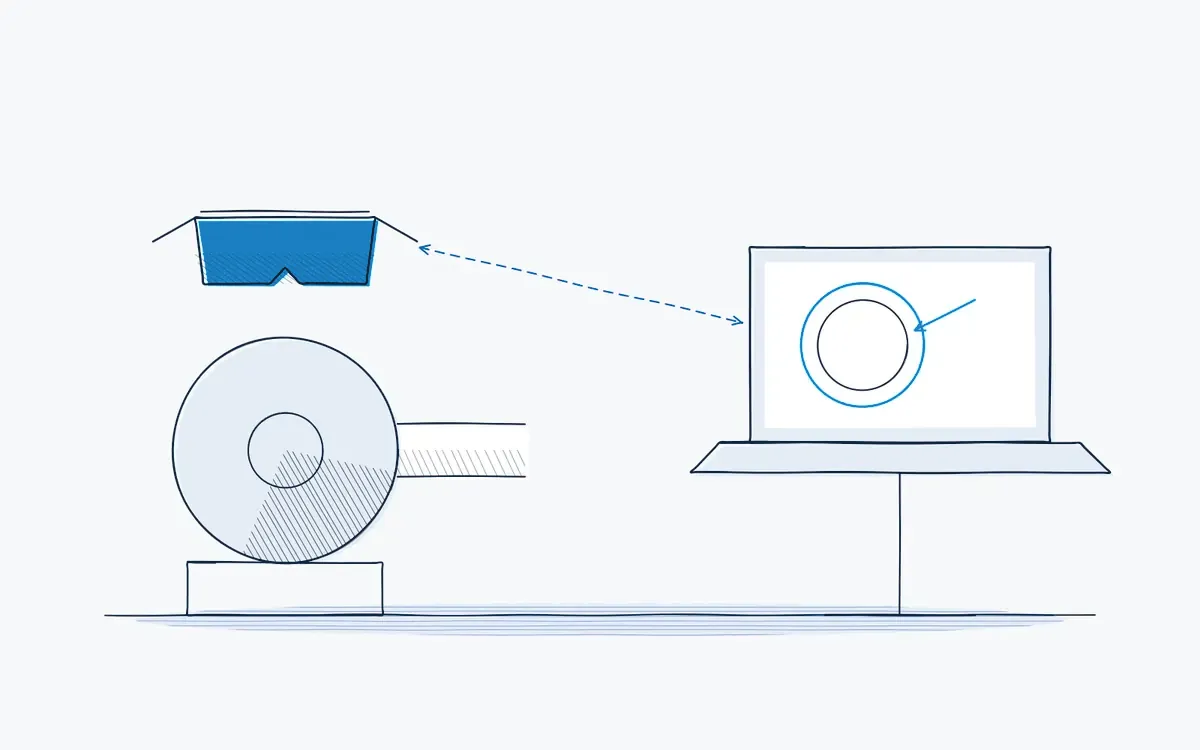
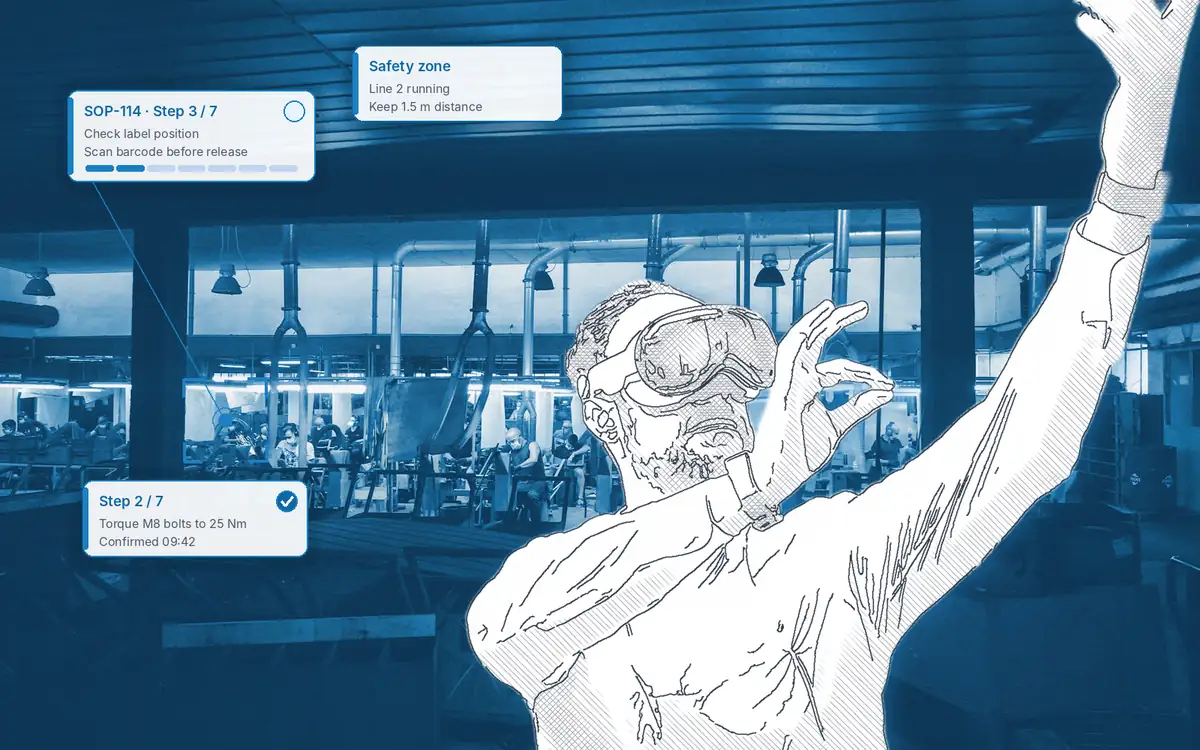
Remote assistance with AR is a live video connection in which a remote expert sees the operator's view and draws annotations that appear on the equipment. Actarion remote support works from a tablet, smartphone or AR glasses and starts from within a work instruction. Breakdowns get solved without waiting for a specialist to travel.
How it works on the shop floor
How does remote assistance with AR work?
- 1
Start the call.
The operator taps "help" inside the work instruction, or calls an expert from the contact list.
- 2
Share the view.
The camera of the tablet or AR glasses streams to the expert.
- 3
Annotate live.
The expert circles the right part or draws an arrow; the mark stays on the object.
- 4
Fix and confirm.
The operator carries out the fix and confirms the step.
- 5
Learn from it.
The solution can be added to the work instruction, so the next person does not need a call.
What does a breakdown cost you today?
- The line stands still while you wait for the one technician who knows this machine.
- Phone calls go back and forth: "Which cable? The left one?"
- A supplier specialist has to travel for a problem that took ten minutes to fix.
- Night and weekend shifts have no expert on site.
What is AR remote support?
Remote support connects the operator at the machine with an expert elsewhere: a colleague at another site, a central engineering team or a machine supplier. The expert sees a live camera image and can mark parts, draw arrows and share documents. On AR glasses, the operator keeps both hands free.
Phone call versus AR remote support
| Aspect | Phone or video call | AR remote support |
|---|---|---|
| Shared view | Description in words | Live view of the operator |
| Pointing | "The one on the left" | Annotation on the equipment |
| Hands | One hand holds the phone | Hands-free on AR glasses |
| Record | None | Linked to the task and audit trail |
What does it bring each role?
| Role | Benefit |
|---|---|
| Operator | Help at the machine, without leaving the task |
| Team leader | Shorter stoppages; less dependence on one expert |
| Quality / HSE | Fewer improvised fixes; the solution is documented |
| HR / L&D | New staff can take on harder tasks with a safety net |
Technical points
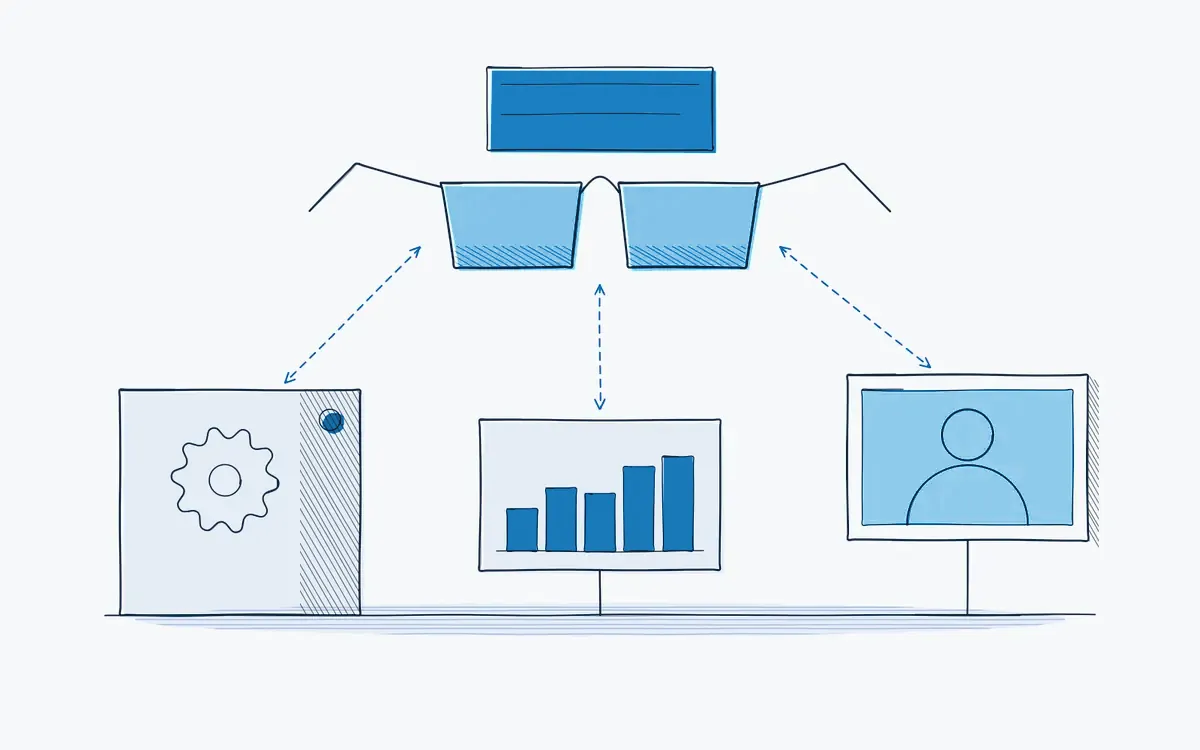
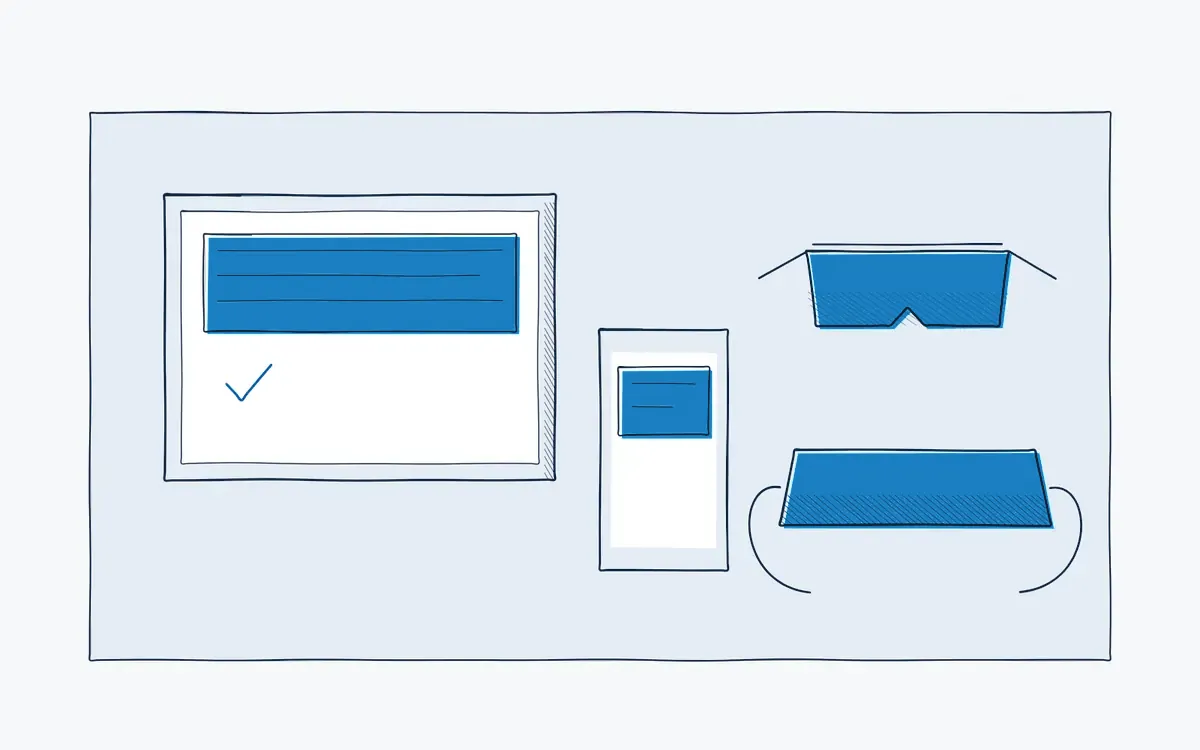
- Devices: tablets, smartphones and AR glasses. See hardware.
- Expert side: the expert works on a laptop or PC with a browser, or on a mobile device.
- Network: a stable Wi-Fi or mobile connection is needed. Check coverage at the workstation during the pilot.
- External experts: suppliers can be invited as guests.
How Actarion helps
- We identify the breakdowns and tasks where remote support saves the most time.
- We set up devices, contact lists and network checks.
- We link remote support to the work instructions of the pilot.
See remote support in action
- Scope
- 1–2 lines, 1 process
- Duration
- 6–8 weeks
- KPIs
- lead time · first time right · errors
- Prerequisite
- baseline across several shifts
Frequently asked questions
Yes. A tablet or smartphone works. Glasses add hands-free working.
Yes, as an invited participant in the session. You decide who gets access and for how long, and withdraw access afterwards.
During a session you can capture photos and videos for the record or as the basis for a new instruction. Whether calls are recorded by default and how long recordings are kept is set out in the data processing agreement.
Pricing is tailored to your industry and sector, users and use cases. Book a free intake call for a proposal.

See your own process as a digital work instruction.
In 30 minutes we look at your process, your numbers and the fastest route to a measurable pilot. No sales pitch, just concrete advice.