
Hardware
Smart glasses for manufacturing: choose the right device per task
Which smart glasses for manufacturing or tablet fits your task? Compare Apple Vision Pro, HoloLens 2, Android XR and tablets for AR work instructions.
In short
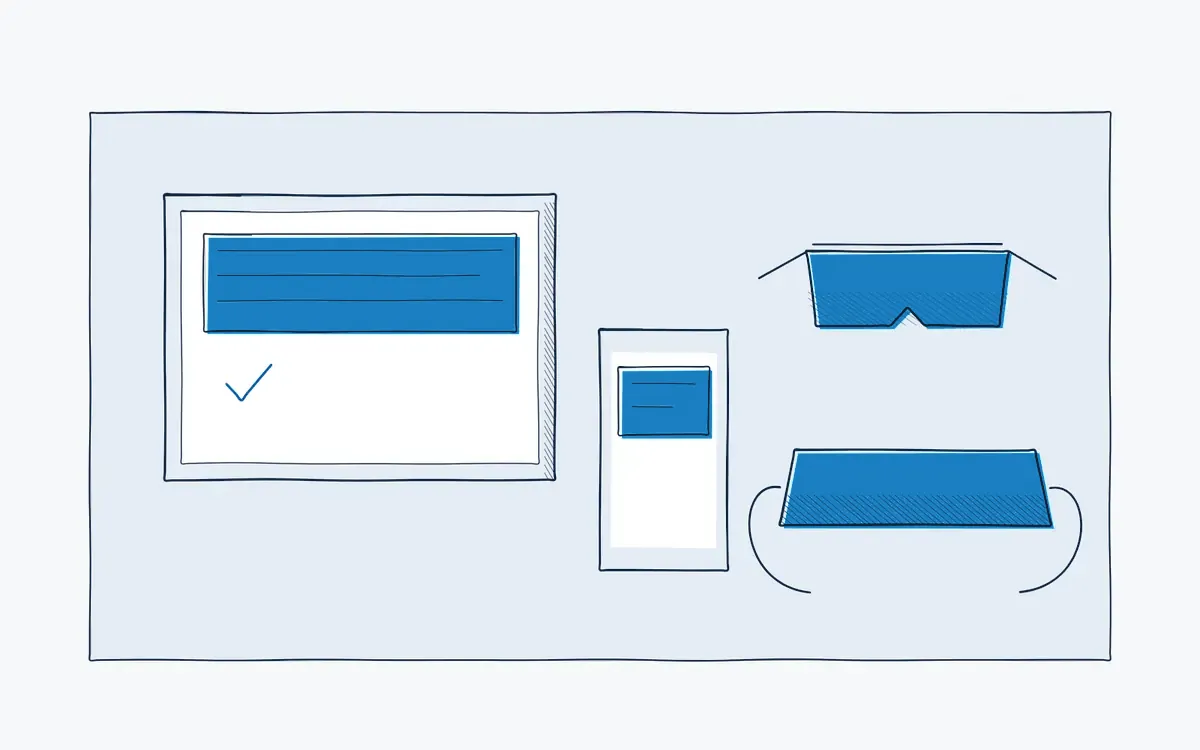
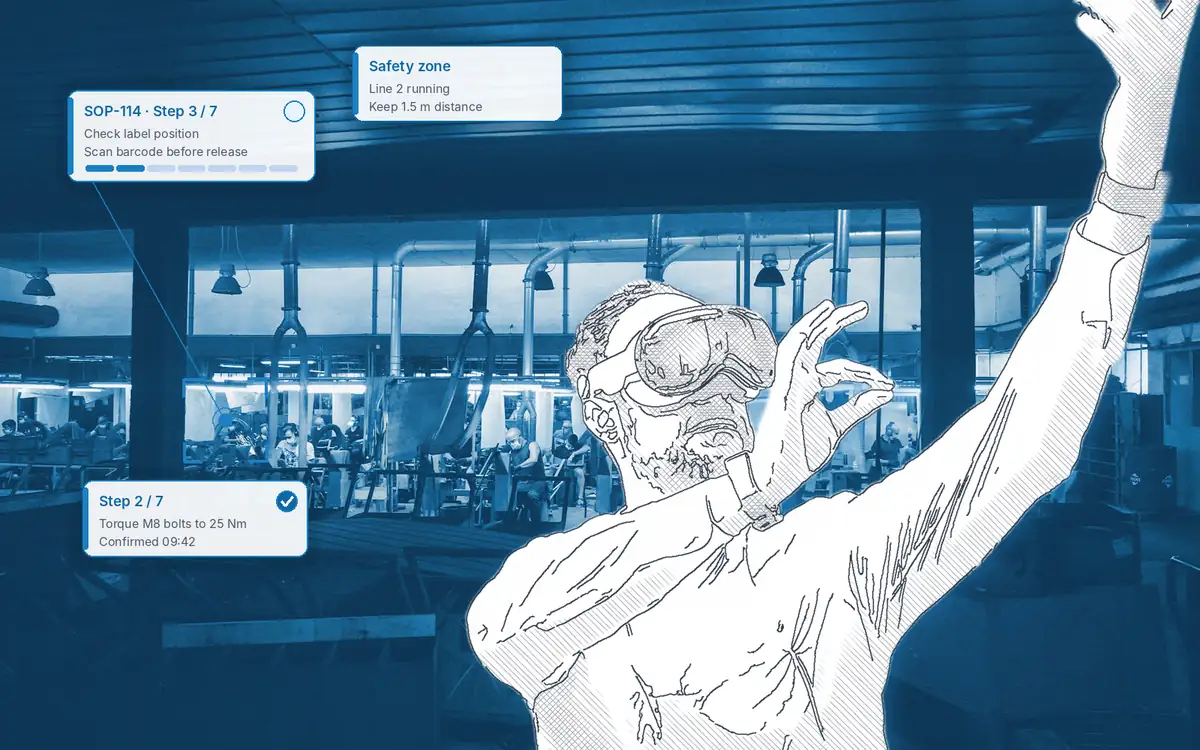
Smart glasses for manufacturing are head-worn displays that show work instructions in the operator's field of view, so both hands stay free. They are not always the best choice. Actarion runs the same AR work instructions on tablets, smartphones and AR headsets such as Apple Vision Pro, HoloLens 2 and Android XR devices, and helps you pick the device per task.
How it works on the shop floor
How do you choose smart glasses for manufacturing?
- 1
Start with the task.
Do operators need both hands? Do they move around? How long is the task?
- 2
Check the environment.
Noise, dust, light, safety glasses, helmets and cleanroom rules.
- 3
Start on a tablet.
It proves the instruction works before you add glasses.
- 4
Test glasses on the hardest tasks.
Measure comfort, errors and time against the tablet.
- 5
Plan fleet management.
Charging, hygiene, mobile device management and replacements.
What goes wrong when you start with the device?
- A pilot with expensive glasses fails because the task did not need hands-free work.
- Operators find a headset uncomfortable for a full shift.
- The chosen device is discontinued, and your content is tied to it.
- IT has no plan for charging, cleaning and managing shared devices.
Which device fits which task?
| Device | Hands-free | Best for | Watch out for |
|---|---|---|---|
| Tablet | No | Workstations, assembly, inspections, onboarding | Needs a mount or a free hand |
| Smartphone | No | Quick checks, field service, remote support | Small screen |
| Apple Vision Pro | Yes | Training, complex assembly, high-detail 3D | Enclosed headset with passthrough video; weight |
| HoloLens 2 | Yes | Existing installed base, maintenance | Production ended; security updates until end of 2027 |
| Android XR devices | Yes | New deployments on Android-managed fleets | Young ecosystem; check device availability |
The devices supported by the platform are confirmed per project.
What does it bring each role?
| Role | Benefit |
|---|---|
| Operator | A device that fits the job, not the other way around |
| Team leader | Fewer adoption problems on the floor |
| Quality / HSE | Checks safety rules (PPE, cleanroom) before rollout |
| HR / L&D | One instruction for classroom, workstation and field |
Technical points
- Device-independent content: one instruction runs on tablet and glasses.
- Not locked in: if a device line ends, as with HoloLens 2, your content moves to another device.
- Comparisons: AR glasses vs tablets and Vision Pro vs HoloLens.
How Actarion helps
- We match devices to tasks in the use-case discovery.
- We bring devices to the pilot so you can test before you buy.
- We set up device management with your IT.
Not sure which device fits?
Book a free intake call. We map your tasks to the right hardware.
- Scope
- 1–2 lines, 1 process
- Duration
- 6–8 weeks
- KPIs
- lead time · first time right · errors
- Prerequisite
- baseline across several shifts
Frequently asked questions
For hands-busy, complex or rare tasks, often yes. For simple workstation tasks, a tablet is usually enough.
It depends on the device and your PPE rules. Test this in the pilot.
See HoloLens 2 alternatives for a migration path.
Device prices change often and depend on your supplier. Book a free intake call for advice.


See your own process as a digital work instruction.
In 30 minutes we look at your process, your numbers and the fastest route to a measurable pilot. No sales pitch, just concrete advice.