
Platform
Multilingual work instructions: one procedure, every language
Multilingual work instructions give every operator the same approved procedure in their own language. Fewer misunderstandings, faster onboarding.
In short
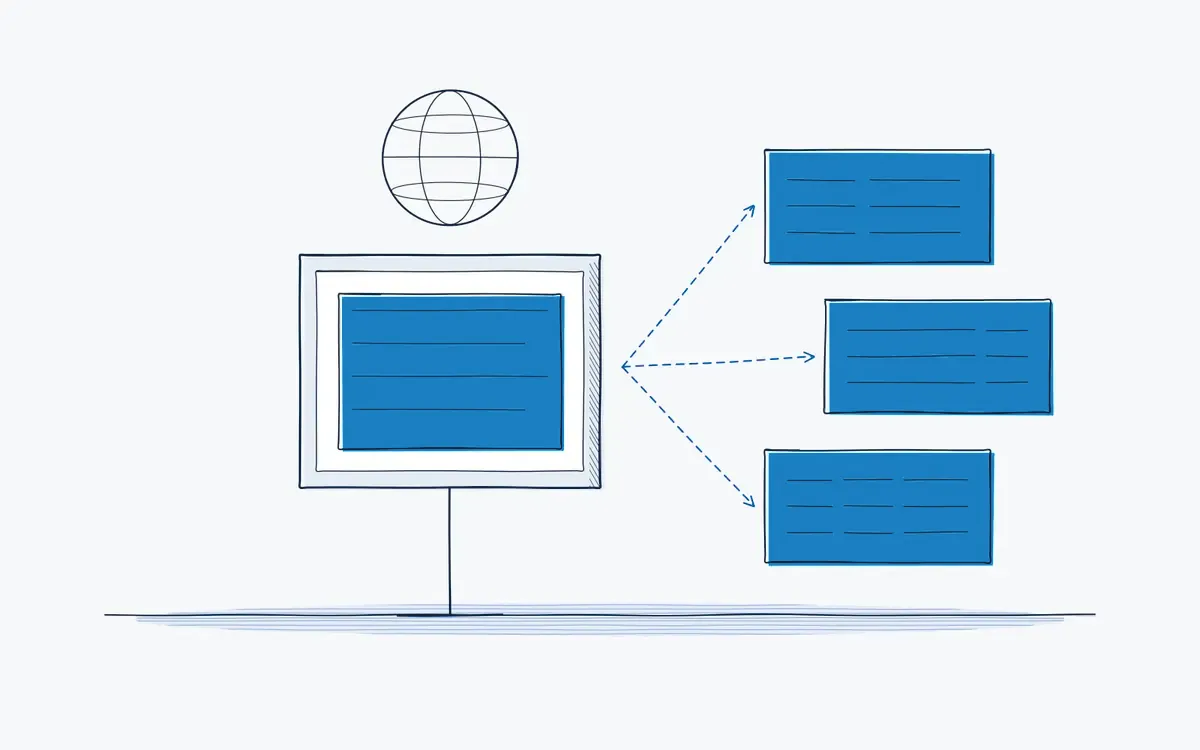
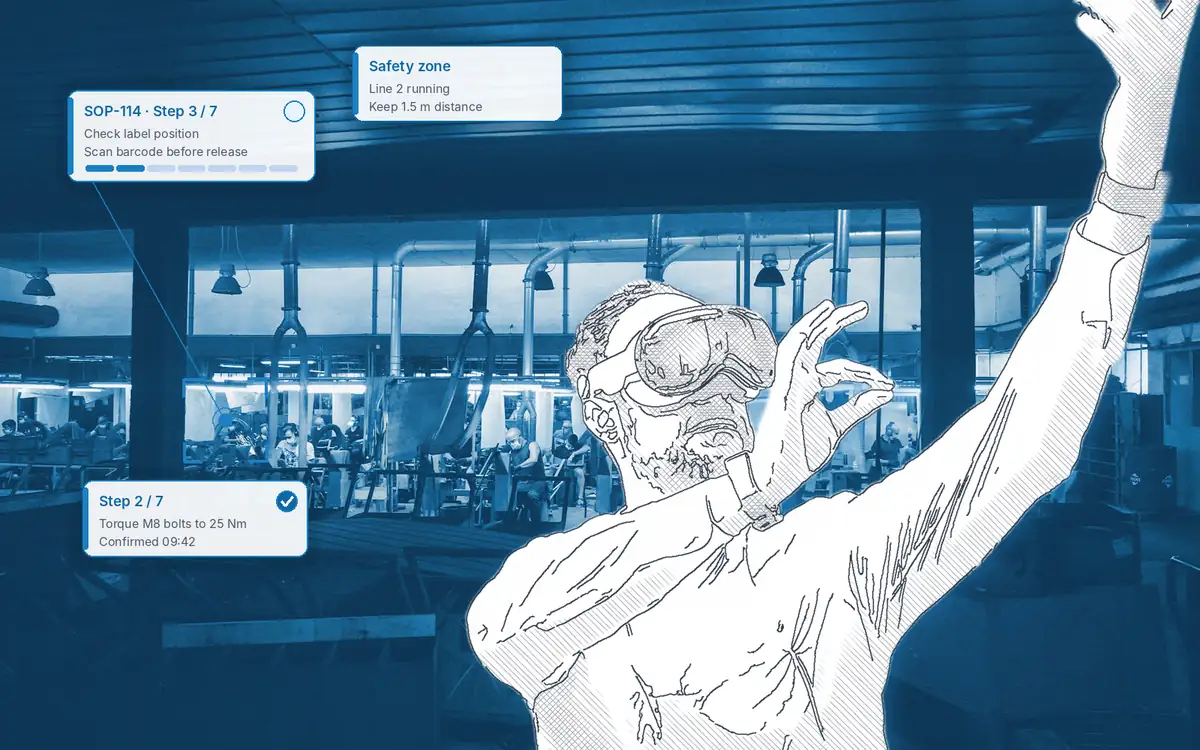
Multilingual work instructions are digital procedures that each operator can open in their own language, while the content and approval stay the same. Actarion delivers multilingual work instructions on tablet and AR glasses. Combined with visuals and AR overlays, they reduce misunderstandings in mixed teams and with temporary staff.
How it works on the shop floor
How do multilingual work instructions work?
- 1
Write the master.
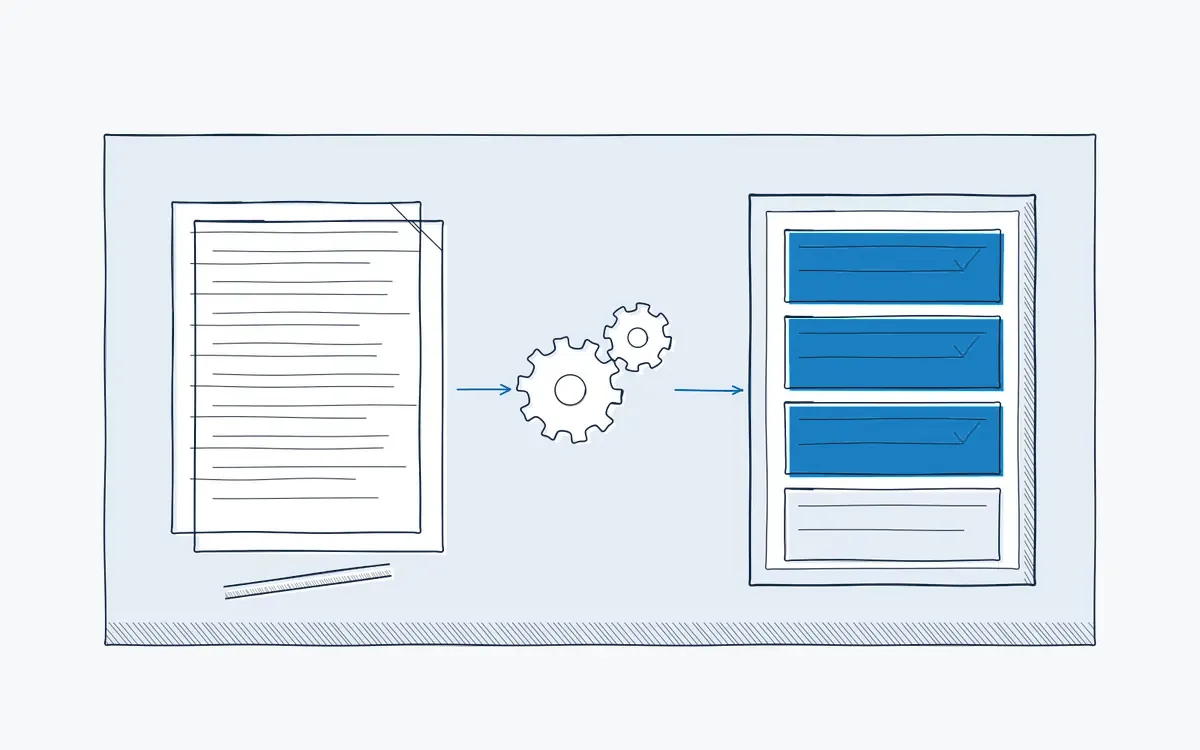
Create or generate the instruction in your working language.
- 2
Translate.
Generate translations for the languages your teams need.
- 3
Review.
A bilingual colleague checks safety-critical wording.
- 4
Publish.
Operators choose their language on tablet or AR glasses.
- 5
Update once.
When the master changes, linked translations are flagged for update.
Where does language get in the way?
- Your team speaks five languages, and the SOP exists in one.
- Temporary staff nod at the briefing but did not understand the safety step.
- A colleague translates on the fly, and details get lost.
- Every translated PDF is a separate document that drifts out of date.
What does the multilingual module do?
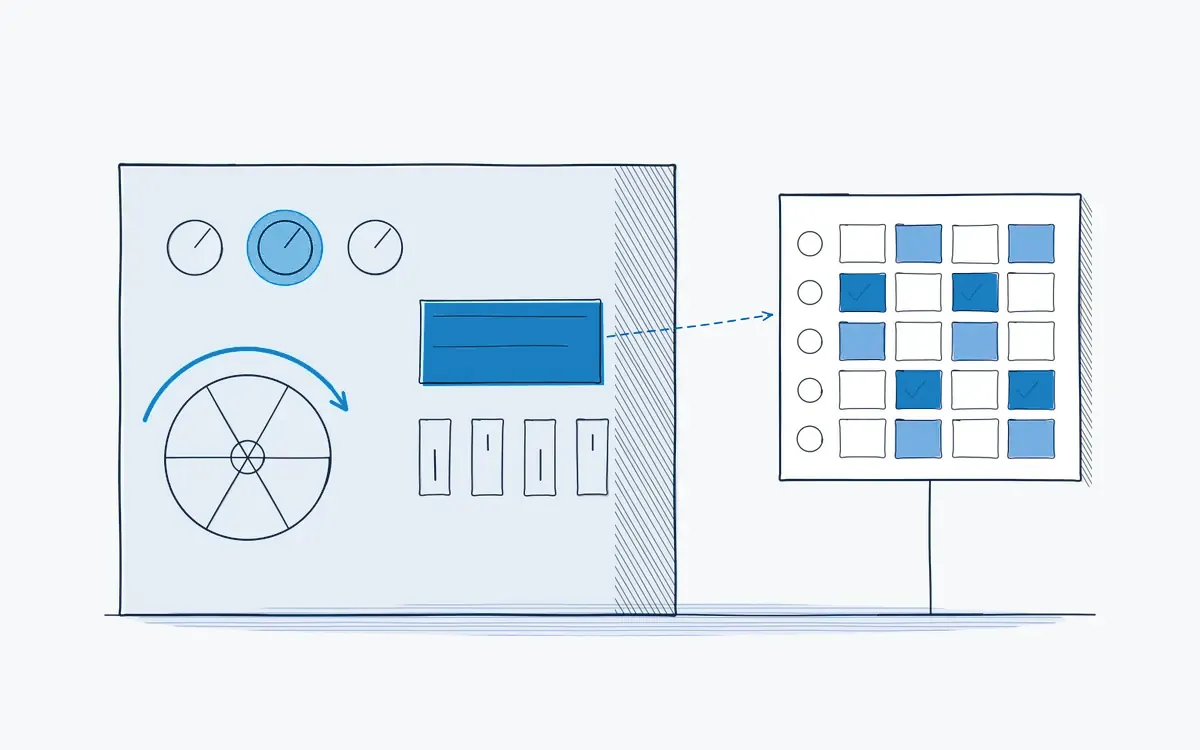
One instruction is the master. Translations are linked to it, so a change in the master is visible in every language. The operator selects a language on the device and sees the same steps, checks and warnings.
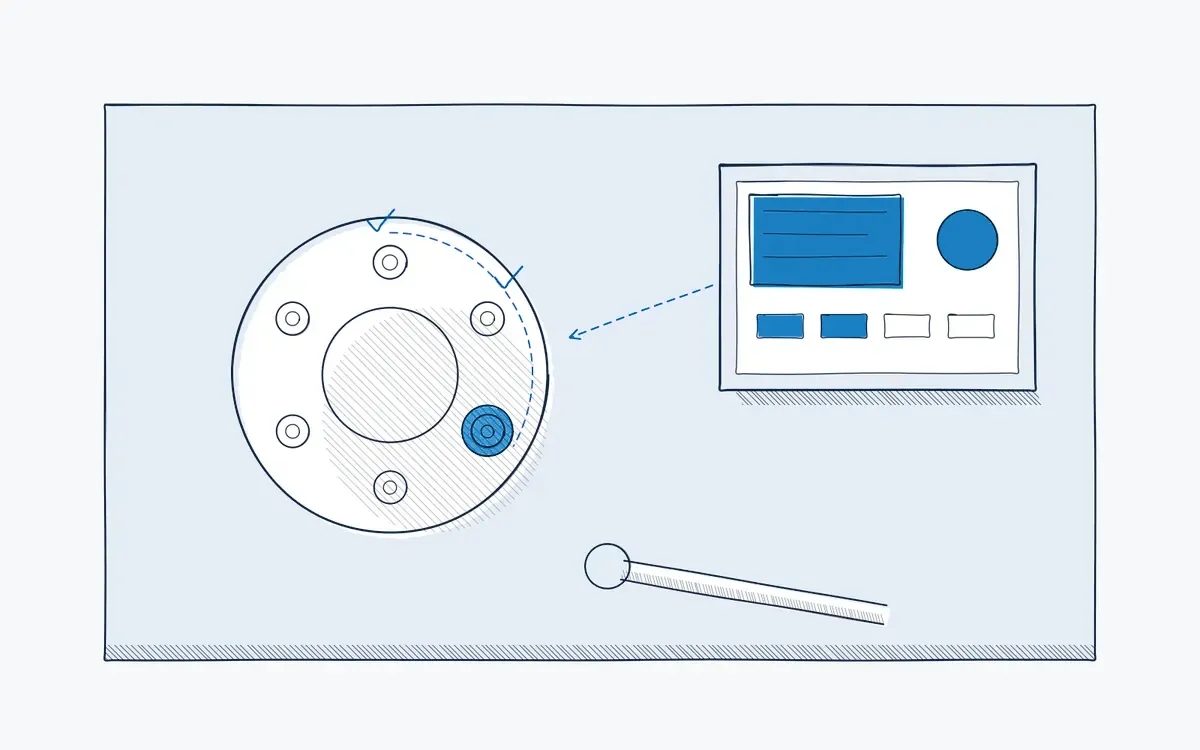
Visual content does a lot of the work. An arrow on the right valve needs no translation. Text then only has to carry what the image cannot show.
Separate translated PDFs versus multilingual instructions
| Aspect | Translated PDFs | Actarion multilingual |
|---|---|---|
| Versions | One file per language | One master with linked translations |
| Updates | Each file by hand | Change flagged in every language |
| Visuals | Often missing | Same images and AR overlays for all |
| Audit trail | Per document, if any | Same execution log, whatever the language |
What does it bring each role?
| Role | Benefit |
|---|---|
| Operator | Understands every step, including warnings |
| Team leader | Less time explaining; temporary staff productive sooner |
| Quality / HSE | One approved content, regardless of language |
| HR / L&D | Onboarding works for international hires |
Technical points
- Languages: training modules are available in your teams’ languages; we record which languages you need in the intake.
- Interface language: the interface language is set per user; we confirm the available languages in the intake.
- Voice: spoken instructions per language on supported devices.
How Actarion helps
- We map the languages per site and shift.
- We set up a review step for safety-critical translations.
- We start the pilot with the instructions that cause the most questions.
See a work instruction in your team's languages
- Scope
- 1–2 lines, 1 process
- Duration
- 6–8 weeks
- KPIs
- lead time · first time right · errors
- Prerequisite
- baseline across several shifts
Frequently asked questions
Instructions are multilingual: every language is linked to the same master instruction, and AI can propose translations. We always advise a human check on safety-critical steps.
No. One master instruction with linked translations.
Yes. Visual overlays show the action directly on the equipment, so less depends on text.


See your own process as a digital work instruction.
In 30 minutes we look at your process, your numbers and the fastest route to a measurable pilot. No sales pitch, just concrete advice.