
Hardware
Work instructions on tablet and smartphone: the practical start
Work instructions on tablet: the fastest way to start with digital and AR work instructions. Mounts, rugged models, and when to add AR glasses later.
In short
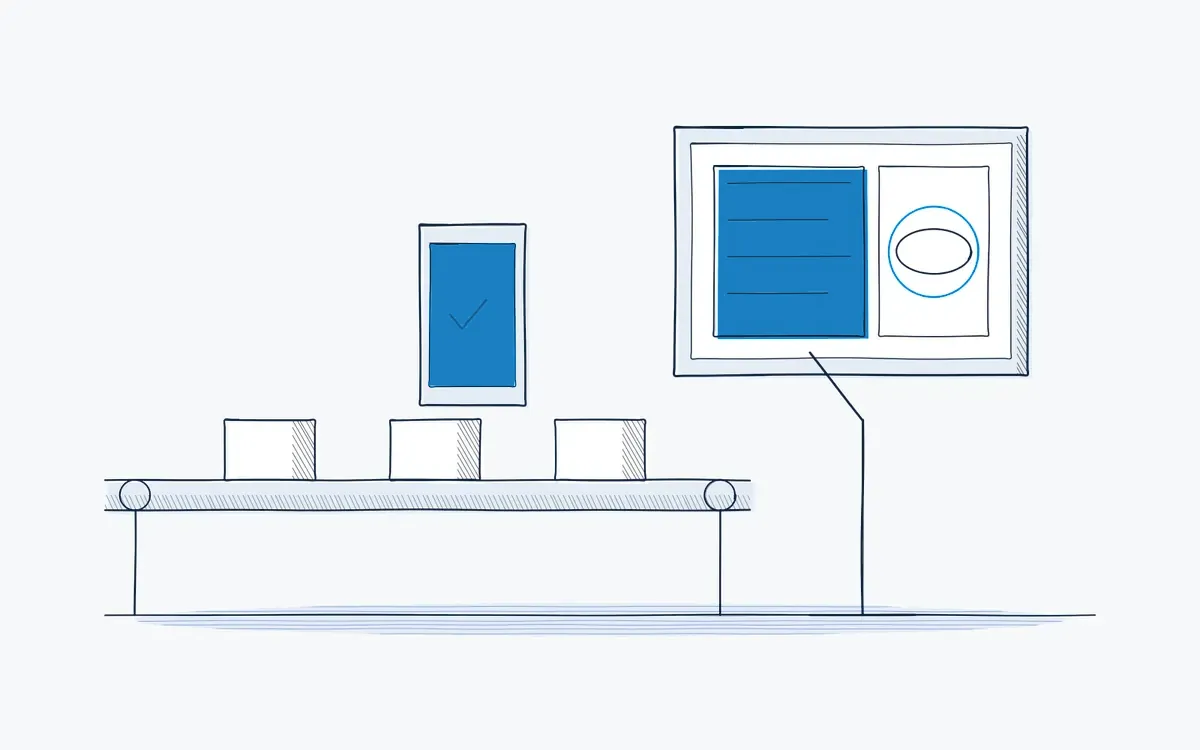
Work instructions on tablet are digital, step-by-step procedures shown on a tablet at the workstation or carried to the task. Most Actarion customers start on tablets: they are familiar, affordable and support AR through the camera. Smartphones cover field service and quick checks. AR glasses can be added later for hands-free tasks.
How it works on the shop floor
How do you set up work instructions on tablet?
- 1
Choose the device.
Consumer tablet with a case, or a rugged industrial tablet for harsh areas.
- 2
Choose the mount.
Arm, stand or wall bracket at the workstation; a strap or holster for mobile work.
- 3
Check Wi-Fi.
Test coverage at every workstation.
- 4
Install and manage.
Roll out the app through your mobile device management.
- 5
Go live.
Start with one line and a handful of instructions.
Why start on a tablet?
- Operators already know how to use a tablet. Training takes minutes.
- Many sites already have tablets and device management in place.
- You prove the value of digital instructions before investing in glasses.
- A tablet on a mount works at fixed workstations without anything to wear.
What can a tablet do for work instructions?
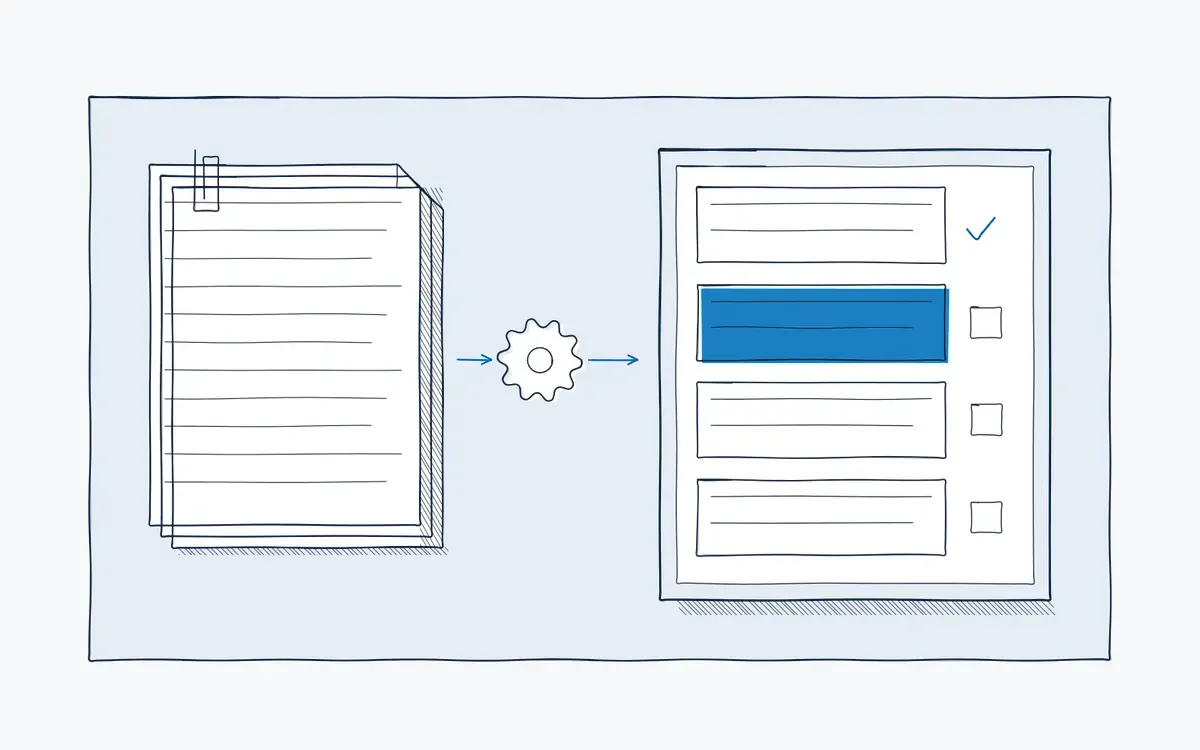
A tablet shows each step with text, images, video and 3D models. Pointing the camera at the equipment shows AR markers on the screen. The operator confirms each step by tapping, adds photos as evidence and starts a remote support call when needed.
Tablet, smartphone or AR glasses?
| Criterion | Tablet | Smartphone | AR glasses |
|---|---|---|---|
| Screen size | Large | Small | In field of view |
| Hands-free | With mount | No | Yes |
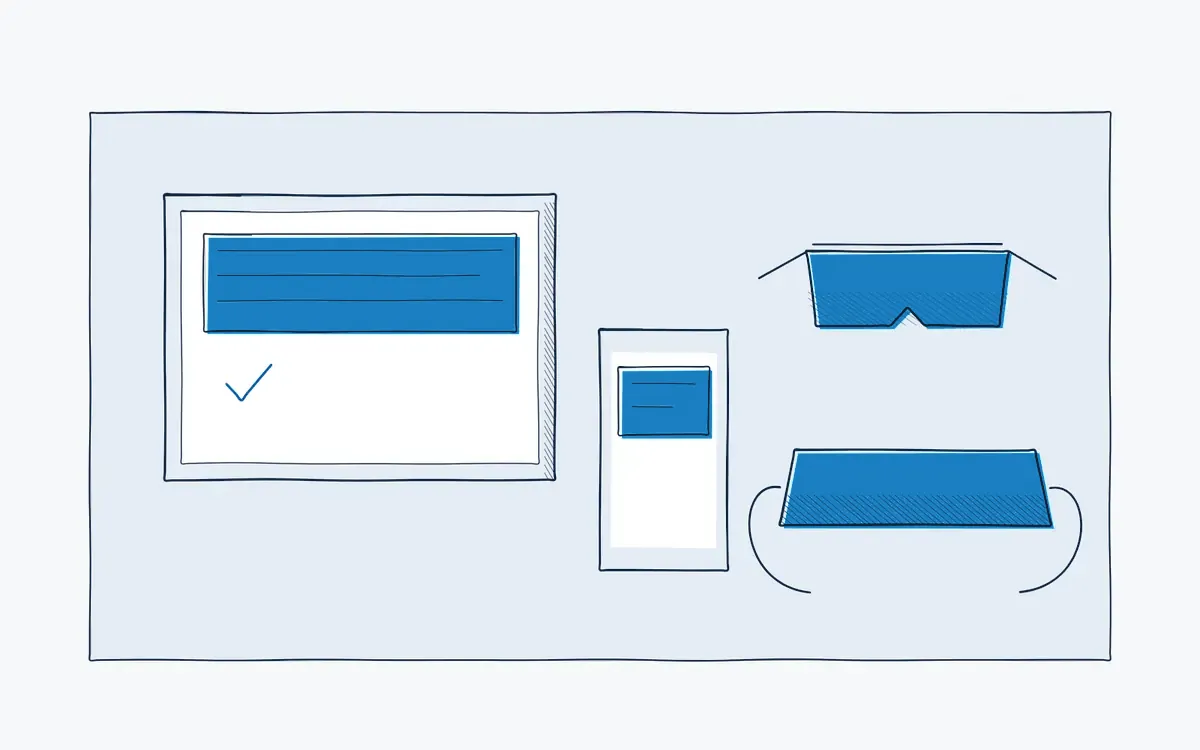
| Best for | Workstations, assembly, onboarding | Field service, quick checks | Maintenance, complex tasks |
| Threshold | Low | Very low | Higher |
See AR glasses vs tablets for the full comparison.
What does it bring each role?
| Role | Benefit |
|---|---|
| Operator | The right step on a familiar screen, at the workstation |
| Team leader | Fast rollout without long training |
| Quality / HSE | Confirmation and photos per step |
| HR / L&D | Onboarding at the real workstation |
Technical points
- Operating systems: iOS/iPadOS and Android.
- Rugged and ATEX: for explosive atmospheres, use certified devices.
- Gloves: check touchscreen use with your gloves, or use a stylus.
How Actarion helps
- We advise on tablets, mounts and placement per workstation.
- We set up the app and instructions for the pilot line.
- We plan the step to AR glasses where the data shows it pays off.
See your SOP on a tablet
- Scope
- 1–2 lines, 1 process
- Duration
- 6–8 weeks
- KPIs
- lead time · first time right · errors
- Prerequisite
- baseline across several shifts
Frequently asked questions
Usually yes. The DeepSight app runs on iPad and on common tablets and smartphones. We check your devices during the intake; for dusty or wet environments we recommend a rugged case.
Yes. The camera shows the equipment, with AR markers on top.
For short tasks and field service, often yes. For longer instructions, a tablet reads better.


See your own process as a digital work instruction.
In 30 minutes we look at your process, your numbers and the fastest route to a measurable pilot. No sales pitch, just concrete advice.