
Use case
Remote expert support: the specialist on site, without traveling
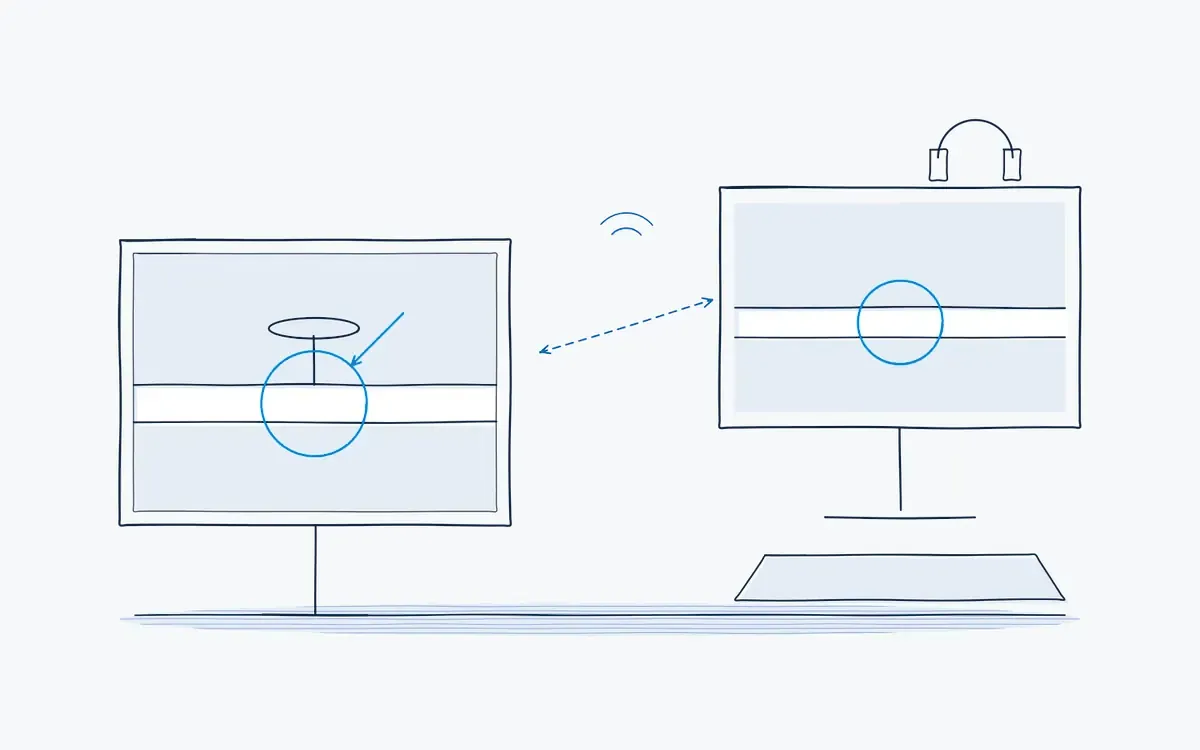
Remote expert support with AR: the specialist sees what the technician sees and marks the right part live. Fix faults faster with fewer trips to the site.
In short
Remote expert support is live help from a specialist who sees what the technician on site sees, via video on a tablet or AR glasses. Actarion combines it with digital work instructions: the expert can draw on the live image, point to the right part and turn the solution into a new instruction.
How it works on the shop floor
How does remote expert support work?
- 1
Start a call from the step.
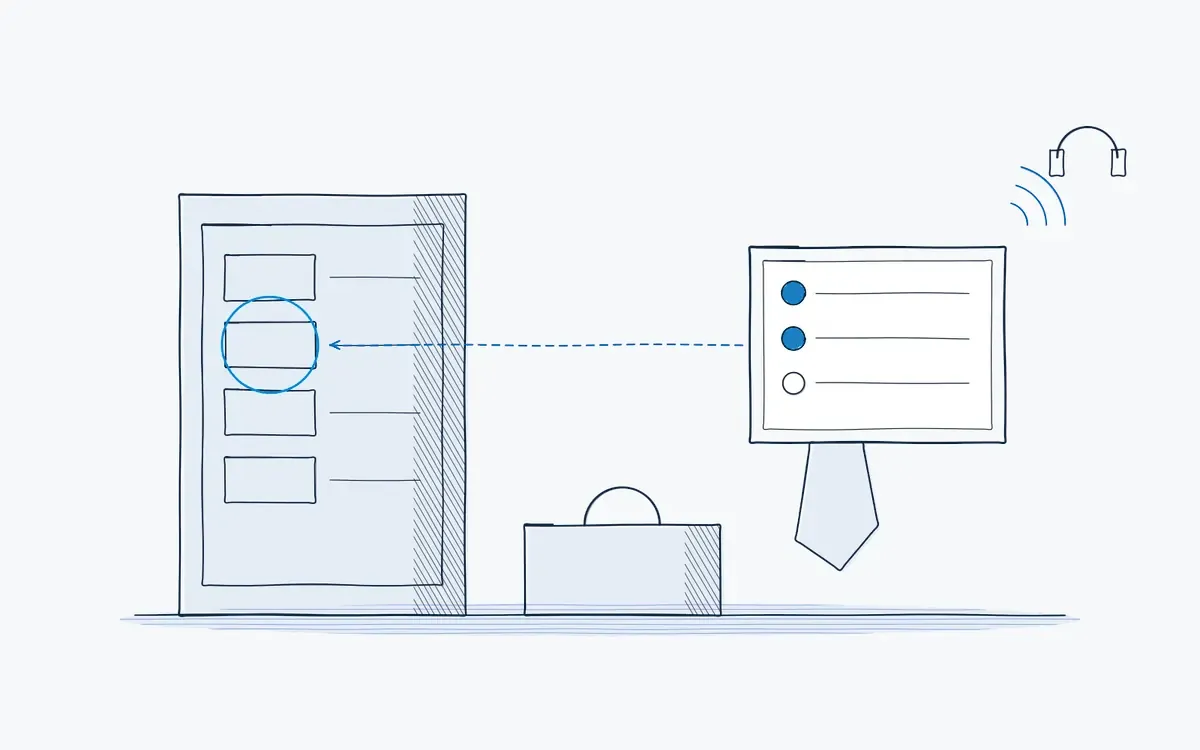
The technician calls for help from within the instruction they are running.
- 2
Share the view.
The expert sees the live camera feed of the tablet or glasses.
- 3
Annotate in AR.
The expert draws arrows and circles that stay on the right part, even when the camera moves.
- 4
Solve and confirm.
The technician carries out the fix, the session is logged.
- 5
Capture the knowledge.
The solution becomes a new step or tip in the instruction, so the next person needs no call.
When does waiting for an expert cost you?
- A machine is down and the only person who knows it works another shift or another site.
- The OEM service engineer has a lead time of days.
- Phone calls go wrong: "the red cable on the left" is not specific enough.
- The same question is solved again and again because the answer is never written down.
What do you measure?
| KPI | What it shows |
|---|---|
| Time to resolution | Minutes from call to fixed |
| First-time fix rate | Share of issues fixed in one visit |
| Expert travel days | Avoided trips |
| Downtime per incident | Production impact |
Results you can expect
Faster fixes, fewer trips and knowledge that stays in the company. In an anonymized transport case, remote support was combined with maintenance and traceability (see cases).
Hardware you need
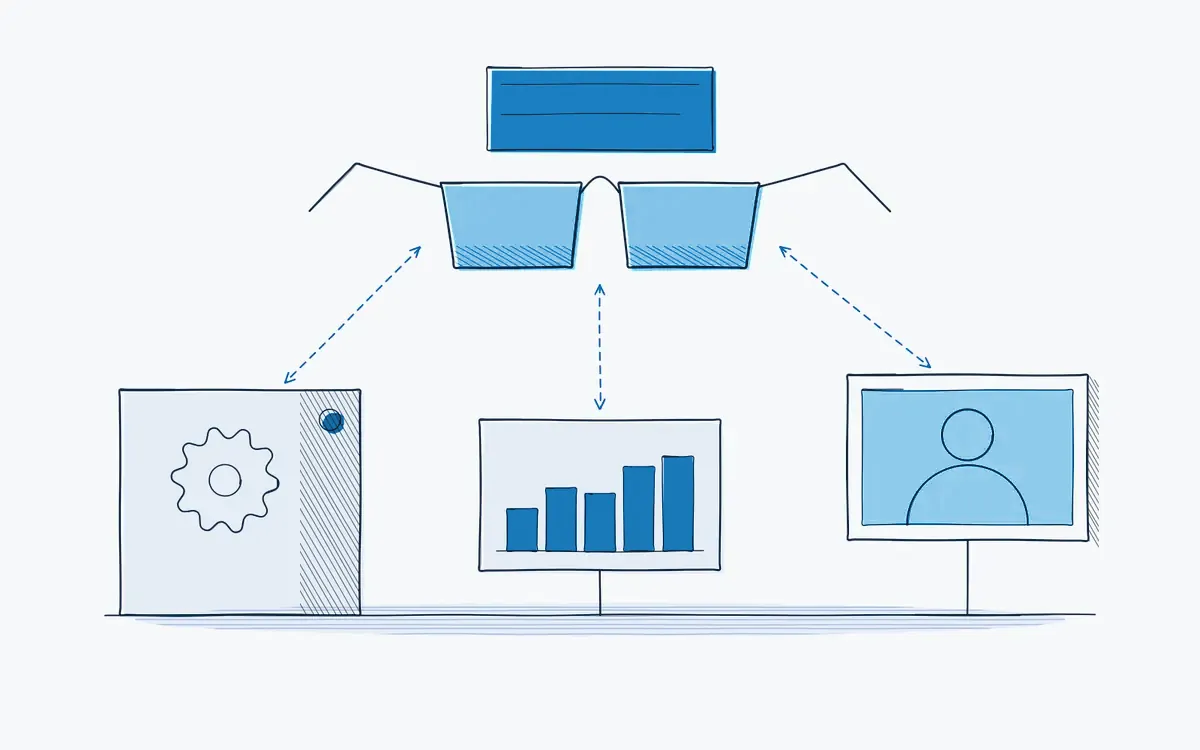
- AR glasses for hands-free work while talking to the expert.
- Tablet or smartphone for quick calls and simple checks.
- The expert uses a laptop or desktop with a browser.
How to start a pilot
Pick a team that often needs a specialist: second-line maintenance, field service or a site without its own expert. Measure time to resolution for a few weeks before and during the pilot. Plan your pilot.
How Actarion helps
- Remote assistance built into the same platform as the instructions.
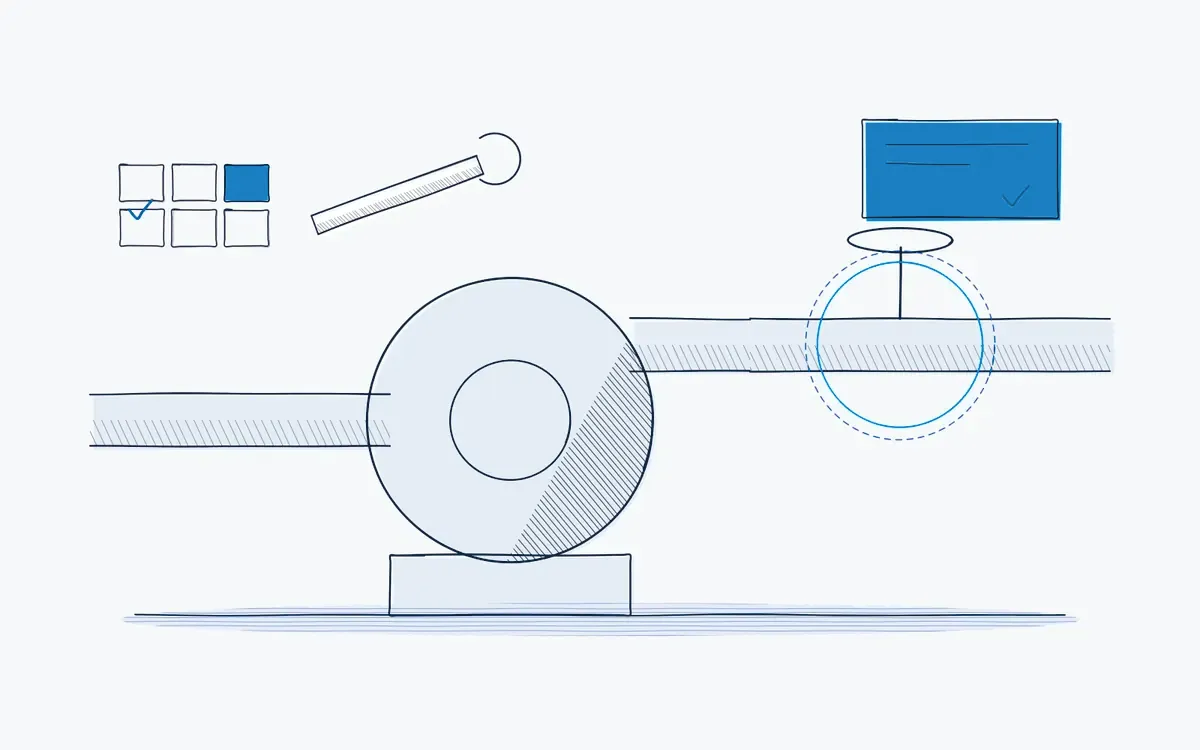
- AR annotations that stick to the object.
- Session logs as part of the audit trail.
- AI turns solved cases into new or better instructions.
- Scope
- 1–2 lines, 1 process
- Duration
- 6–8 weeks
- KPIs
- lead time · first time right · errors
- Prerequisite
- baseline across several shifts
Frequently asked questions
No. Annotations stay anchored on the object in 3D, and the session is linked to the job and its record.
A stable 4G or Wi-Fi connection is normally enough for live video with annotations. Test coverage at the workstation during the pilot; with a weak signal a local Wi-Fi hotspot helps.
Yes, with guest access for the session. You invite the external expert, decide what they see and withdraw access afterwards.


See your own process as a digital work instruction.
In 30 minutes we look at your process, your numbers and the fastest route to a measurable pilot. No sales pitch, just concrete advice.