
Use case
AR picking: the right item, first time, even for new staff
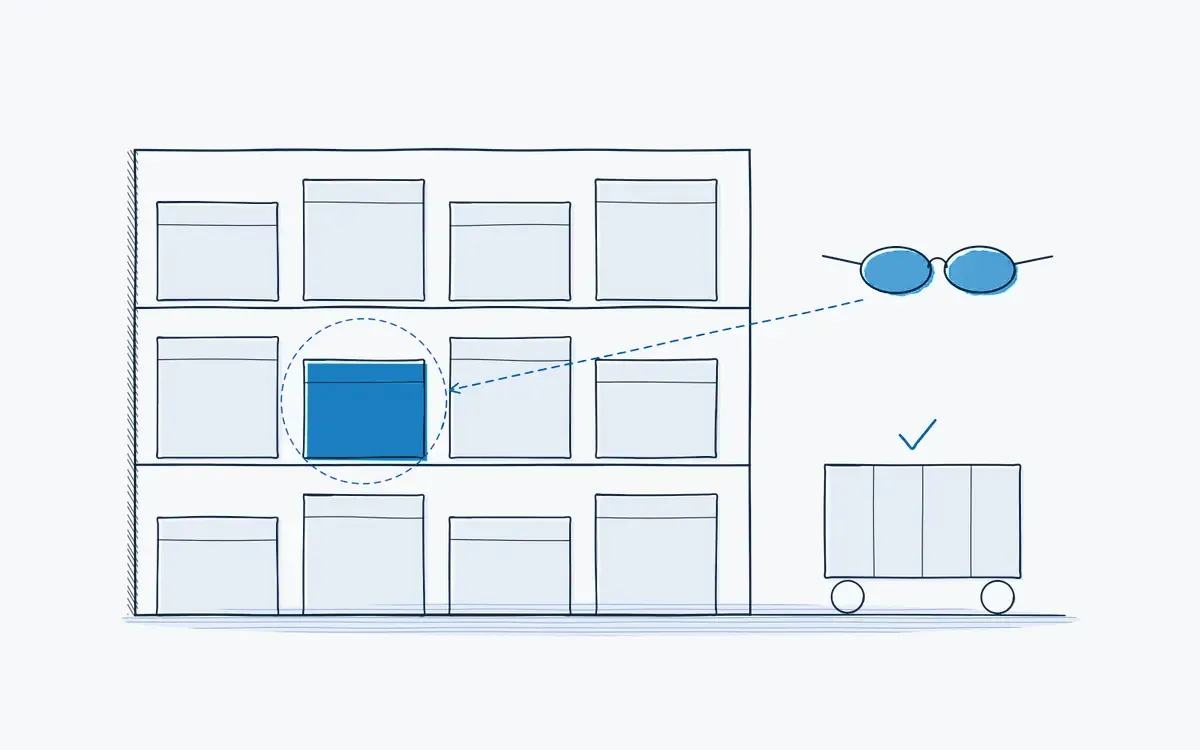
AR picking and digital logistics instructions: pickers see the right location and quantity in their field of view. Fewer errors and faster onboarding.
In short
AR picking means pickers see the location, item and quantity in their field of view through AR glasses, with both hands free. Actarion applies the same approach to other logistics tasks such as kitting, packing and loading: step-by-step instructions with AR guidance and a record of every order.
How it works on the shop floor
How does AR picking work?
- 1
Receive the order
from the WMS.
- 2
Guide to the location.
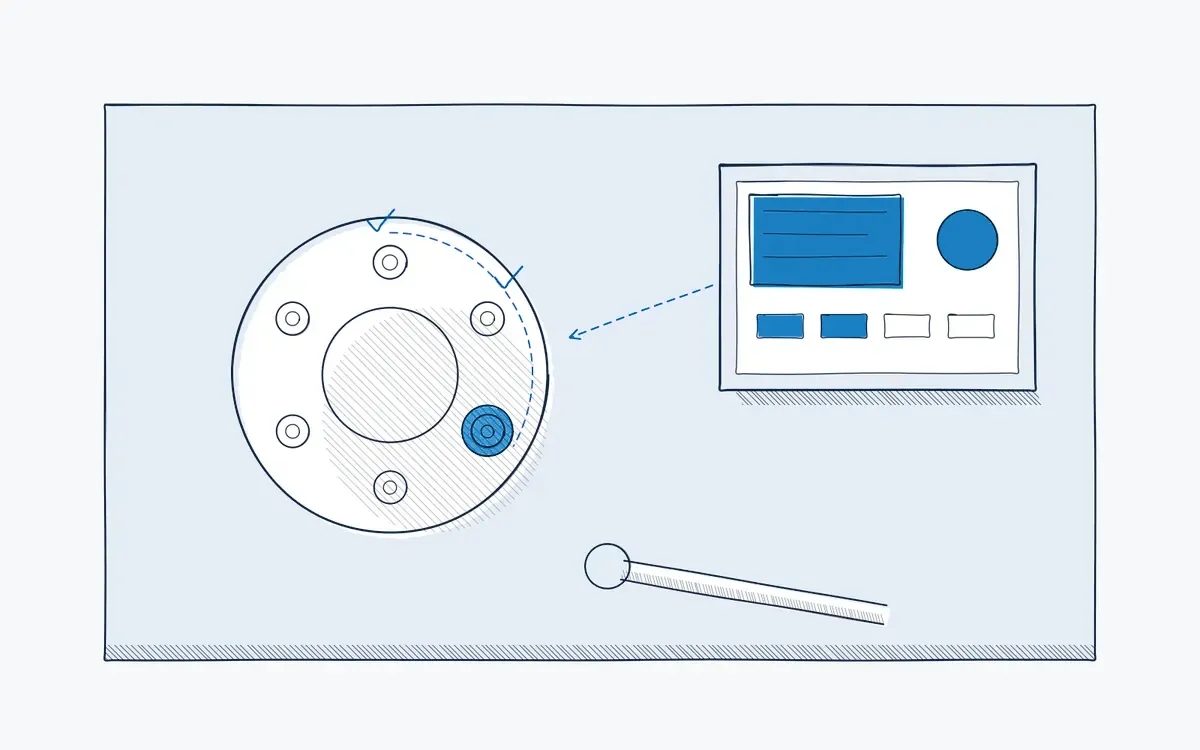
The glasses show the next location and the route.
- 3
Highlight the item.
The right bin or box is marked in AR.
- 4
Confirm by scan.
The picker scans the item or location to confirm.
- 5
Pack by instruction.
Kitting or packing rules appear step by step.
- 6
Log the order.
Time, picker and deviations are stored.
What causes errors in the warehouse?
- Seasonal and temp staff who do not know the layout or the items.
- Similar items in adjacent locations.
- Paper pick lists or handheld screens that pull attention away from the shelf.
- Special packing or kitting rules that only a few people know.
What do you measure?
| KPI | What it shows |
|---|---|
| Pick accuracy | Share of order lines without errors |
| Picks per hour | Productivity |
| Onboarding time for temp staff | Time until normal pace |
| Returns due to wrong items | Customer impact |
Results you can expect
Fewer picking errors, faster onboarding of temp staff and better data per order.
Hardware you need
- AR glasses for hands-free picking.
- Tablet on a cart as an alternative for kitting or packing stations.
- Barcode scanning via device camera or ring scanner.
How to start a pilot
Choose one zone or one complex process, such as kitting for the production line. Measure pick accuracy and onboarding time for temp staff before and during the pilot. Plan your pilot.
Common mistakes in a pilot
- Starting with the whole warehouse. One zone or one complex process gives clearer data and faster learning.
- No baseline for pick accuracy. Without it you cannot prove the effect on errors.
- Ignoring the WMS link. Agree early how orders reach the device, even if the pilot uses a manual export.
- Only testing with experienced pickers. The biggest gain is usually with temp and seasonal staff, so include them.
How Actarion helps
- Digital instructions for picking, kitting, packing and loading.
- AR guidance that keeps eyes on the shelf.
- Quick onboarding for temp and seasonal staff.
- Data per order for quality and continuous improvement.
- Scope
- 1–2 lines, 1 process
- Duration
- 6–8 weeks
- KPIs
- lead time · first time right · errors
- Prerequisite
- baseline across several shifts
Frequently asked questions
No. It often pays off first in complex processes like kitting for production, where errors stop the line.
Shift length and comfort differ by device. We test this during the pilot with your team.
Integration is project-specific, through the API or CSV export. A pilot usually needs no integration.



See your own process as a digital work instruction.
In 30 minutes we look at your process, your numbers and the fastest route to a measurable pilot. No sales pitch, just concrete advice.