Skills Matrix Template: See Who Can Do What on Every Shift
Free skills matrix template for production teams: 0–4 scale, targets, gaps and training plan. Fill-in guide and example. Copy it straight into Excel.

Short answer
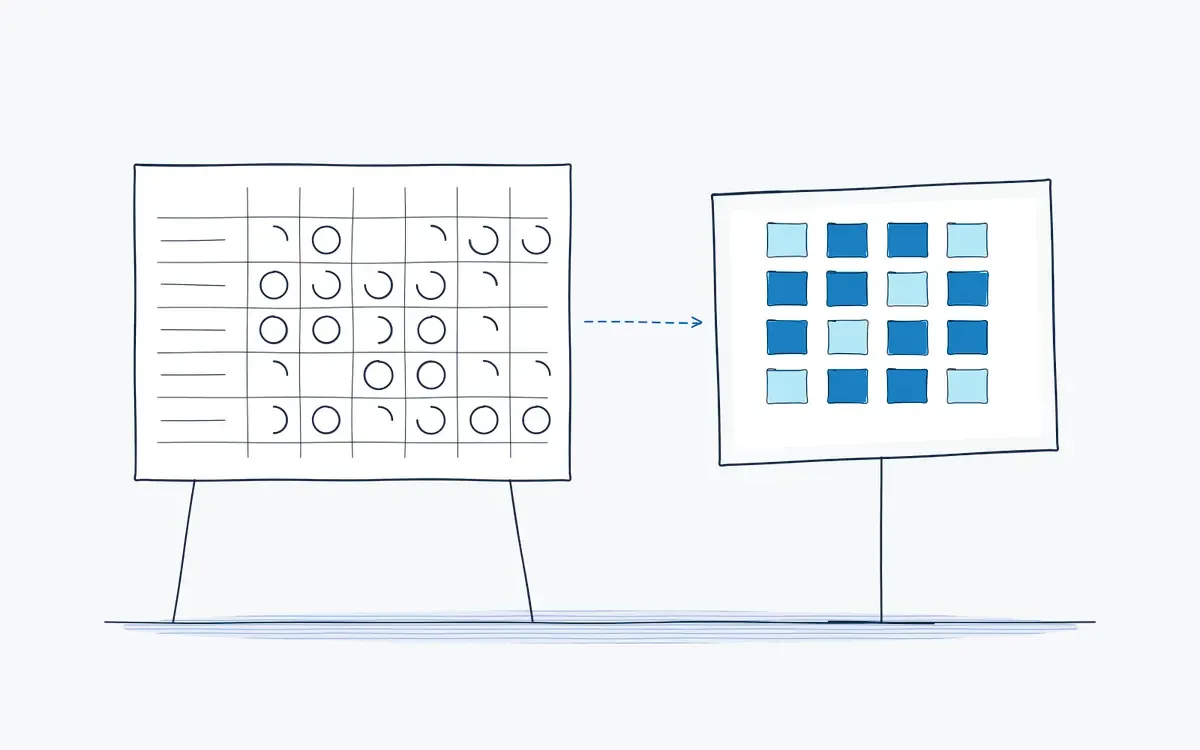
A skills matrix is a grid that shows, per employee, which tasks they can perform and at what level. This free skills matrix template uses a 0–4 scale, a target per task and a gap row, so team leaders can plan shifts and training. Actarion keeps the skills matrix current automatically from completed AR-guided work instructions.
Why do shift plans fail on skills?
- One sick operator and nobody else can run the changeover.
- Training records sit in HR, not with the team leader.
- The matrix on the wall is months out of date.
- Auditors ask for proof of qualification and it takes a day to find.
What is a skills matrix and when do you use it?
A skills matrix (also called training matrix or competency matrix) maps people against tasks and shows the qualification level for each. Use it to plan shifts, spot single points of failure and prioritize training. ISO 9001 clause 7.2 requires you to determine competence and keep evidence; a skills matrix is the most common way to do that.
The skills matrix template
Scale
| Level | Meaning |
|---|---|
| 0 | Not trained |
| 1 | In training: works under supervision |
| 2 | Qualified: works independently to standard |
| 3 | Experienced: handles deviations and problems |
| 4 | Trainer: can train and sign off others |
Matrix (team: ______ · area: ______ · updated: ______)
| Employee | Shift | Task A | Task B | Task C | Task D | Task E | Task F |
|---|---|---|---|---|---|---|---|
| Target: number of people at level ≥ 2 | |||||||
| Actual at level ≥ 2 | |||||||
| Gap | |||||||
| Trainers (level 4) available |
Training plan
| Employee | Task | Current → target level | Trainer | Planned date | Signed off |
|---|---|---|---|---|---|
| [ ] | |||||
| [ ] |
How do you fill in the skills matrix?
- 1Tasks. list tasks, not job titles. Use the same names as your work instructions, e.g. "Changeover line 3" or "Daily PM filler".
- 2Levels. only a trainer (level 4) or team leader assesses. Level 2 requires a practical sign-off, not just attendance.
- 3Target. set per task how many qualified people you need per shift. A common rule is at least three per critical task.
- 4Gap. target minus actual. Any task with one qualified person is a single point of failure.
- 5Training plan. turn the largest gaps into named training actions with dates.
- 6Update. review monthly and after every training or staff change.
Read the full skills matrix guide.
Example (packaging team, early shift)
| Employee | Changeover | Line clearance | Daily PM | Label printer |
|---|---|---|---|---|
| Operator 1 | 4 | 3 | 2 | 2 |
| Operator 2 | 2 | 2 | 1 | 0 |
| Operator 3 | 1 | 2 | 2 | 3 |
| Target ≥ 2 | 3 | 3 | 3 | 2 |
| Gap | 1 | 0 | 1 | 0 |
Action: train Operator 3 on changeover (trainer: Operator 1) and Operator 2 on daily PM.
From paper to digital with Actarion
- Automatic updates: each completed AR-guided instruction counts as evidence in the skills matrix of the DeepSight console.
- Gated tasks: operators only get instructions they are qualified for, or a training mode for the rest.
- Training on the job: new people learn with step-by-step AR guidance instead of shadowing for weeks.
- Audit-ready: show qualification evidence per person, task and instruction revision in minutes.
See frontline training for how it works.
Frequently asked questions
Mostly naming. A training matrix often tracks completed courses; a skills matrix tracks demonstrated ability per task.
A 0–4 scale works well in production. Keep the definitions short and tied to observable behavior.
At least monthly, and immediately after training, sign-offs or staffing changes.
ISO 9001 requires evidence of competence. It does not prescribe a format, but a skills matrix is the most common evidence.