What Is a Connected Worker? Definition, Building Blocks, Use Cases
Contents

Short answer
A connected worker is a frontline employee who uses digital tools, such as a tablet, smartphone or AR glasses, to get the right instructions, data and expert help at the moment of work, while their actions are logged. Actarion builds connected worker solutions around your SOPs: AI-generated instructions, AR guidance, skills data and an audit trail.
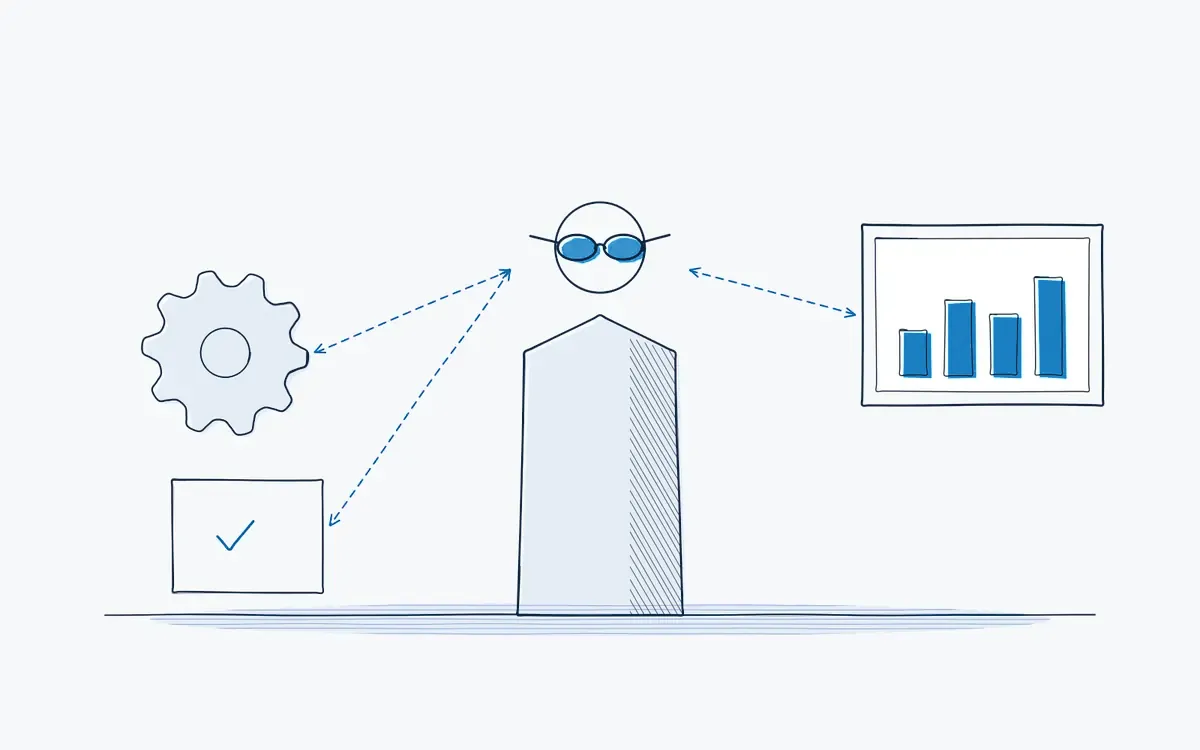
What problem does a connected worker solve?
- Office systems (ERP, MES, QMS) are digital, but the person at the machine still works from paper.
- Team leaders don't know who is qualified for which task until something goes wrong.
- When a machine fails at night, the expert is at home and the line waits.
- Audit evidence is a stack of signed forms that someone has to type in.
What is a connected worker?
"Connected worker" describes the operator, technician or inspector who is connected to information, people and systems while working. The term covers both the person and the technology around them. A connected worker platform is the software that delivers instructions, captures data and links to other systems.
| Traditional worker | Connected worker | |
|---|---|---|
| Instructions | Paper binder or PDF | Step by step on device, with AR |
| Help | Walk to find a colleague | Remote expert sees what you see |
| Qualification | Excel list in HR | Live skills matrix |
| Evidence | Signed form | Automatic log per step |
| Improvement | Annual review | Feedback per step, per day |
What are the building blocks?
- 1Digital work instructions. step-by-step guidance with photos, video or AR.
- 2Data capture. confirmations, measurements, photos and deviations per step.
- 3Skills and training. who may do what, and what training is due.
- 4Remote assistance. live video with an expert who can annotate the view.
- 5Integrations. links to MES, ERP, CMMS or QMS where it adds value.
How do you start in 5 steps?
- 1Pick one painful process: a changeover, a maintenance task or onboarding.
- 2Define two to four KPIs, such as changeover time, first-time-right or time to co. Define two to four KPIs, such as changeover time, first-time-right or time to competence.
- 3Digitize the SOPs for that process.
- 4Run a pilot on one line or team for a fixed period.
- 5Evaluate against the KPIs and decide where to scale.
Example from the shop floor
A maintenance technician gets a work order for a gearbox inspection. On AR glasses, the inspection steps appear next to the gearbox. They confirm each check, take a photo of the oil level and flag one leaking seal. The deviation goes to the planner automatically, and the inspection record is complete without paperwork.
Common mistakes
- Starting with hardware. Buying glasses before choosing a use case leads to devices in a drawer.
- Trying to connect everything at once. Start with one process and prove value.
- Ignoring the operator. If the tool slows people down, they will work around it.
- No owner for content. Digital instructions still need someone to keep them current.
How do you measure success?
Measure before you change anything. Record a baseline for two to four weeks, then compare after the rollout using the same definitions. These KPIs are the most useful:
| KPI | What it tells you | How you measure it |
|---|---|---|
| Paper forms removed | Progress of digitization | Paper forms replaced by digital flows |
| Time to competence | Whether guidance speeds learning | Days to sign-off per task |
| Data completeness | Whether records are audit-ready | Share of executions with full records |
| Time to expert help | Whether remote support works | Minutes from question to answer |
Keep the list short: three KPIs that the team leader reviews every week beat ten that nobody looks at. Agree on the definitions with quality and finance up front, so the results hold up in a business case.
How Actarion helps
- SOP → AI → AR: we turn your existing procedures into guided digital instructions.
- Device-agnostic: tablet, Apple Vision Pro, HoloLens 2 or Android XR, depending on the task.
- Skills matrix and audit trail built in, through technology partner DeepSight.
- Remote assistance for expert support without travel.
- Four-step approach: briefing, use case discovery, pilot with fixed KPIs, then scale.
Explore the connected worker platform.
Frequently asked questions
Software that gives frontline workers digital instructions, captures their data and connects them to experts and business systems.
It is the human side of it. Industry 4.0 connects machines; connected worker connects the people who run and maintain them.
No. Many use cases start on a tablet. Glasses add value when both hands are needed.
Usually 6 to 8 weeks on one line or process, including capturing the first instructions in 1 to 2 days. We agree the KPIs up front and measure them at the end, across several shifts.