AR in Manufacturing: Use Cases That Pay Off and How to Start
Contents

Short answer
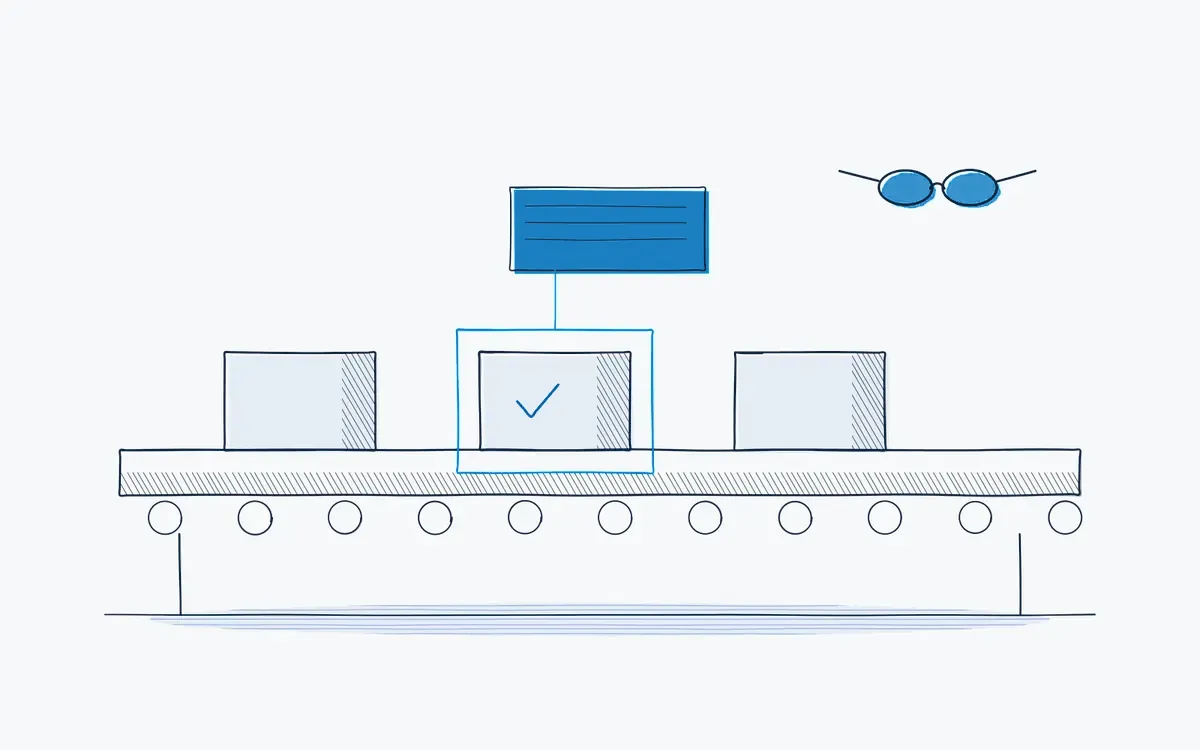
AR in manufacturing means projecting digital information, such as work steps, arrows or checks, onto the real machine or product through a tablet or smart glasses. It helps operators find the right part, follow the right sequence and record what they did. Actarion uses AR to execute your SOPs as guided digital work instructions with an audit trail.
Which problems does AR solve?
- Complex variants that are built rarely, so nobody remembers the sequence.
- New operators who need weeks before they can work without a buddy.
- Maintenance on equipment that is serviced once a year.
- Errors that come from looking at a manual and then at the machine, and mixing them up.
What is augmented reality in manufacturing?
Augmented reality (AR) overlays digital content on the real world. Unlike virtual reality (VR), the user still sees the real workstation. In manufacturing, AR is mostly used to show where and what next: an arrow on the right valve, a highlight on the next bolt, a checklist floating next to the machine.
| Paper / PDF | Digital instruction (tablet) | Digital + AR | |
|---|---|---|---|
| Finding the right part | Compare photo with machine | Compare photo with machine | Marked on the part itself |
| Sequence | Reader decides | Guided step by step | Guided, on the object |
| Hands | Holding paper | Tablet on a stand | Hands-free with glasses |
| Evidence | Signature | Log per step | Log per step, plus photo |
Which AR use cases pay off first?
- 1Changeovers. fixed sequence, many steps, direct impact on downtime.
- 2Maintenance and inspection. infrequent tasks where memory fails.
- 3Onboarding and training. learning at the real workstation.
- 4Complex assembly and variants. the right part in the right place.
- 5Quality checks. guided inspection with photo evidence.
- 6Remote assistance. an expert sees what the technician sees.
Which devices are used?
- Tablets: the most common starting point, robust and familiar.
- Mixed reality headsets: such as Apple Vision Pro and Android XR devices, for rich 3D overlays.
- HoloLens 2: widely deployed in industry; Microsoft ended production in 2024 and will support it with security updates until the end of 2027. See HoloLens 2 alternatives.
- Smart glasses: lightweight devices that show a display in the field of view, for hands-free checklists.
See our hardware overview.
How do you start with AR in 5 steps?
- 1Pick one use case with a measurable problem.
- 2Define two to four KPIs and a baseline.
- 3Convert the relevant SOPs into digital instructions.
- 4Choose the device that fits the task, not the other way around.
- 5Run a time-boxed pilot, evaluate, then scale.
Common mistakes
- Starting with the headset. Devices without a use case end up in a drawer.
- 3D content for everything. Many steps only need a photo and a check.
- Ignoring IT and safety. Wi-Fi, device management and PPE compatibility need attention early.
- No owner for content. AR instructions still need updating after changes.
How do you measure success?
Measure before you change anything. Record a baseline for two to four weeks, then compare after the rollout using the same definitions. These KPIs are the most useful:
| KPI | What it tells you | How you measure it |
|---|---|---|
| Time to competence | How fast new operators work alone | Days from start to sign-off per task |
| First-time-right rate | Whether AR prevents errors | Share of jobs done right without rework |
| Task time | Whether guidance slows or speeds work | Average minutes per execution |
| User adoption | Whether operators actually use it | Share of executions done with AR guidance |
Keep the list short: three KPIs that the team leader reviews every week beat ten that nobody looks at. Agree on the definitions with quality and finance up front, so the results hold up in a business case.
How Actarion helps
- SOP → AI → AR: existing procedures become guided AR instructions.
- Device choice per task: tablet, Apple Vision Pro, HoloLens 2 or Android XR.
- Audit trail: time, confirmations and deviations per execution.
- Remote assistance and skills data through technology partner DeepSight.
- Pilot with fixed KPIs, then scale across lines and sites in Europe.
Frequently asked questions
AR adds information to the real workstation. VR replaces it with a virtual environment, mostly for training away from the line.
No. Tablets support AR too, and are often the best starting point.
For guided instructions, inspection and remote support, yes: it is in daily use in many plants. Choose use cases where the value is clear.