Visual Work Instructions: How to Show Instead of Tell
Contents

Short answer
Visual work instructions are work instructions that use photos, drawings, video or AR overlays instead of long text to show each step. They are faster to understand, work across languages and reduce interpretation errors. Actarion creates visual instructions from your existing SOPs with AI and shows them on a tablet or AR glasses, right on the part.
Why text-only instructions fail
- Your workforce speaks five languages, and the instruction speaks one.
- "Turn the left valve" is ambiguous when there are three valves on the left.
- Operators skim long text and fill the gaps with assumptions.
- Quality issues are traced back to "misunderstood instruction" again and again.
What are visual work instructions?
Visual work instructions show where and how with an image for every step, and keep text to a short command. The visual carries the information; the text confirms it. They range from annotated photos on a printed sheet to 3D overlays in AR glasses that point at the exact bolt.
Which visual format fits which task?
| Format | Best for | Limitation |
|---|---|---|
| Annotated photo | Simple, stable tasks | Static, goes out of date |
| Drawing / exploded view | Assembly sequences | Takes effort to make |
| Short video clip | Movements, technique | Hard to scan, needs a screen |
| AR overlay (tablet) | Locating parts, sequence on the real object | Needs a device at the workstation |
| AR overlay (glasses) | Hands-free tasks, maintenance | Needs suitable glasses and setup |
How do you create visual work instructions in 6 steps?
- 1Start from a clean step list. One action per step, verb first. See how to write work instructions.
- 2Capture at the workstation. Photograph or film from the operator's point of view, not from the side.
- 3One focus per visual. Crop tight. Mark the part with an arrow or circle in one consistent color.
- 4Show OK and NOK. For quality checks, put the good and the bad example side by side.
- 5Keep text to one line. The visual explains; the text names the action and the value.
- 6Test without explanation. If a new operator needs to ask, the visual is not clear enough.
Example
Step from a valve line-up in a chemical plant:
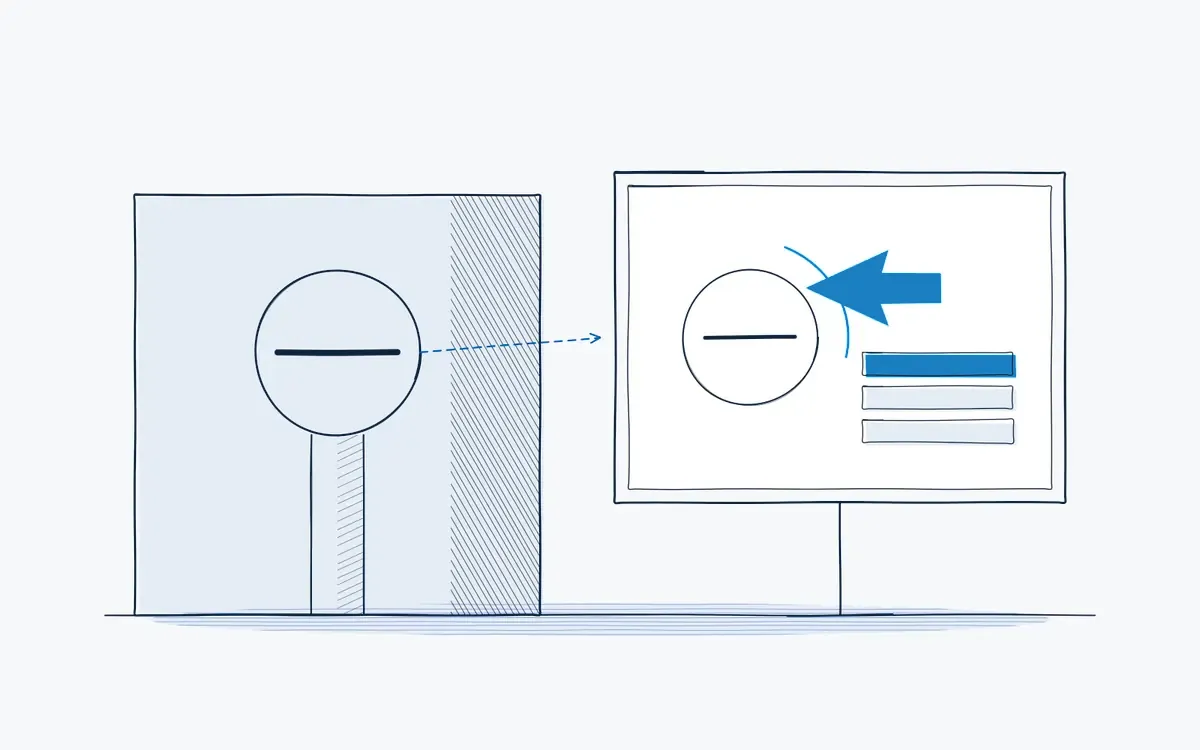
- Visual: photo of the valve manifold from the operator's position, valve V-12 circled, arrow showing the turn direction.
- Text: "Close V-12 (clockwise, quarter turn)."
- Check: photo confirmation that the handle is perpendicular to the pipe.
In AR, the circle and arrow appear directly on the real valve, so the operator does not have to match photo to reality.
Common mistakes
- Photos from the wrong angle. If the operator stands in front, shoot from the front.
- Too much in one image. Five arrows in one photo is five steps.
- Mixing colors and symbols. Use one color for "act here" and keep it consistent.
- Visuals that are never updated. After a machine change, old photos are worse than none.
How do you measure success?
Measure before you change anything. Record a baseline for two to four weeks, then compare after the rollout using the same definitions. These KPIs are the most useful:
| KPI | What it tells you | How you measure it |
|---|---|---|
| Questions per task | Whether visuals make it clear | Questions to the team leader per shift |
| First-time-right rate | Whether operators do it right | Share of jobs without rework |
| Time to competence | Whether visuals speed learning | Days to sign-off per task |
| Language-related errors | Whether visuals bridge language gaps | Deviations by non-native speakers |
Keep the list short: three KPIs that the team leader reviews every week beat ten that nobody looks at. Agree on the definitions with quality and finance up front, so the results hold up in a business case.
How Actarion helps
- AI authoring: turn existing SOPs and videos into a draft of visual, step-by-step instructions.
- AR on the real object: markers and arrows on the part itself, on tablet or AR glasses.
- Photo confirmation: operators capture evidence at critical steps for the audit trail.
- One live version: update a visual once and every workstation has it.
- Pilot with fixed KPIs, delivered with technology partner DeepSight.
Frequently asked questions
For most hands-on tasks, yes: they are faster to grasp and less language-dependent. Keep a short text line for the action and values.
Yes. The visual carries most of the information, and short text lines are easy to translate.
No. Annotated photos on a tablet are a good start. AR adds value when locating the right part is the hard part.