
Use case
Assembly work instructions that prevent errors at every variant
Digital assembly work instructions with AR guidance: fewer variant errors, less rework and a full record of every build. Start with a pilot on one line.
In short
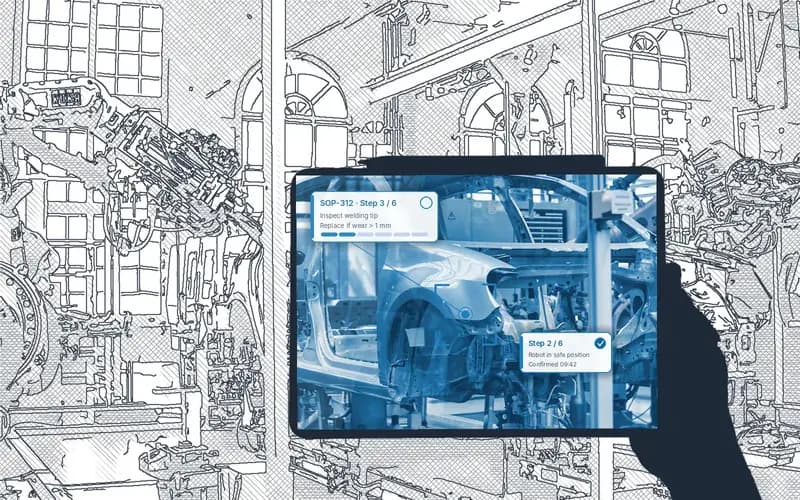
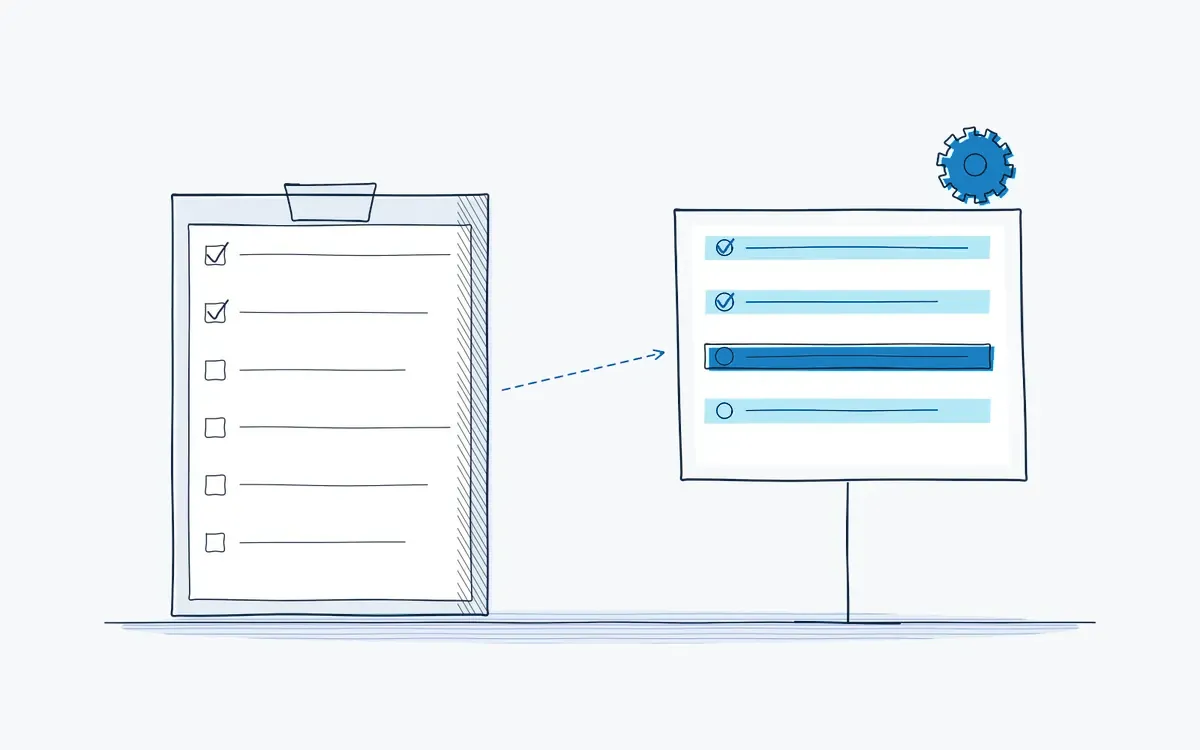
Assembly work instructions describe, step by step, how to build a product or module correctly. Actarion turns your existing assembly instructions into digital steps with AR guidance: the operator sees which part goes where, in which order and with which torque. Every build is logged, so quality can trace each unit.
How it works on the shop floor
How do digital assembly instructions work?
- 1
Import the existing instruction
(Word, PDF, drawings, photos).
- 2
AI splits it into steps
with one action per step, parts list and tools.
- 3
Add AR markers
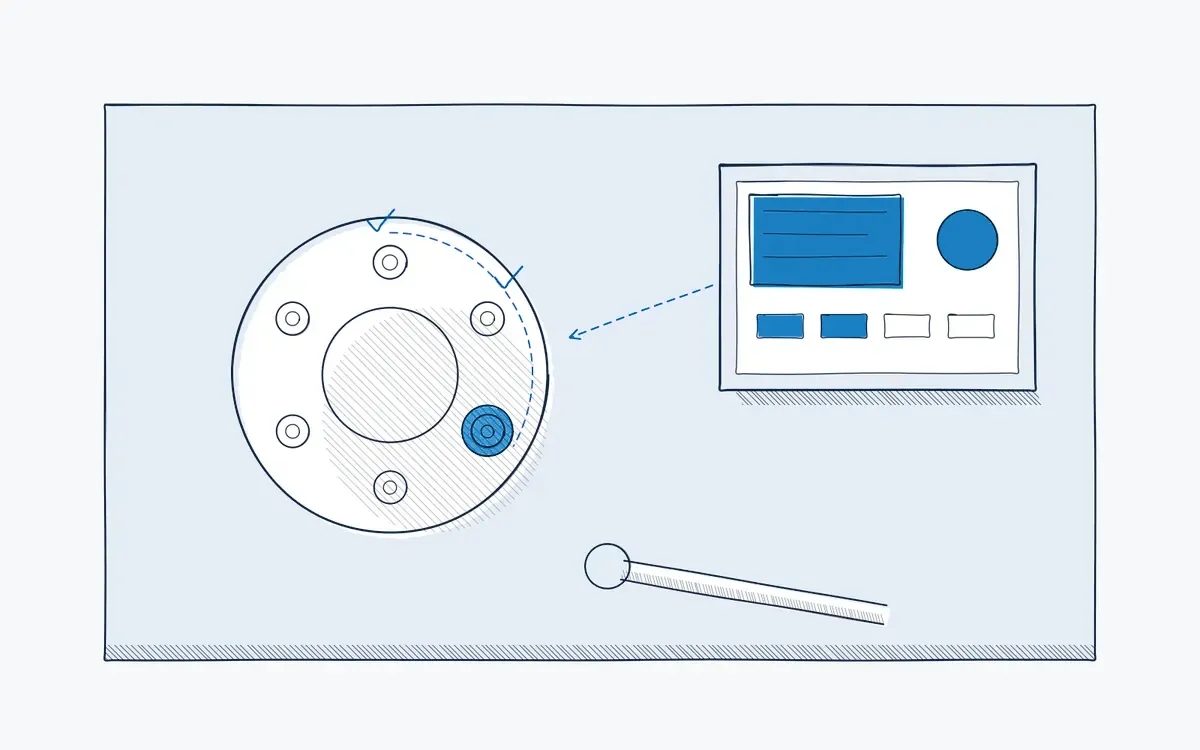
the next part, bolt or connector is highlighted on the product.
- 4
Add checks
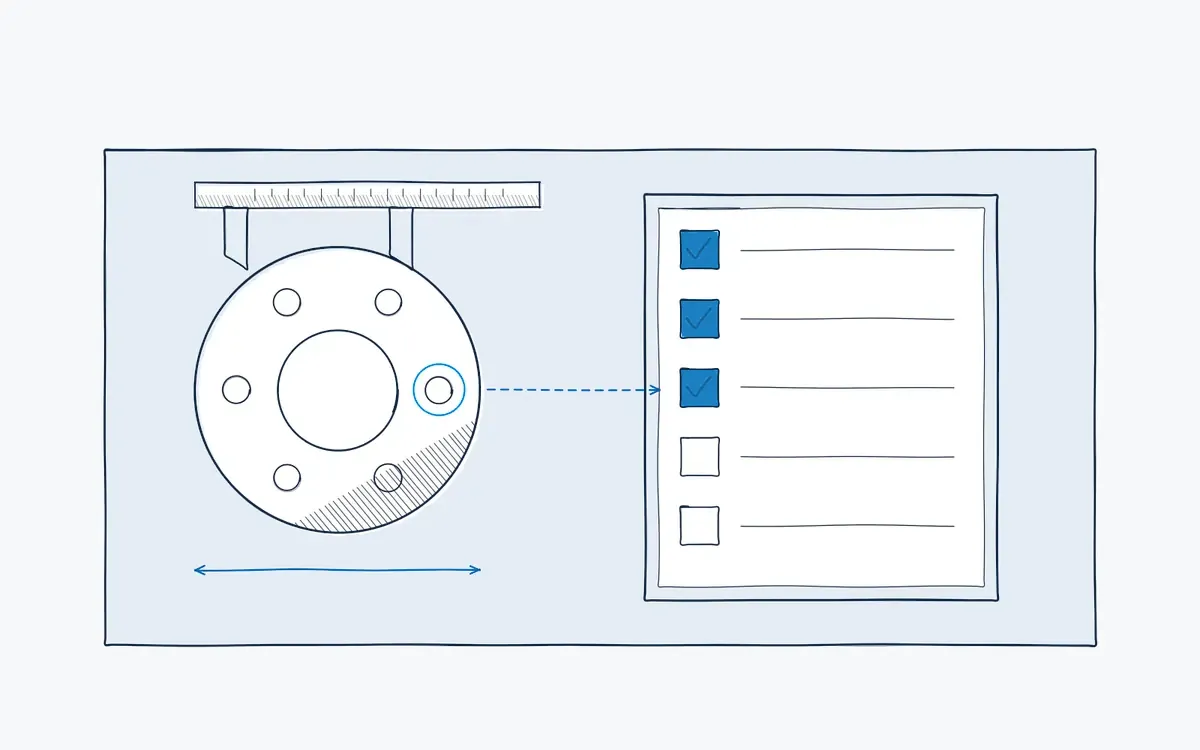
torque values, photo confirmation or a scan of the part number at critical steps.
- 5
Execute and log
each unit gets a record with time, operator and deviations.
- 6
Update once
a change in the studio reaches every station at once.
What goes wrong in assembly today?
- Many variants and small batches: operators build from memory and mix up versions.
- Engineering changes reach the line late, so the old drawing is still in use.
- Rework and field returns trace back to a missed step or a wrong part.
- Experienced assemblers carry the tricks that are not in any document.
What do you measure?
| KPI | Why it matters |
|---|---|
| First-time-right rate | Share of units built without rework |
| Assembly errors per 1,000 units | Direct quality cost |
| Cycle time per variant | Effect of clear instructions on speed |
| Time to implement an engineering change | How fast the line follows the design |
Results you can expect
Fewer variant errors, faster learning on new products and traceability per unit. We set the baseline together during the pilot.
Hardware you need
- Tablet on a stand at the workstation: hands free, screen at eye level.
- AR glasses for large products or work where the operator moves around.
- Optional: barcode scanner or connection to MES.
How to start a pilot
Choose one product family with frequent errors or many variants. Bring the current instructions and your rework data. We build the digital version, run it on one station and compare against the baseline. Plan your pilot.
How Actarion helps
- AI converts your current assembly instructions into clear visual steps.
- AR guidance shows the right part in the right place.
- Built-in checks stop the operator before an error moves downstream.
- Audit trail per unit for quality and customer audits.
- Scope
- 1–2 lines, 1 process
- Duration
- 6–8 weeks
- KPIs
- lead time · first time right · errors
- Prerequisite
- baseline across several shifts
Frequently asked questions
Yes. The platform imports common 3D formats such as GLB/glTF, FBX, OBJ, STEP and STL, for example exported from SolidWorks. Photos and short videos also work well.
For cycles under a minute, a tablet with large visuals works better than glasses. Steps can be grouped so the operator is not slowed down.
You change the instruction once in the studio. Every station shows the new version and the old one is archived.


See your own process as a digital work instruction.
In 30 minutes we look at your process, your numbers and the fastest route to a measurable pilot. No sales pitch, just concrete advice.