
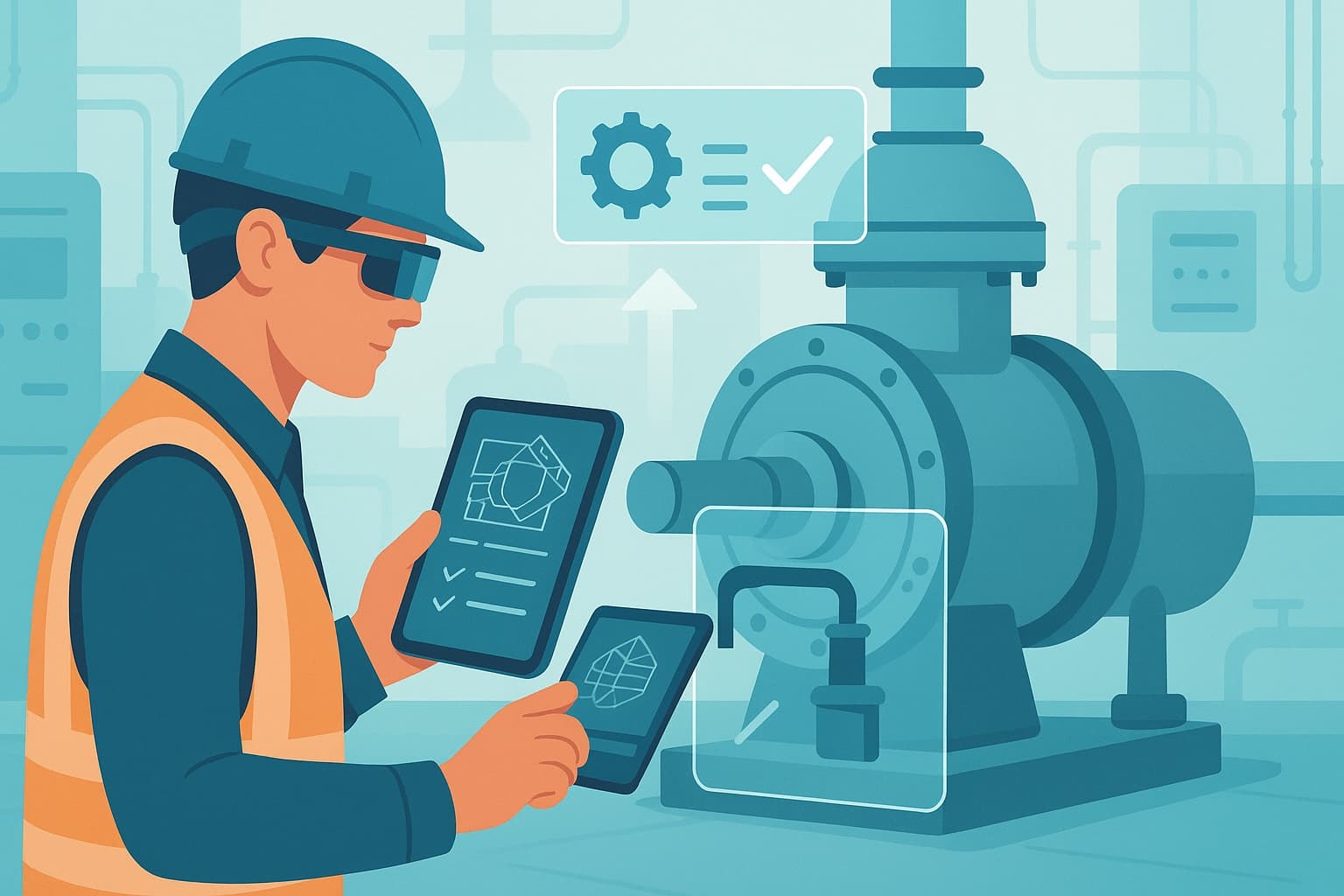
Selecting the right hardware for AR on the job—smart glasses, tablets, or smartphones—directly impacts productivity, safety, and quality in industrial environments. As AR and AI–guided work instructions become standard in maintenance, inspections, training, and safety, operations leaders face a critical decision: which device delivers the best results for their teams and processes?
AR hardware options are multiplying—and so are the choices
Industrial companies are moving quickly to digitize processes and introduce AR–guided work instructions. The hardware landscape, however, is complex. Smart glasses promise hands-free operation. Tablets offer larger screens and flexibility. Smartphones are everywhere and familiar. Each device has strengths and trade-offs.
Choosing the right AR hardware is not about following trends or picking the latest gadget. It is about matching device capabilities to your environment, task requirements, safety standards, and workforce needs.
The case for change: why hardware choice matters now
Industrial sectors are under pressure to boost efficiency, reduce errors, and upskill teams—often with fewer resources and tighter compliance demands. Traditional paper SOPs and manual training are too slow and error-prone for today’s pace.
Digital work instructions, delivered through AR and AI, help address these challenges by:
- Standardizing procedures across shifts and sites
- Enabling real-time guidance and remote support
- Reducing onboarding time and skill gaps
- Improving data capture for compliance and audits
But the impact of digital instructions depends on how teams access and interact with them. Hardware that is awkward, unsafe, or ill-suited to the environment can undermine even the best AR content.
Recent research from PwC and the Fraunhofer Institute highlights that device usability and task fit significantly affect both safety and productivity in industrial AR deployments (PwC, 2023; Fraunhofer, 2022).
Key requirements for AR hardware in industrial environments
Before comparing devices, clarify what matters most for your use case. For most industrial operations, the following requirements are critical:
- Safety and compliance: Devices must not create hazards. ATEX or IECEx certification may be required in explosive environments.
- Hands-free operation: Essential for many maintenance, inspection, and assembly tasks.
- Durability: Devices must withstand dust, moisture, drops, and temperature extremes.
- Battery life: Sufficient for a full shift, especially for field engineers and remote sites.
- Ease of use: Minimal training required; intuitive interfaces are essential for adoption.
- Connectivity: Reliable Wi-Fi, LTE, or 5G for real-time AR content and remote support.
- Integration: Compatibility with existing systems (CMMS, LMS, EHS platforms).
- Data security: Compliance with corporate IT and data protection policies.
Comparing AR hardware: smart glasses, tablets, and smartphones
Each hardware option brings distinct advantages and limitations. The best choice depends on your workflows, environments, and priorities.
Smart glasses: hands-free, but with caveats
Strengths:
- True hands-free operation—critical for tasks that require both hands (e.g., electrical work, assembly, climbing ladders).
- Heads-up display overlays AR instructions directly in the field of view.
- Voice or gesture controls reduce need for physical interaction.
- Some models (e.g., RealWear, Vuzix) offer industrial-grade ruggedness and ATEX certification.
Limitations:
- Smaller display area can limit the detail or complexity of instructions.
- Comfort and fit can be an issue for long shifts or with PPE (e.g., hard hats, safety glasses).
- Some models have limited app compatibility or require custom development.
- Higher upfront cost than tablets or phones; device management can be complex.
Best for:
- Maintenance, inspection, or repair tasks where hands-free is mandatory.
- Environments where safety or hygiene prohibits hand-held devices.
- Remote expert support (see remote support for field engineers).
Tablets: flexible and familiar
Strengths:
- Large displays make it easy to view detailed diagrams, video, or 3D models.
- Good for group training, collaborative troubleshooting, or work in pairs.
- Ruggedized versions available for harsh environments (e.g., Panasonic Toughpad, Zebra ET series).
- Familiar interface—most teams have experience with tablets.
- Easier to annotate images or capture data using touch.
Limitations:
- Not hands-free; may require stands, mounts, or frequent hand-offs.
- Can be cumbersome in tight spaces or when climbing.
- More prone to drops or accidental damage if not ruggedized.
- May not be suitable in ATEX or high-risk zones unless certified.
Best for:
- Training, onboarding, or SOP reviews where interactivity and screen size matter.
- Step-by-step assembly or quality checks at workstations.
- Field service where documentation is required, but hands-free is not essential.
Smartphones: portable and accessible
Strengths:
- Ubiquitous—most teams already use smartphones.
- Highly portable and pocketable; quick to deploy.
- Good for quick reference, checklists, or capturing photos and video.
- Many ruggedized or ATEX-certified industrial models available (e.g., i.safe MOBILE, Sonim).
Limitations:
- Small screen size can limit AR experience—complex diagrams or 3D models are harder to view.
- Not hands-free; frequent handling may interrupt tasks.
- Battery life may be limited under heavy AR or video use.
- Security and device management can be a challenge if using personal devices.
Best for:
- Fast access to digital work instructions or checklists.
- Data capture (photos, voice notes) in inspections or audits.
- Environments where tablets or glasses are impractical.
Real-world scenarios: matching hardware to process
No single device fits every industrial scenario. Effective AR deployments often mix hardware types, matched to specific workflows.
Maintenance and troubleshooting
- Smart glasses excel for hands-free inspection, guided repair, and remote expert support.
- Tablets are useful for troubleshooting complex systems where large diagrams or manuals are needed.
- Smartphones provide quick reference for SOPs or to document issues.
Operator training and onboarding
- Tablets support interactive, group-based AR training and onboarding for new technicians (AR onboarding for technicians).
- Smart glasses allow new hires to shadow experienced operators while receiving live AR prompts.
- Smartphones offer self-paced instruction and easy access to microlearning content.
Inspections and safety audits
- Smart glasses enable hands-free inspection with voice-activated data capture and photo documentation.
- Tablets are effective for supervisors conducting detailed audits and entering corrective actions.
- Smartphones allow distributed teams to complete checklists and submit findings from the field.
Assembly and quality control
- Smart glasses guide operators through complex assembly steps, reducing errors and improving consistency.
- Tablets support visual quality checks and review of 3D models.
- Smartphones can capture photos of completed work for traceability.
Addressing key objections and practical limitations
Industrial decision makers often raise valid concerns about AR hardware adoption:
- Device comfort and fatigue: Smart glasses may cause discomfort during long shifts or with PPE. Pilot tests and user feedback are essential before large-scale rollout.
- Content adaptation: AR work instructions must be optimized for each device type—too much detail on a small screen can frustrate users.
- IT and security: Device management, user authentication, and data protection must align with corporate policies. Many rugged devices support enterprise MDM solutions.
- Cost and ROI: While smart glasses have higher upfront costs, they can deliver rapid ROI in hands-free, high-value tasks. Tablets and smartphones offer lower entry costs but may need frequent replacement in harsh environments.
- Change management: Successful adoption requires clear communication, training, and pilot programs to build trust and gather feedback from technicians and operators.
How ActARion supports hardware selection and deployment
ActARion’s approach is hardware-agnostic. Our AI and AR–guided work instructions platform supports all major smart glasses, tablets, and smartphones used in industrial settings. We work with you to:
- Assess task and environment requirements to recommend the most effective device mix.
- Pilot AR SOPs across different hardware with real teams and real tasks.
- Optimize digital work instructions for each device type—ensuring clarity, usability, and safety.
- Integrate with your existing IT, EHS, and maintenance systems for seamless workflows.
- Support change management, training, and feedback collection to ensure adoption.
Our team brings deep experience in industrial change projects, safety standards, and digital transformation. We help you move beyond “one size fits all” and deliver measurable gains in productivity, compliance, and workforce readiness.
Explore the right AR hardware mix for your environment
Choosing the right AR hardware—smart glasses, tablets, or smartphones—can transform productivity, safety, and training in your operations. The ideal solution fits your processes, teams, and safety requirements.
To explore how ActARion can help you pilot the best device mix for your use cases, schedule a discovery call or request a tailored AR hardware checklist. See how leading companies are deploying AR SOPs in industrial maintenance environments.
For an in-depth industry perspective, see the PwC report on AR hardware in industry.
Go deeper
This article is part of our knowledge base on AI and AR–guided work instructions. For a comprehensive overview, read our whitepaper:
AI and AR–guided work instructions: a practical guide for operations teams — A practical guide for operations teams covering implementation, hardware decisions, and adoption strategies.