
Assembly errors are among the most costly quality issues in manufacturing. A single missed step, incorrect orientation or wrong component can result in rework, scrap or—worst of all—product recalls. Despite extensive training and detailed SOPs, these errors persist.
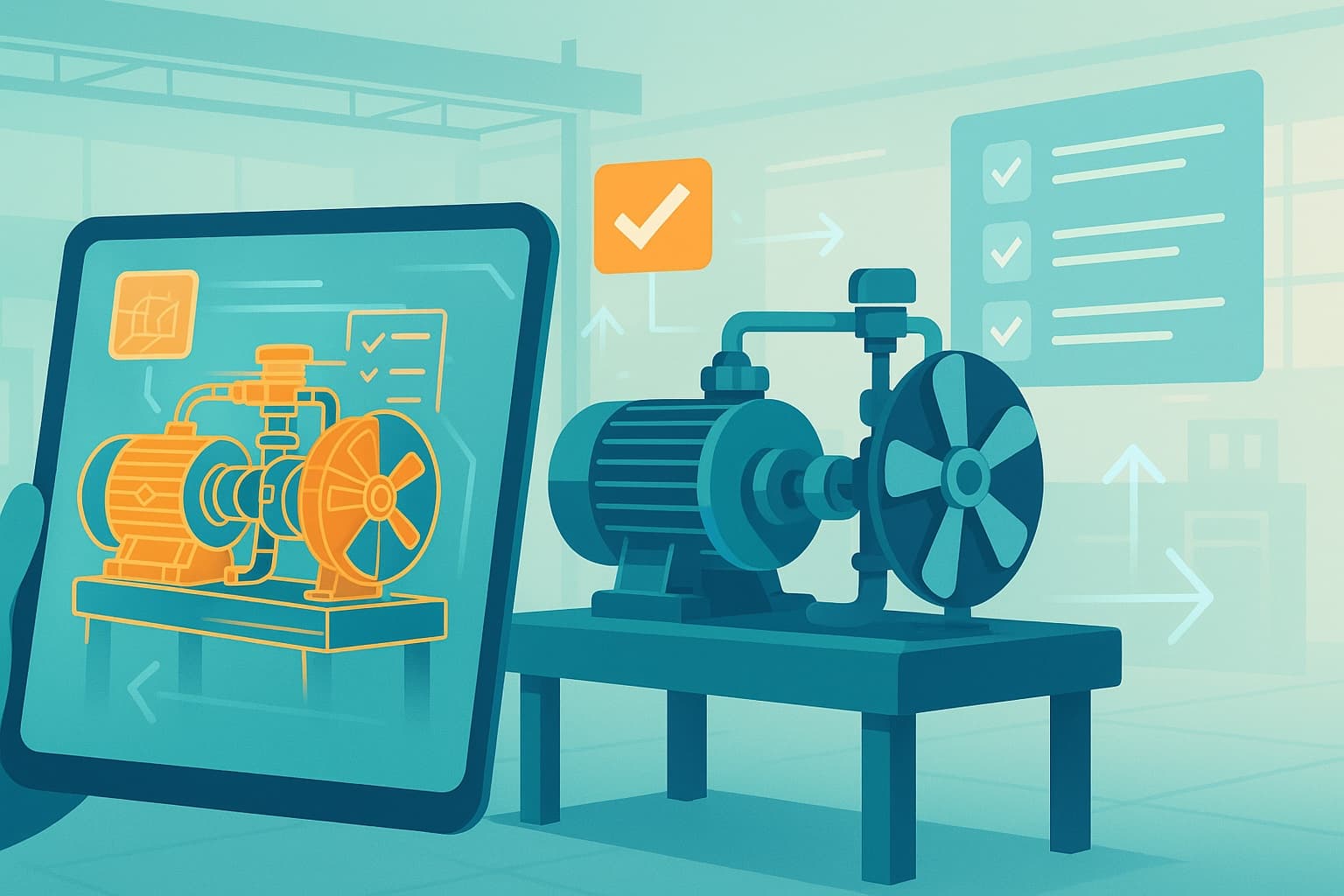
AR work instructions offer a practical way to prevent common assembly mistakes by guiding operators step by step with visual cues and real-time verification. This article explores five frequent assembly errors and how AR helps prevent them.
1. Incorrect component orientation
The mistake: Components installed upside down, backwards or in the wrong position. This is especially common with symmetrical parts, connectors or electronics.
Why it happens: Paper instructions describe orientation in words ("install with the label facing up"), but operators must interpret and apply this in context. Under time pressure, mistakes occur.
How AR prevents it: AR overlays show the exact orientation visually—highlighting which way the component should face, often with 3D models or animations. There is no interpretation required. Some systems use AI-powered visual recognition to verify correct orientation before allowing the operator to proceed.
Impact: Organisations report 50–70% reduction in orientation errors after implementing AR guidance.
2. Missed or skipped steps
The mistake: Steps skipped entirely, either by accident or under time pressure. This is common in long, complex assemblies where operators lose their place.
Why it happens: With paper SOPs, operators self-manage their progress. If they are interrupted or distracted, they may skip ahead without completing all steps.
How AR prevents it: AR work instructions enforce step-by-step execution. Operators cannot advance to the next step until the current one is completed and acknowledged. This ensures every step is performed, in order.
Impact: Missed-step errors are virtually eliminated when AR enforces step sequencing.
3. Wrong fastener or incorrect torque
The mistake: Using the wrong screw, bolt or fastener, or applying incorrect torque. This can compromise structural integrity, safety or product function.
Why it happens: Assembly stations often have multiple fasteners in bins. Paper instructions specify fastener types, but operators may grab the wrong one, especially when parts look similar. Torque values are documented, but manual torque application varies.
How AR prevents it: AR overlays highlight the correct fastener and torque value for each step. Integration with smart tools can verify that the correct torque was applied before allowing the operator to proceed. Some systems use visual recognition to confirm the fastener type.
Impact: Fastener and torque errors can be reduced by 40–60% with AR guidance and smart tool integration.
4. Variant confusion in high-mix production
The mistake: Building the wrong variant or applying instructions for one product version to another. This is common in high-mix, low-volume environments with many similar products.
Why it happens: Paper SOPs may cover multiple variants, with differences buried in text or footnotes. Operators may not notice which variant they are building or miss variant-specific steps.
How AR prevents it: AR systems load the correct work instructions automatically based on the scanned order, serial number or product ID. Variant-specific steps are displayed clearly, and operators only see the instructions relevant to the current build.
Impact: Variant confusion errors can be reduced by 60–80% with AR-based variant management.
5. Missing quality checks or inspections
The mistake: Skipping in-process inspections, visual checks or measurement steps. Defects that should have been caught during assembly are discovered later—or not at all.
Why it happens: Quality checks are often documented as reminders in paper SOPs, but there is no enforcement. Under time pressure, operators may skip or rush through checks.
How AR prevents it: AR work instructions prompt operators to perform and confirm quality checks at defined points. Photo capture, measurement input or operator acknowledgment is required before proceeding. This creates a digital record of every check.
Impact: In-process quality escapes can be reduced by 50% or more with AR-enforced inspection steps.
The cumulative effect: error-free assembly
Individually, each of these mistakes causes rework, scrap or quality escapes. Together, they represent a significant portion of assembly-related costs. AR work instructions address all five error types within a single system—delivering cumulative improvements in quality, efficiency and traceability.
Getting started
If your assembly process suffers from any of these common mistakes, AR work instructions can help. Start by identifying the error types that cause the most pain—then pilot AR guidance on those specific tasks.
Learn more about AR-guided assembly for error-free production or contact ActARion to discuss your assembly quality challenges.