
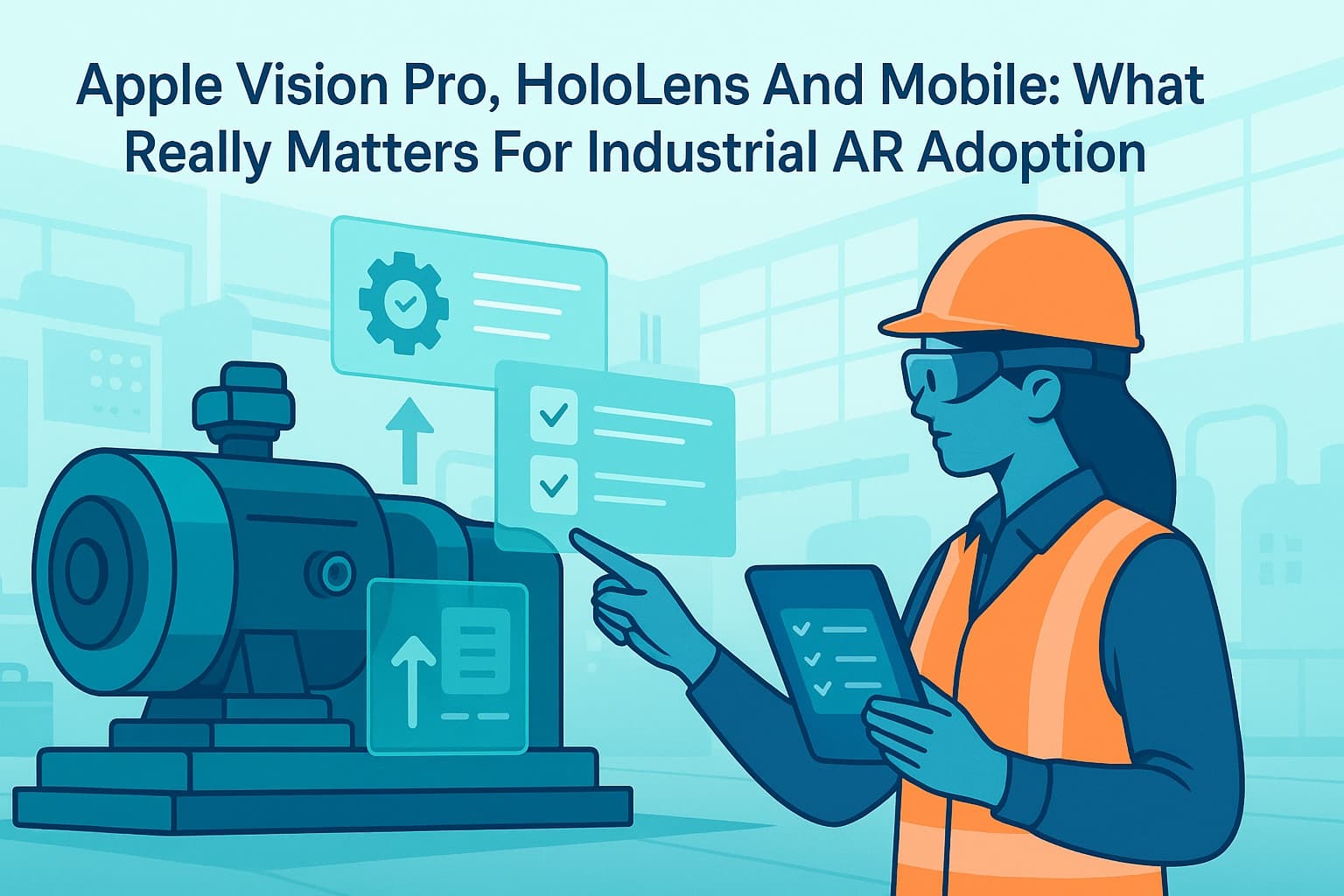
Augmented reality is no longer a technology on the horizon for industrial companies. Teams in operations, maintenance, HSE, and training are already piloting or scaling AR to digitize inspections, onboard new technicians, and reduce downtime. But the hardware landscape is evolving fast. Apple Vision Pro, Microsoft HoloLens, and mobile devices all promise AR capability—so which really drives measurable results in industrial environments?
Industrial AR adoption: context, trends and pressure points
Industrial companies face persistent challenges: skills gaps, an aging workforce, regulatory pressure, and a need to increase productivity without compromising safety or quality. At the same time, digital transformation budgets are scrutinized, and every investment must show ROI.
Augmented reality has emerged as a practical solution for:
- Guiding technicians through complex procedures with step-by-step AR SOPs ("standard operating procedures")
- Reducing errors and rework by overlaying digital instructions on real equipment
- Accelerating onboarding and upskilling with hands-on, immersive training
- Supporting remote collaboration and expert assistance in the field
The global industrial AR market is expected to grow more than 30% annually through 2028, according to MarketsandMarkets. Yet hardware adoption is fragmented. Decision makers must weigh device costs, ergonomics, software compatibility, IT security, and change management—while keeping an eye on the next wave of innovation.
Why hardware choice is not the only question
When evaluating AR adoption, many teams start by comparing devices. Apple Vision Pro, HoloLens 2, and ruggedized mobile devices each have strengths and trade-offs. But hardware alone does not determine success.
The key questions are:
- Can your teams reliably access digital work instructions where and when they need them?
- Is the AR solution practical for real-world industrial environments—gloves, PPE, dirty hands, variable lighting?
- How easy is it to create, update, and scale AR SOPs across sites?
- What is the total cost of ownership—including training, support, and device lifecycle?
- Does the solution strengthen safety, compliance, and quality—without slowing down operations?
A focus on these operational realities leads to better outcomes than chasing the latest device hype.
Comparing Apple Vision Pro, HoloLens, and mobile for industrial AR
Each device type brings its own capabilities and limitations to industrial AR adoption.
Apple Vision Pro: immersive, high-end, but with constraints
Apple Vision Pro introduces a new level of visual fidelity and spatial computing. The device excels at rendering complex 3D models and immersive environments. For design visualization, remote collaboration, and certain types of training, it sets a new standard.
However, several factors limit its immediate fit for industrial operations:
- Device weight and comfort: At over 600 grams, Vision Pro is heavier than most AR headsets. Extended use for field technicians or operators is challenging.
- Durability: The device is not designed for harsh, dusty, or hazardous environments common in manufacturing, energy, or utilities.
- Glove/PPE compatibility: Touch-based controls and gestures are less practical for users wearing gloves or PPE.
- Cost: At over $3,000 per unit (as of 2024), large-scale deployment is a significant investment.
- Software ecosystem: Industrial AR platforms are only beginning to support Vision Pro, and enterprise-ready apps remain limited.
Vision Pro is promising for executive reviews, remote design walkthroughs, or specialized training. For daily use on the shop floor, most teams will encounter practical barriers.
Microsoft HoloLens 2: established, hands-free, industrial-grade
HoloLens 2 is widely deployed in manufacturing, energy, and field service. Its strengths include:
- Hands-free operation: Fully untethered, allowing technicians to work while viewing AR instructions.
- Industrial ruggedness: Built to withstand moderate dust, vibration, and temperature swings.
- Voice and gesture control: Supports use with gloves and PPE.
- Enterprise support: Integration with Azure, security features, and a mature ecosystem of industrial AR applications.
Limitations to consider:
- Field of view: The AR overlay area is smaller than Vision Pro, which can affect certain use cases.
- Battery life: 2–3 hours of typical use; may require swappable batteries or charging for long shifts.
- Device management: Requires IT support and regular updates; device pool management is an overhead.
- Price: At $3,500+ per unit, the investment is comparable to Vision Pro, but typically with more proven ROI in industrial contexts.
HoloLens remains a strong choice for guided maintenance, inspections, and remote support. It is proven in real industrial deployments, but scaling across a large, distributed workforce still requires change management.
Mobile devices: practical, flexible, and scalable
Smartphones and rugged tablets are already ubiquitous in most industrial organizations. Their advantages for AR adoption include:
- Familiarity: Most technicians and operators are comfortable with mobile devices.
- Rugged options: Many vendors offer intrinsically safe, drop-resistant models for hazardous environments.
- Cost: Devices range from $400–$1,500, and many sites already have them in use.
- App ecosystem: AR-enabled apps for inspections, work instructions, and training are widely available.
- Ease of deployment: Minimal learning curve; can often leverage existing IT infrastructure.
Trade-offs:
- Hands-on operation: Most mobile AR apps require at least one hand to hold and operate the device.
- Field of view: AR overlays are limited to the screen size, which may be a constraint for complex procedures.
- Immersion: Less immersive than head-mounted devices; may not be suitable for high-precision assembly or spatial visualization.
For most industrial use cases—digital work instructions, AR SOPs, inspections—mobile devices offer a practical, scalable entry point.
What really drives successful AR adoption in industry
Hardware is just one piece of the puzzle. Based on field experience with hundreds of industrial deployments, successful AR adoption depends on:
1. Fit for workflow and environment
- Devices must work with PPE, gloves, and in variable lighting.
- AR solutions must integrate seamlessly into existing SOPs and compliance processes.
- Technicians should not be slowed down by cumbersome controls or unreliable connections.
2. Scalable content creation and management
- AR SOPs and digital work instructions need to be easy to create, update, and distribute.
- Content should be standardized, version-controlled, and auditable for compliance.
- Local teams must be able to adapt instructions for site-specific needs without IT bottlenecks.
3. Change management and workforce readiness
- Teams need hands-on training and support to adopt new workflows.
- Early involvement of HSE, QA, and operations is critical to address safety, compliance, and process change.
- Metrics and feedback loops ensure continuous improvement and ROI tracking.
4. Integration with enterprise systems
- AR solutions should connect with maintenance management, quality, and learning platforms.
- Secure user authentication, data privacy, and audit trails are non-negotiable in regulated industries.
5. Measurable results: safety, quality, productivity
- Reduced error rates and rework.
- Faster onboarding and upskilling.
- Improved compliance and audit readiness.
- Higher uptime and productivity.
Note: A 2022 study by Deloitte and MAPI found that manufacturers using AR for work instructions reduced error rates by 30–50% and cut training times by up to 60%.
Use cases: AR SOPs and digital work instructions in real industrial contexts
Industrial AR adoption is not about chasing the latest device. It is about enabling smarter, safer, faster work in specific, high-impact scenarios.
Examples:
- Maintenance and inspections: Field engineers use AR-guided checklists and visual overlays to ensure every step is completed. Photos and notes are captured for audit trails.
- Onboarding and training: New technicians follow interactive AR SOPs, with contextual tips and safety reminders, accelerating time to competency.
- Remote support: Operators connect with remote experts via AR video, sharing a real-time view of equipment and receiving visual guidance.
- Quality assurance: Inspectors overlay digital reference models on physical parts to identify deviations or assembly errors.
- Safety procedures: Technicians receive just-in-time safety warnings and PPE reminders embedded in digital work instructions.
In each case, the right device is the one that fits the environment, task, and team—whether it is a rugged tablet, HoloLens, or (in some cases) an Apple Vision Pro.
Addressing common challenges: hardware, IT, and change management
Adopting AR in industrial settings brings practical challenges:
- Hardware lifecycle: Devices must be maintained, updated, and replaced over time. Plan for spares and support.
- Connectivity: Reliable Wi-Fi or cellular coverage is needed, especially for cloud-based AR applications.
- IT security: Devices should be managed centrally, with secure authentication and data encryption.
- Content updates: Digital work instructions should be easy to update without software development skills.
- User acceptance: Early engagement, pilot programs, and clear communication are key to overcoming resistance.
ActARion works with organizations to address these challenges, from device selection to rollout and ongoing support.
What ActARion brings to industrial AR adoption
ActARion enables industrial teams to deploy AI and AR–guided work instructions on the devices that fit their environment—mobile, HoloLens, or emerging options like Vision Pro. Our approach:
- Device agnostic: Support for smartphones, tablets, and head-mounted devices.
- Rapid content creation: Simple tools to digitize and update AR SOPs without coding.
- Enterprise integration: Connect with maintenance, training, and quality systems.
- Governance and compliance: Version control, audit trails, and user access management.
- Change management: Hands-on support for pilots, training, and scaling.
We focus on measurable outcomes—fewer errors, faster onboarding, improved safety and compliance. Whether you are starting with mobile devices or piloting the latest AR headsets, ActARion helps you get results.
Explore AR adoption in your organization
See how AI and AR–guided work instructions could work for your teams—on the devices that fit your environment, budget, and safety standards. Explore use cases in maintenance and inspections or AR onboarding for technicians.
To discuss your specific process or pilot a solution, schedule a discovery call with our experts. For an independent perspective on AR hardware trends, see Harvard Business Review's analysis of AR in industry.
No commitment—just an opportunity to see what is possible in your context.