
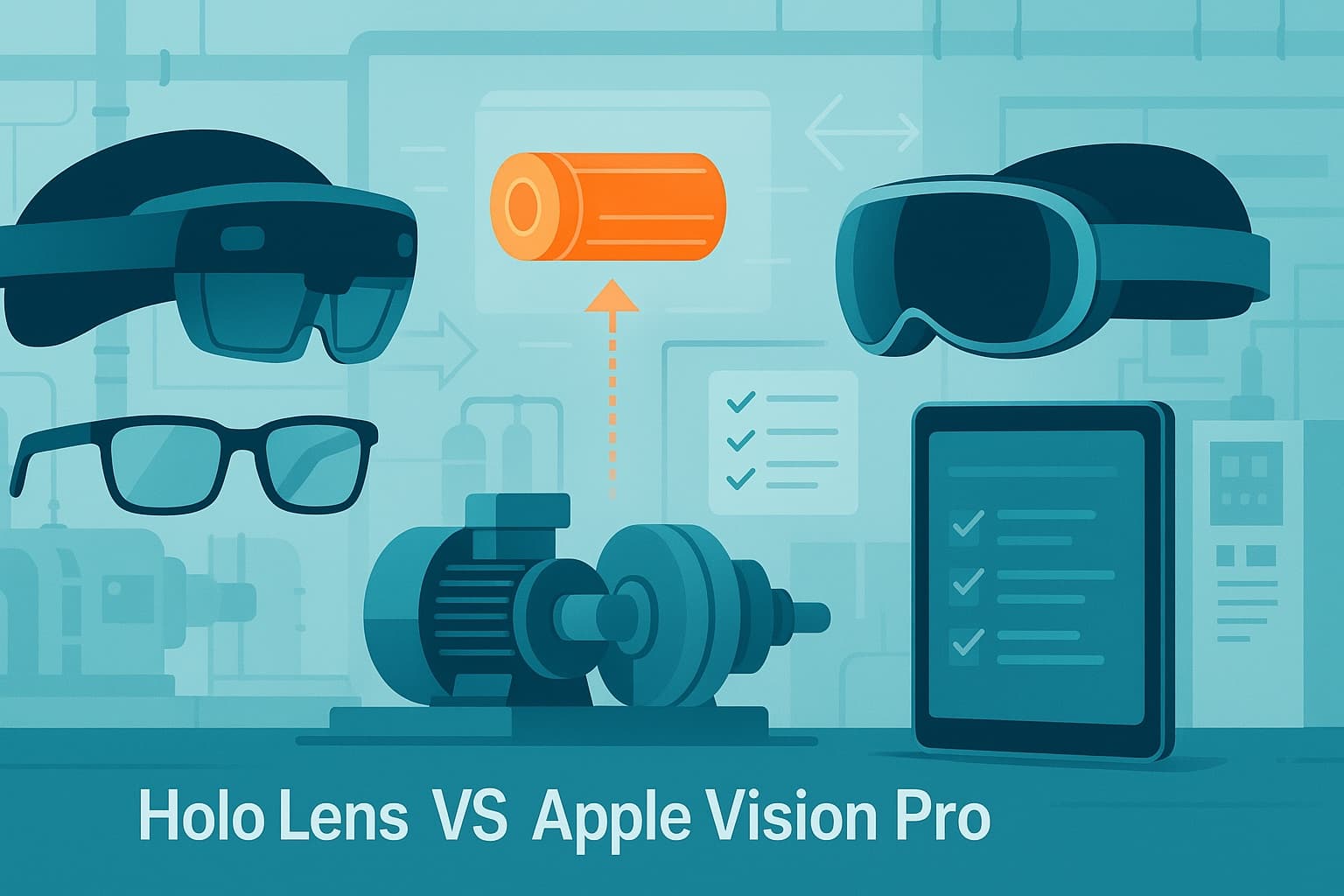
Choosing the right AR device for industrial work instructions
Augmented reality (AR) is transforming how industrial teams access information, perform tasks, and maintain equipment. But with a growing range of AR devices—Microsoft HoloLens, Apple Vision Pro, AR glasses, tablets, and mobiles—choosing the right hardware for guided work instructions is complex. For operations managers, HSE leads, maintenance supervisors, and L&D professionals, the decision directly impacts safety, productivity, and ROI.
This in-depth comparison examines HoloLens vs Apple Vision Pro, AR glasses, tablets, and mobiles as AR guidance devices. It provides a clear, practical framework to help you select the best platform for your teams and processes.
Why the right AR device matters in industrial environments
Industrial environments demand precision, compliance, and efficiency. Whether you are digitizing SOPs, supporting remote inspections, or onboarding new technicians, the device you choose for AR–guided work instructions shapes outcomes in several ways:
- Hands-free operation: Critical for tasks where safety and dexterity are priorities.
- Durability and ergonomics: Devices must withstand harsh environments and long shifts.
- Data security and compliance: Sensitive operational data must remain protected.
- Ease of use and learning curve: Adoption hinges on intuitive, accessible interfaces.
- Integration with existing systems: Compatibility with your asset management, LMS, and safety systems is essential.
The wrong device can lead to poor adoption, safety risks, or missed productivity gains. The right one accelerates knowledge transfer, supports compliance, and enables your teams to work smarter, safer, and faster.
AR guidance device options: overview and trends
The industrial AR device landscape is evolving quickly:
- Head-mounted displays (HMDs): Microsoft HoloLens and Apple Vision Pro deliver immersive, hands-free AR experiences. Purpose-built AR glasses (like RealWear or Vuzix) offer simpler overlays.
- Tablets and mobiles: Ubiquitous, familiar, and cost-effective. Used for AR overlays and digital work instructions, but typically require one hand.
- Specialized AR glasses: Lightweight, wearable, and focused on overlaying simple instructions or video feeds.
Interest in AR SOPs and digital work instructions is surging as manufacturers, utilities, and energy companies face workforce turnover, skills gaps, and pressure to maximize uptime. According to ABI Research, industrial AR device shipments are set to grow at over 30% CAGR through 2025. Source: ABI Research, 2023
But not all AR devices are created equal. Below, we compare the leading options for industrial guidance.
Comparing HoloLens, Apple Vision Pro, AR glasses, tablets, and mobiles
Key evaluation criteria for industrial AR devices
Before diving into the device-by-device analysis, here are the criteria that matter most for industrial AR guidance:
- Hands-free capability
- Display quality and field of view
- Ruggedness and environmental suitability
- Battery life
- Ease of setup and use
- Integration with enterprise systems
- Content creation and management
- Cost and total cost of ownership (TCO)
Microsoft HoloLens for AR–guided work instructions
Strengths:
- True hands-free operation with robust spatial tracking
- Good field of view and holographic overlays directly in the user's line of sight
- Mature ecosystem for industrial use (strong support for digital work instructions, remote assist, digital twins)
- Integration with major enterprise platforms (Microsoft, Siemens, PTC, etc.)
- Proven deployments in manufacturing, energy, and aerospace
Limitations:
- Heavier and bulkier than AR glasses (around 566g for HoloLens 2)
- Not designed for hazardous environments (limited IP rating)
- Battery life: around 2–3 hours of active use
- Initial cost: typically higher than tablets or glasses
Use cases:
- Step-by-step AR SOPs for assembly, maintenance, inspections
- Remote expert guidance via live video and annotation
- Training and skills assessment
Industry proof:
Airbus, Mercedes-Benz, and Toyota use HoloLens for digital work instructions and remote maintenance, reporting 30–40% reductions in error rates and faster training cycles (Microsoft Customer Stories).
Apple Vision Pro for AR guidance
Strengths:
- Exceptional display resolution and spatial awareness
- Powerful processing for complex 3D content and immersive AR
- Intuitive gesture and eye-tracking interface
- Strong integration with Apple's ecosystem (potential for future industrial integration)
Limitations:
- Not designed for industrial durability (no hard hat compatibility, limited environmental sealing)
- Heavier than most HMDs (600–650g)
- Battery life: up to 2 hours per external pack
- Higher price point than most alternatives
- Early stage for industrial AR content and enterprise integration
Use cases:
- High-fidelity training simulations (visualizing complex systems)
- Design review and collaboration
- Potential for advanced AR SOPs as software ecosystem matures
Industry proof:
Early pilots in automotive and manufacturing, but few large-scale industrial deployments as of 2024.
AR glasses (RealWear, Vuzix, etc.) for industrial guidance
Strengths:
- Lightweight and rugged (often IP66+ rated, ATEX options)
- Designed for hazardous and outdoor environments
- Voice-controlled, hands-free operation
- Long battery life (up to 8 hours)
- Compatible with PPE (hard hats, safety glasses)
Limitations:
- Smaller display area—information is less immersive, limited to simple overlays or video
- Limited 3D spatial mapping (compared to HoloLens/Apple Vision Pro)
- Best for step-by-step checklists or remote video support, not full 3D AR
Use cases:
- Field inspections, remote support, simple AR SOPs
- Hazardous area operations (oil & gas, utilities)
Industry proof:
Shell, Honeywell, and BMW use RealWear for remote inspections and digital work instructions, citing reduced travel and improved safety (RealWear Case Studies).
Tablets and mobiles for AR–guided work instructions
Strengths:
- Ubiquitous, familiar, and easy to deploy
- Large screen for displaying digital work instructions, images, and video
- Lower initial cost, easy replacement
- Wide range of ruggedized industrial models available
Limitations:
- One hand required for operation (not hands-free)
- Can be cumbersome in tight or hazardous spaces
- AR overlays are less immersive and spatially anchored
- Risk of device contamination in some environments
Use cases:
- Digital SOPs, checklists, and guided workflows
- Visual documentation, photo/video capture, asset identification
- Training and onboarding in classroom or field settings
Industry proof:
Siemens, ABB, and GE use tablets for digital work instructions and inspections, reporting faster onboarding and improved compliance tracking (Siemens Industrial Tablet Solutions).
Side-by-side comparison: HoloLens vs Apple Vision Pro vs AR glasses vs tablet/mobile
| Device | Hands-Free | Display Quality | Ruggedness | Battery Life | Enterprise Integration | Typical Use Cases | Cost Range (USD) |
|---|---|---|---|---|---|---|---|
| HoloLens | Yes | High | Moderate | 2–3h | Strong | AR SOPs, remote assist, training | $3,500–$5,000 |
| Apple Vision Pro | Yes | Very High | Low | ~2h | Early stage | Training, design review | $3,500–$4,000+ |
| AR Glasses (RealWear) | Yes | Moderate | High | 6–8h | Moderate | Inspections, checklists, remote support | $1,000–$3,000 |
| Tablet | No | High | High | 8–12h | Strong | Digital SOPs, documentation, training | $500–$2,000 |
| Mobile | No | Moderate | Moderate | 6–10h | Strong | Quick lookups, documentation | $400–$1,500 |
How AI and AR–guided work instructions leverage each device
The value of AR SOPs and digital work instructions depends on both the software and the hardware. Here's how AI and AR–guided work instructions work across device types:
- HoloLens: Delivers interactive, spatially anchored instructions—overlaying 3D guides, digital twins, and step-by-step prompts on real equipment. Ideal for complex assembly, maintenance, or troubleshooting.
- Apple Vision Pro: Potential for ultra-high-resolution training and simulation, though industrial adoption is still limited by hardware durability and ecosystem maturity.
- AR Glasses: Support simple, voice-activated SOPs and remote expert video calls. Best for hazardous or mobile work where ruggedness is critical.
- Tablet/Mobile: Display digital work instructions, checklists, and visual references. AI-powered search and step validation (e.g., image recognition) can be layered in, though AR overlays are less immersive.
Content creation:
AR SOPs can be authored once and published across multiple device types. However, advanced 3D overlays and spatial guidance require HMDs like HoloLens or Vision Pro, while tablets and AR glasses excel at simpler, checklist-based workflows.
Key considerations and governance for AR device adoption
Safety, compliance, and ergonomics
- PPE compatibility: Only some AR glasses integrate with hard hats and safety glasses; HoloLens and Vision Pro may require special mounts or are unsuitable in certain zones.
- Environmental hazards: Tablets and AR glasses offer ruggedized, intrinsically safe models; HoloLens and Vision Pro have limited protection.
- User fatigue: Device weight and balance affect comfort during long tasks; lighter glasses or tablets may be preferable for extended shifts.
IT, security, and integration
- Device management: HoloLens, tablets, and mobiles support enterprise MDM solutions; glasses can be more challenging.
- Data privacy: Ensure AR devices comply with GDPR, ISO 27001, or your industry's standards.
- Integration: Look for devices with APIs and SDKs for connecting to your EAM, CMMS, LMS, or QMS.
Change management and training
- User acceptance: Pilot programs and change management are essential. Teams must see clear benefits and receive hands-on training.
- Content adaptation: Not all SOPs translate 1:1 from paper to AR. Plan for content adaptation and validation.
What ActARion brings to industrial AR guidance device selection
ActARion helps industrial companies deploy AI and AR–guided work instructions across the full spectrum of devices. We provide:
- Vendor-neutral device selection: Guidance on matching hardware to your use case, environment, and budget.
- AR SOP content creation: Authoring and adapting digital work instructions for HoloLens, AR glasses, tablets, and mobiles.
- Integration expertise: Connecting AR guidance to your asset management, safety, and training systems.
- Change management: Supporting pilots, user training, and governance for safe, scalable adoption.
- Ongoing support: Ensuring your AR guidance solution delivers measurable ROI—productivity, safety, and compliance improvements.
Our experience spans manufacturing, energy, utilities, and process industries, with a focus on practical, field-proven solutions.
Explore the best AR guidance device for your teams
Choosing between HoloLens, Apple Vision Pro, AR glasses, tablets, or mobiles has a direct impact on your teams' productivity, safety, and skills transfer. ActARion can help you assess your environment, pilot the right devices, and build a roadmap for AR–guided work instructions tailored to your operations.
Schedule an exploratory discovery call to see how AI and AR–guided work instructions can work for your specific processes and teams. There's no commitment—just a chance to learn what's possible.
- Compare common AR use cases in manufacturing
- Learn about AR onboarding for new technicians
- For an external overview of AR device trends, see ABI Research: Industrial AR hardware market