
Why industrial training needs to evolve now
Industrial operations face mounting challenges: accelerating change, skills gaps, and pressure for flawless execution. Operations managers, L&D leads, and HSE professionals know that traditional training—classroom sessions, job shadowing, manuals—isn't enough to keep pace. The stakes are high: inconsistent skills can mean safety incidents, lost productivity, and regulatory risk.
At the same time, digital transformation is changing expectations for workforce readiness. Teams are expected to adapt quickly to new equipment, procedures, and compliance requirements. The cost of errors or delays continues to rise.
Yet many organizations struggle to modernize their learning journey. Common hurdles include:
- Training content that gets out of date or is hard to access on the job
- Difficulty transferring tacit knowledge from experienced technicians to new hires
- High variability in training outcomes between teams, shifts, or sites
- Pressure to minimize downtime and get new operators productive faster
The result: even with significant investment in e-learning, LMS solutions, or on-the-job coaching, many organizations see gaps between training and actual performance.
The case for AR-guided training scenarios
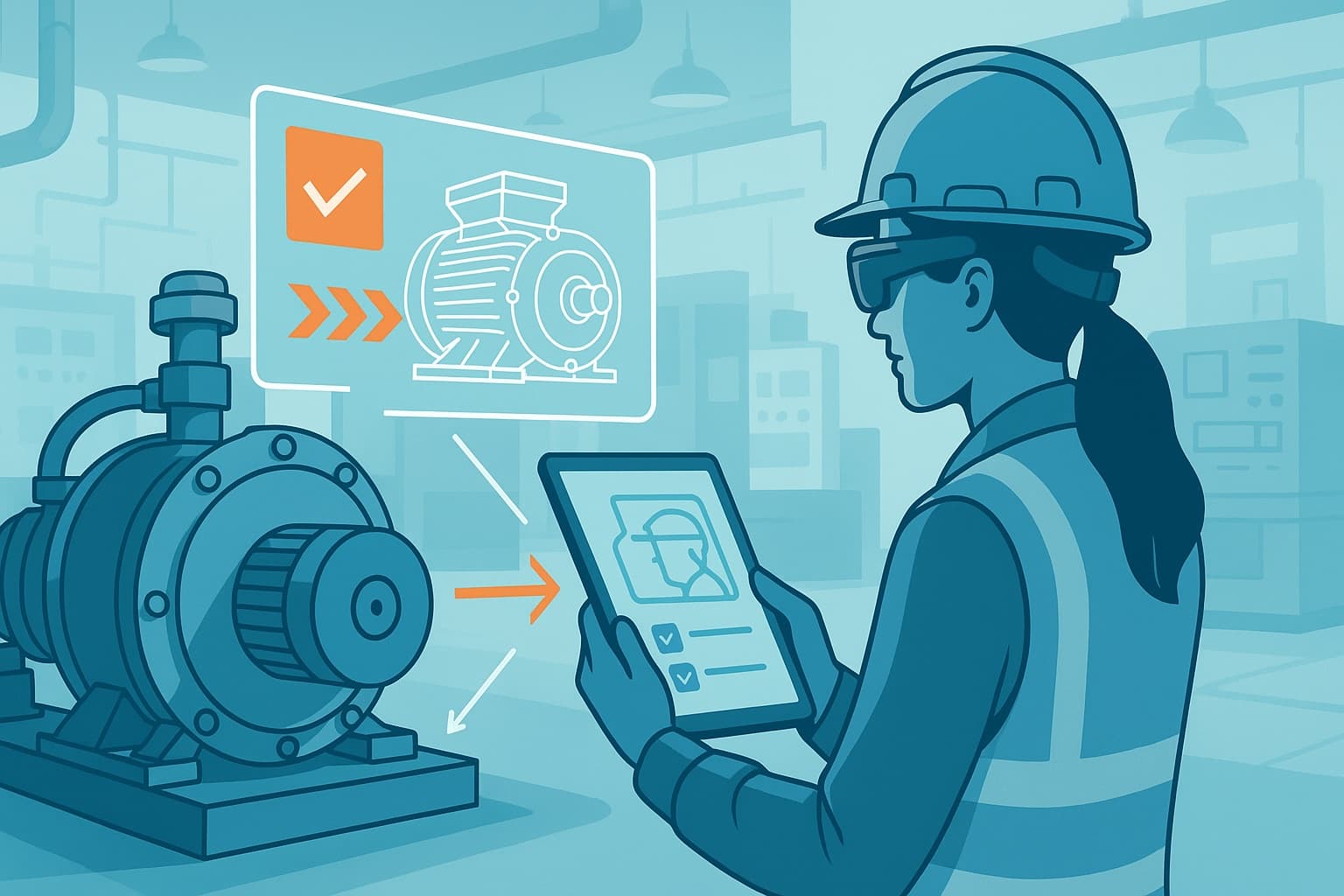
AI and Augmented Reality (AR)–guided work instructions have emerged as a pragmatic way to close the gap between training and real-world execution. Well-designed AR training scenarios can deliver:
- Step-by-step visual guidance, overlaid on real equipment
- Contextual cues and reminders at the exact moment of need
- Immediate feedback and error prevention
- Consistent, repeatable experience for every technician or operator
But to deliver measurable impact, AR training content must be tightly integrated with your existing learning journey—not bolted on as a disconnected tool.
What does "fitting your existing learning journey" mean?
Many industrial organizations have invested years in building a structured learning journey: onboarding programs, skills matrices, competency assessments, standard operating procedures (SOPs), and compliance records. Replacing all of this is neither practical nor cost-effective.
"Fitting" means designing AR training scenarios that:
- Map to your current onboarding and upskilling milestones
- Reinforce your existing SOPs, safety standards, and quality checks
- Integrate with your learning management system (LMS) or digital training records
- Reflect the real equipment, processes, and risk scenarios your teams face daily
This approach maximizes adoption, minimizes resistance, and ensures that AR training delivers results that matter for safety, productivity, and compliance.
How to design AR training scenarios for industrial teams
Step 1: Map your learning journey and key pain points
Start by mapping your current workforce learning journey. Identify:
- Critical onboarding steps for new technicians or operators
- Recurring upskilling needs (e.g., new equipment, process changes)
- High-risk or error-prone tasks where mistakes have real consequences
- Existing SOPs, job aids, and digital content already in use
Interview supervisors, trainers, and experienced technicians to pinpoint where training breaks down or where knowledge gaps persist.
Step 2: Identify where AR adds the most value
Not every training step needs an AR scenario. Focus your initial efforts on:
- Complex procedures where visual guidance prevents errors
- Safety-critical tasks requiring strict compliance
- Tasks with high variability in performance across teams or shifts
- Equipment or processes that are hard to simulate in a classroom
For example, AR-guided work instructions are highly effective for:
- Lockout/tagout (LOTO) procedures
- Machine changeovers or maintenance routines
- Quality inspection steps with visual criteria
- Emergency response drills
Step 3: Align AR content with your SOPs and assessments
Effective AR training scenarios are built from your real SOPs, not generic templates. This means:
- Converting your existing SOPs into step-by-step digital instructions, enriched with AR overlays, photos, or 3D models as needed
- Embedding your safety checks, quality criteria, and escalation steps into the digital flow
- Linking AR scenarios to your current skills matrix or assessment criteria
This ensures that what teams learn in AR is exactly what's expected on the shop floor—and what's audited for compliance.
Step 4: Pilot, measure, and refine
Start with a focused pilot on a high-impact process. Measure:
- Time to proficiency for new hires or upskilled technicians
- Error rates or safety incidents before and after AR scenario adoption
- User feedback on clarity, usability, and confidence
Iterate based on data and frontline input. Involve supervisors and trainers in reviewing AR content for accuracy and relevance.
Note: Change management is critical. Engage experienced operators early as AR content reviewers and champions to build buy-in.
Step 5: Integrate AR scenarios into your training workflow
Once validated, roll out AR scenarios as a core part of your training journey:
- Assign AR scenarios as prerequisites before live equipment work
- Use AR-guided assessments to verify skill mastery
- Track completion and proficiency in your LMS or training records
- Update AR content alongside SOP or process changes
This ensures that AR training is not a one-off, but a sustainable part of workforce development.
Overcoming common barriers to AR training adoption
Implementing AR training scenarios in industrial environments raises legitimate concerns. Here's how to address the most common ones:
Hardware and device management
- Select AR devices (tablets, smart glasses) that match your environment—considering PPE, connectivity, and durability
- Pilot with a small device pool and scale based on utilization
- Work with IT to ensure secure integration and device management
Content creation and maintenance
- Start by digitizing your most critical SOPs—avoid trying to "AR-ize" everything at once
- Use modular content so updates can be made quickly as procedures evolve
- Involve process owners and trainers in content review cycles
Change management and workforce readiness
- Position AR as a support tool, not a replacement for expertise
- Offer hands-on demos and collect feedback from early users
- Recognize and reward teams that adopt AR-guided procedures effectively
Integration with existing systems
- Choose AR solutions that support integration with your LMS or HRIS
- Ensure training completions and assessments are logged centrally
- Align AR content updates with your SOP change management process
Real-world use cases: AR training scenarios in action
Faster onboarding for new maintenance technicians
A global manufacturer implemented AR-guided work instructions for their maintenance team's onboarding process. New hires received step-by-step, interactive guidance on routine inspections and maintenance tasks, using AR overlays on real equipment.
- Result: Onboarding time was reduced by 40%. Error rates on first solo tasks dropped by 60%, as measured by supervisor sign-off records.
Consistent safety compliance for lockout/tagout
An energy company digitized its lockout/tagout (LOTO) procedures using AR scenarios. Every step, from identifying isolation points to confirming zero energy, was reinforced with visual prompts and mandatory checks.
- Result: LOTO compliance rose to 98% (from 83%) within three months, with zero reported near-misses in the pilot area.
Upskilling for new equipment rollouts
A food processing plant used AR SOPs to support the launch of a new packaging line. Operators could access guided instructions for changeovers, cleaning, and troubleshooting—directly at the machine.
- Result: Downtime during the first month of operation was cut in half compared to the previous rollout, and quality deviations were reduced by 35%.
What ActARion brings to AR training scenario design
ActARion works with industrial organizations to design, deploy, and sustain AR training scenarios that fit seamlessly into your existing learning journey. Our approach is grounded in operational expertise, safety-critical thinking, and real-world change management.
With ActARion, you get:
- End-to-end support, from mapping your learning journey to piloting and scaling AR scenarios
- Integration of your real SOPs, safety standards, and compliance needs into actionable AR content
- Device-agnostic solutions that work with the hardware you already trust
- Proven methods for engaging teams, measuring impact, and ensuring continuous improvement
We focus on practical, measurable outcomes:
- Faster time to proficiency for new hires and upskilled technicians
- Fewer errors and safety incidents during critical tasks
- Consistent, auditable training records for compliance and quality
Note: ActARion is not a generic AR platform. We partner with your L&D, operations, and safety leads to ensure every AR training scenario is fit for purpose and fit for your people.
Explore AR training for your learning journey
See how AI and AR–guided work instructions can fit your actual training workflow—without disrupting what already works. If you're responsible for workforce readiness, safety, or operational excellence, schedule a no-commitment discovery call to map AR training scenarios to your most pressing needs.
- Learn more about how AR onboarding for technicians improves speed and safety
- See our FAQ on AR and digital work instructions
- For an overview of AR in industrial training, see the Harvard Business Review's summary of AR adoption in industry
ActARion helps you deliver smarter, safer, and faster training—proven, practical, and built for your operation.